
Learn
What is the general process workflow for fulfilling an order?
Let's take a look at the ease of the workflow within PromoSoft!
1. Introduction
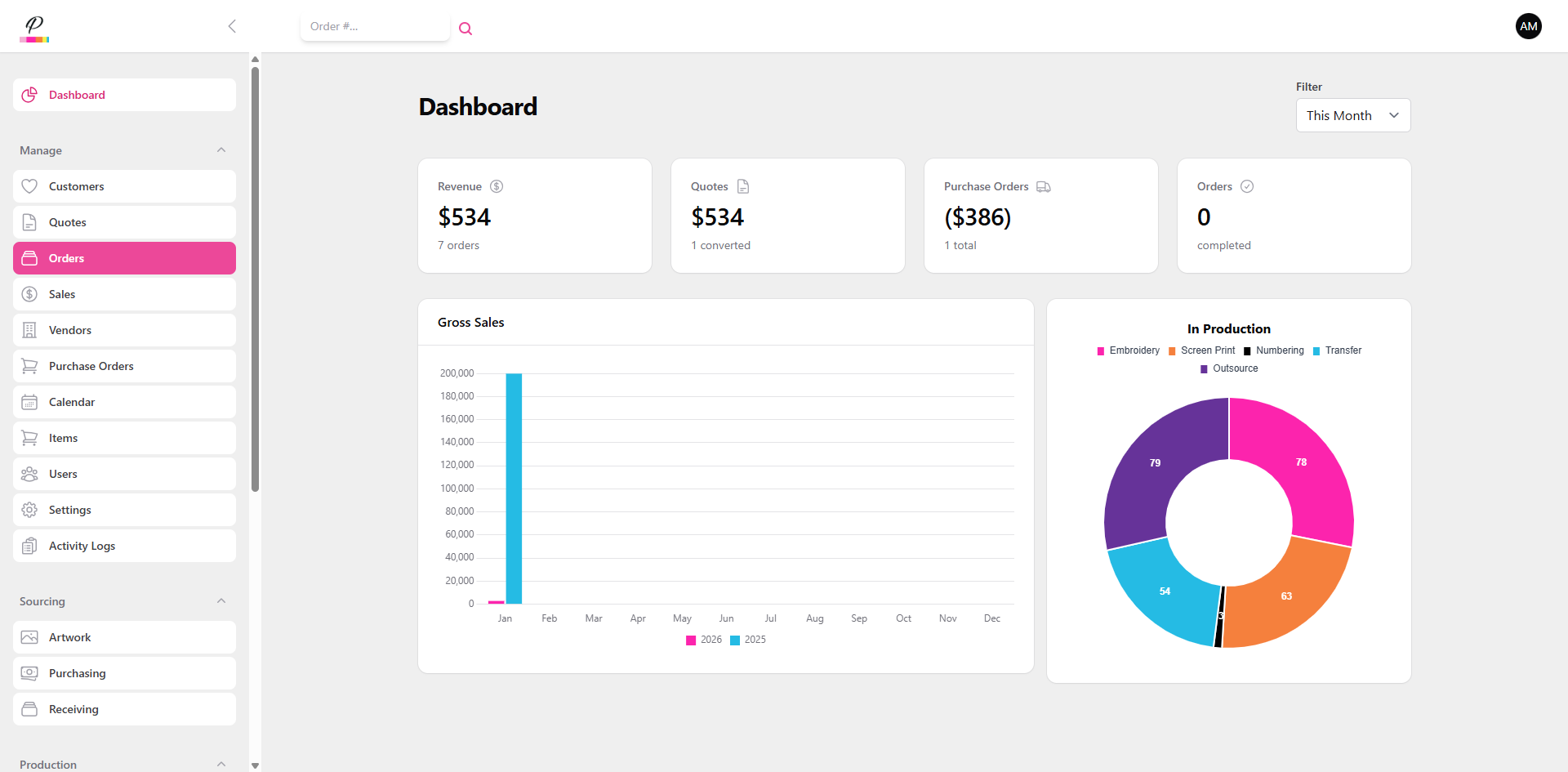
Here at PromoSoft, our goal is simple. To make the process between selling the products and delivering the products as uncomplicated as possible. Efficiency is our focus!
2. Navigate to Orders
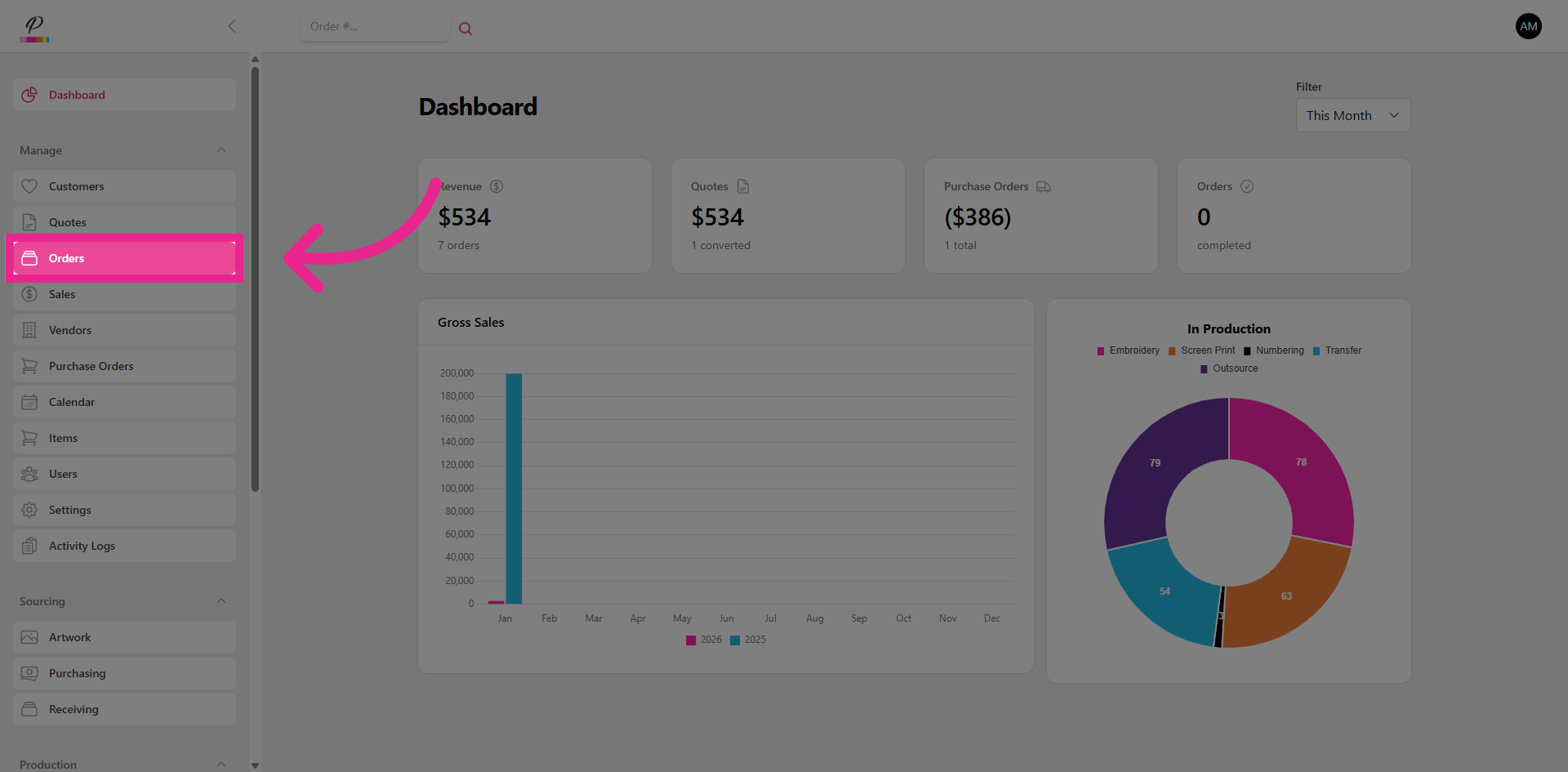
It all starts with the orders.
3. Order Summary View
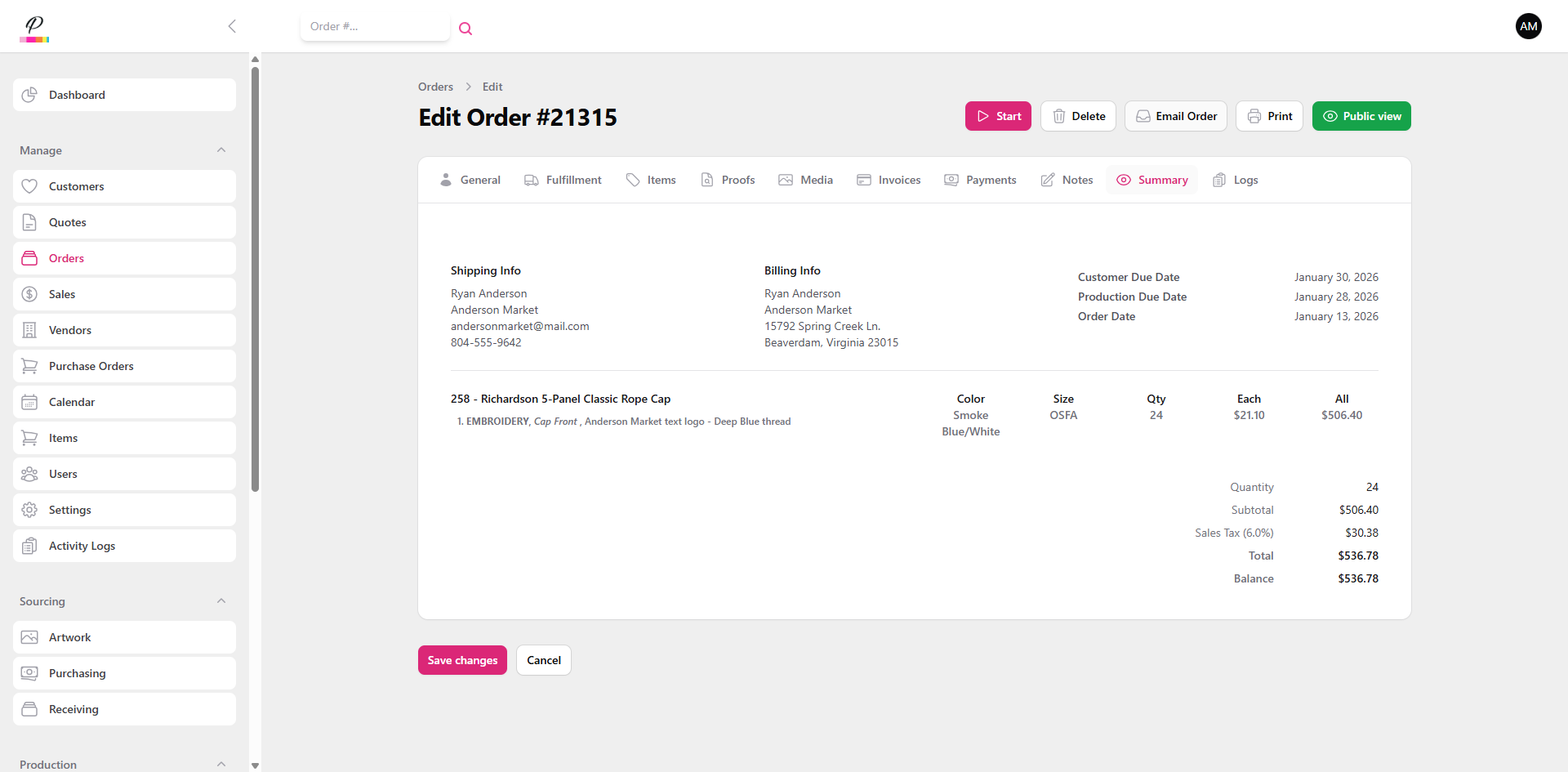
When the sales rep or account manager creates an order, it's status begins in review. The order number has been generated, but none of the departments have been notified of the order's existence yet. In this stage, final details are confirmed with the customer to ensure everything is just right.
4. Order Status
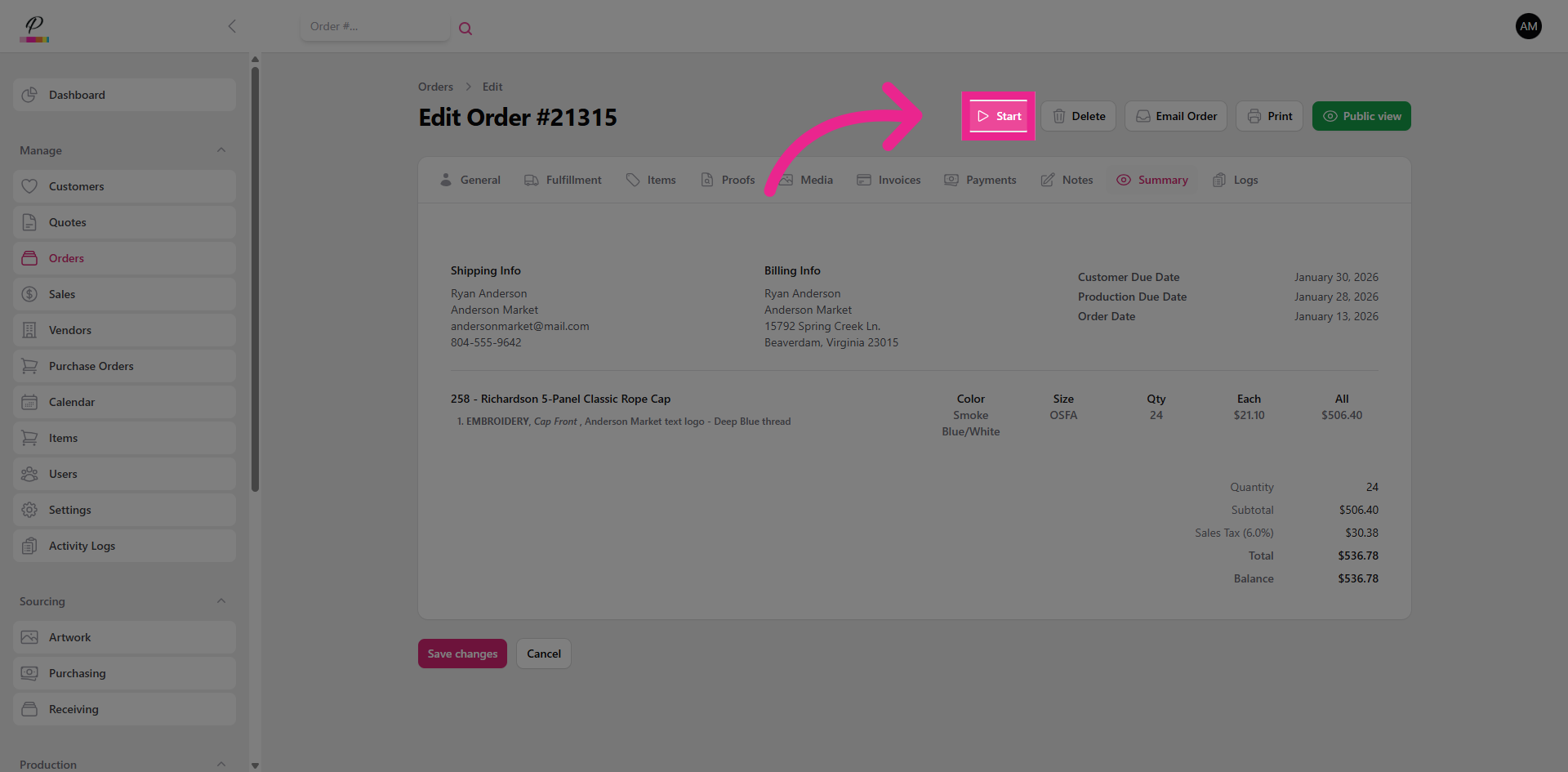
Once the order has been finalized, it is ready to begin processing. From here it will move into Sourcing. The designated production departments will now see the order, but it will be marked as pending until it moves through sourcing.
5. Sourcing
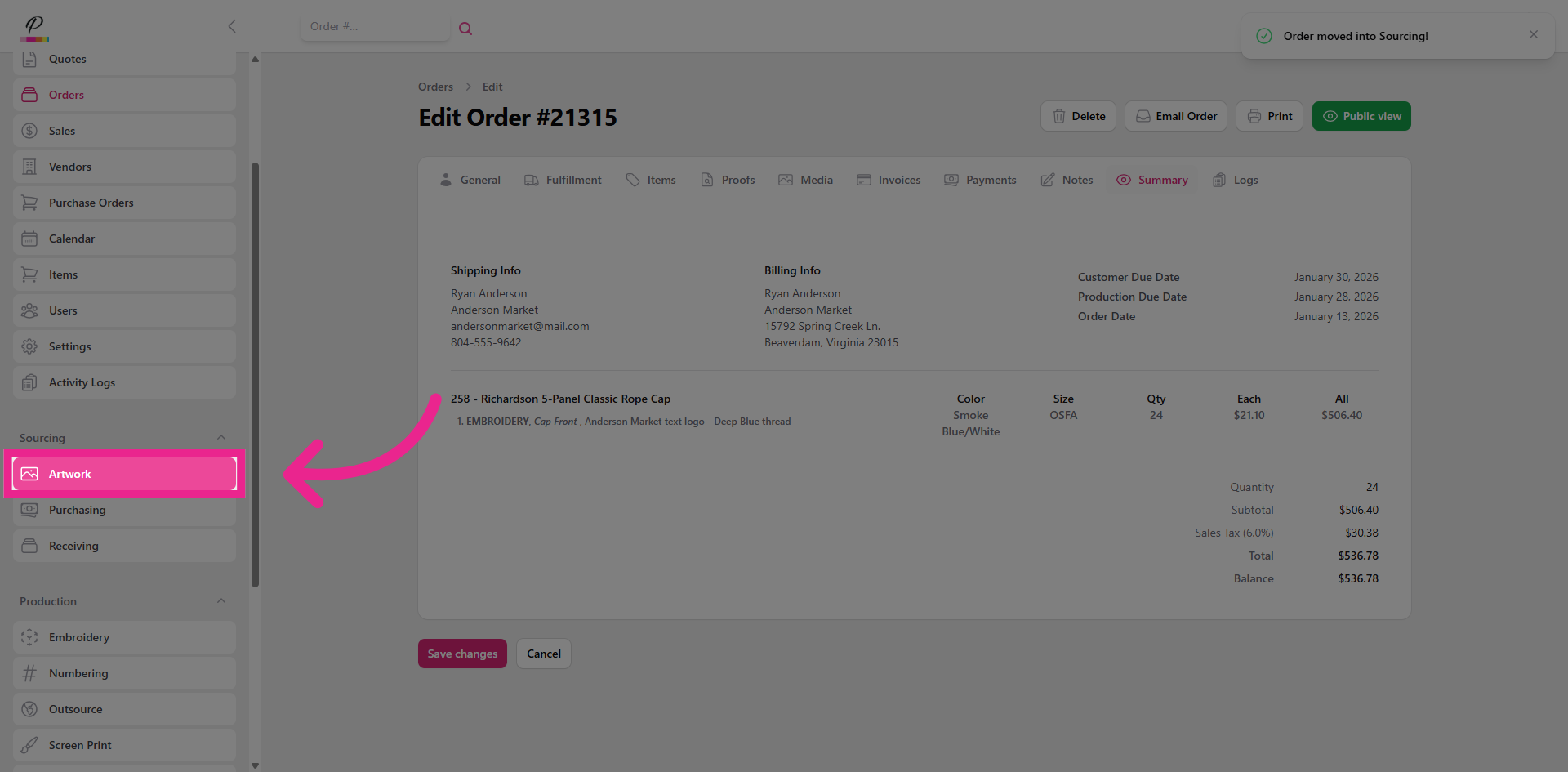
Next, Artwork and Purchasing departments can now begin to work independently on the order. Receiving will have to wait a little longer though.
6. Artwork Overview
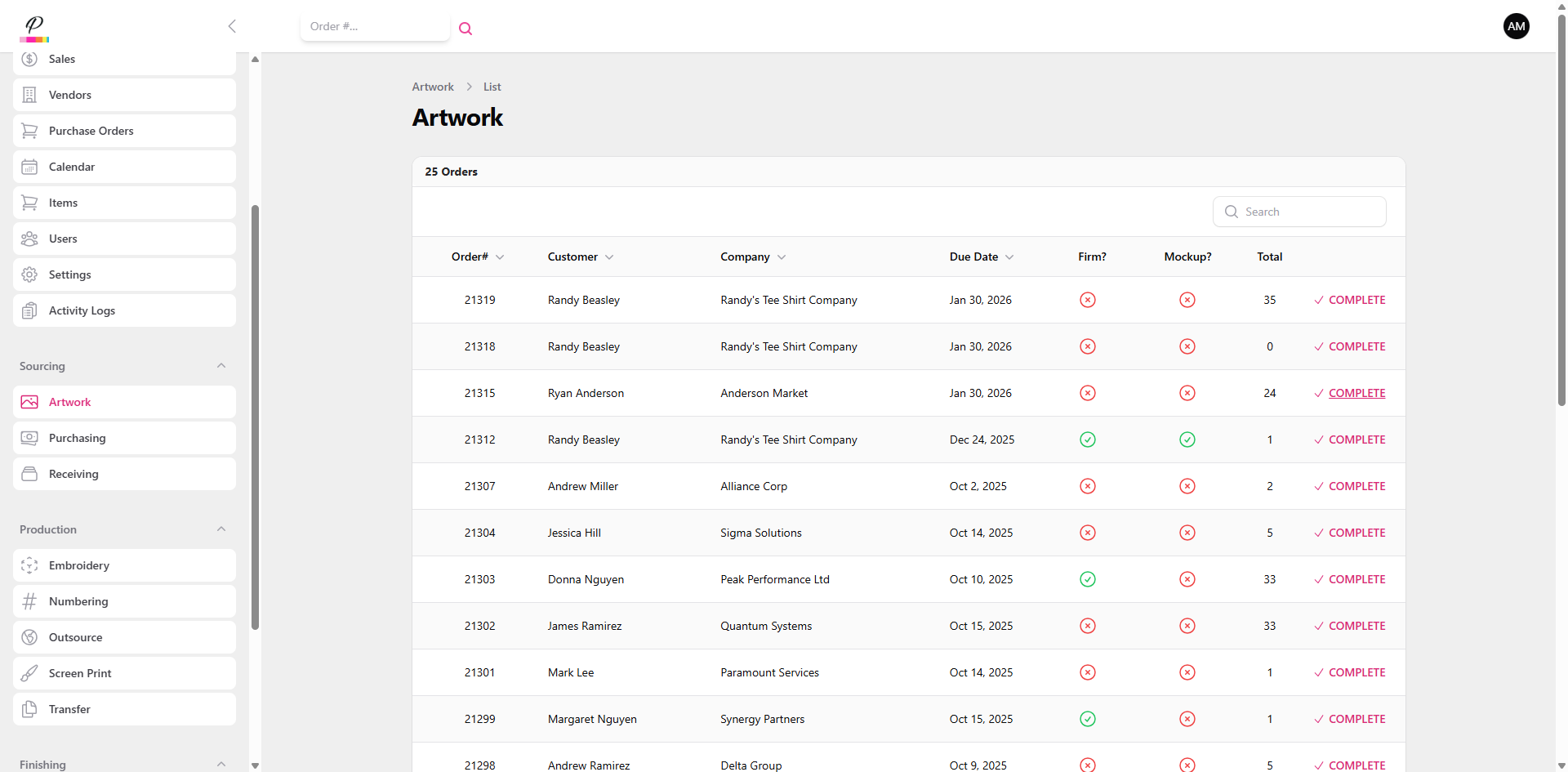
The Artwork queue provides basic details to help the artwork department stay organized and meet deadlines. They will be able to view due dates and see if the customer has requested mockups prior to production. This helps them prioritize which tasks are completed first.
7. Clear Order from Artwork Queue
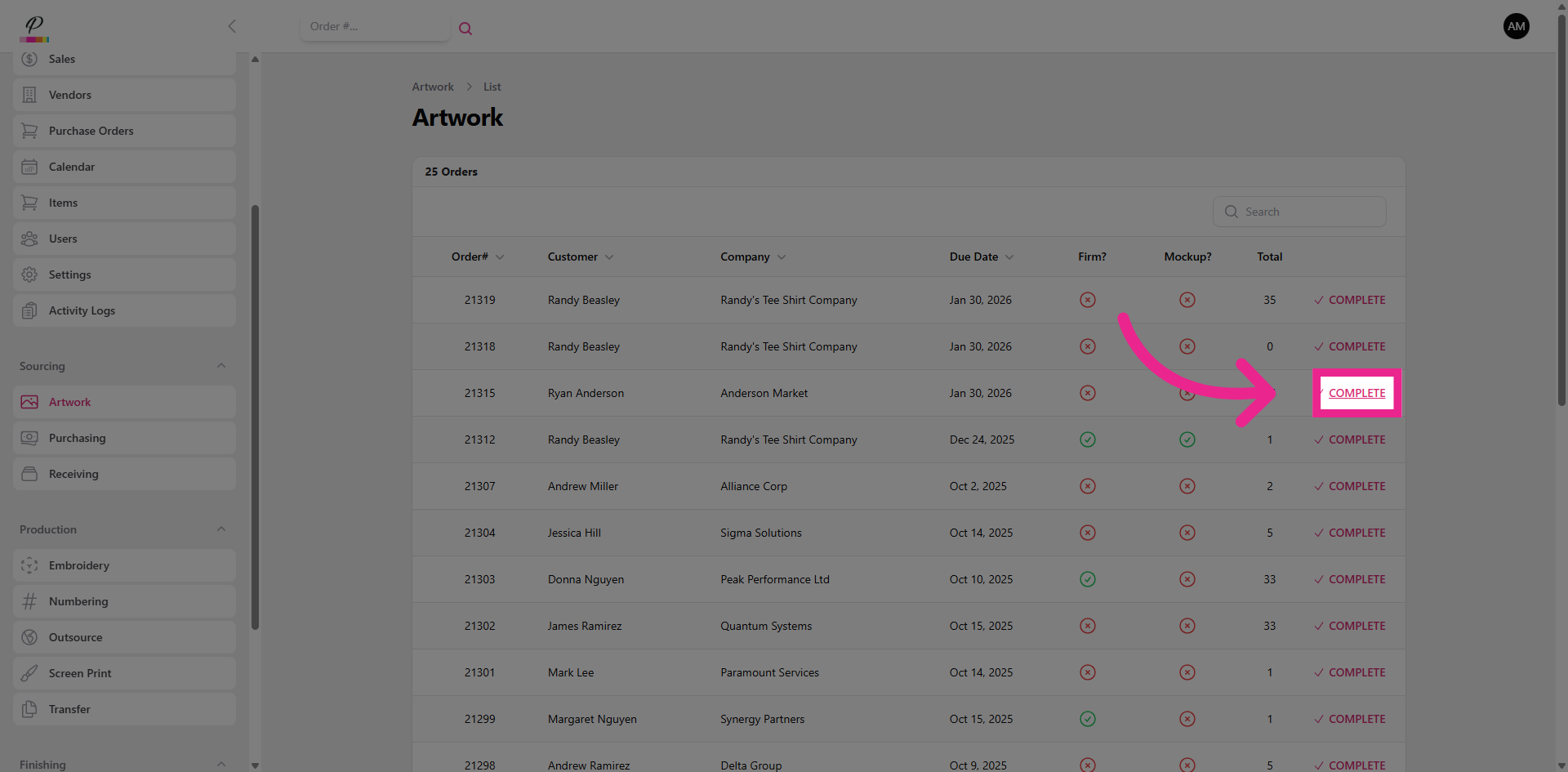
Once all necessary art files have been created and given to the production departments, the art department can then complete the order which will clear it out of their queue.
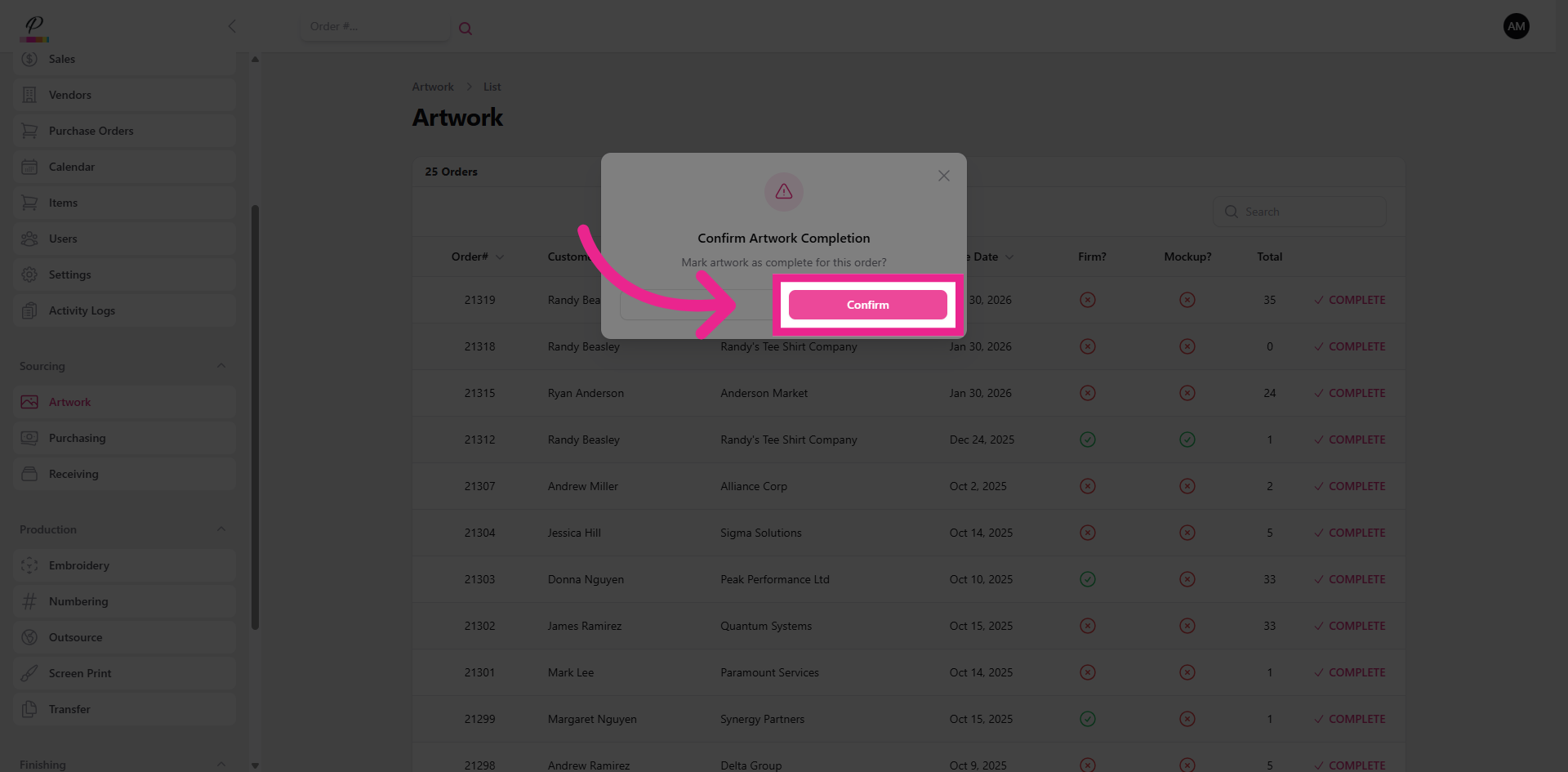
8. Confirm Artwork Completion
9. Navigate to Purchasing
Now let's look at purchasing.
10. Purchasing Overview
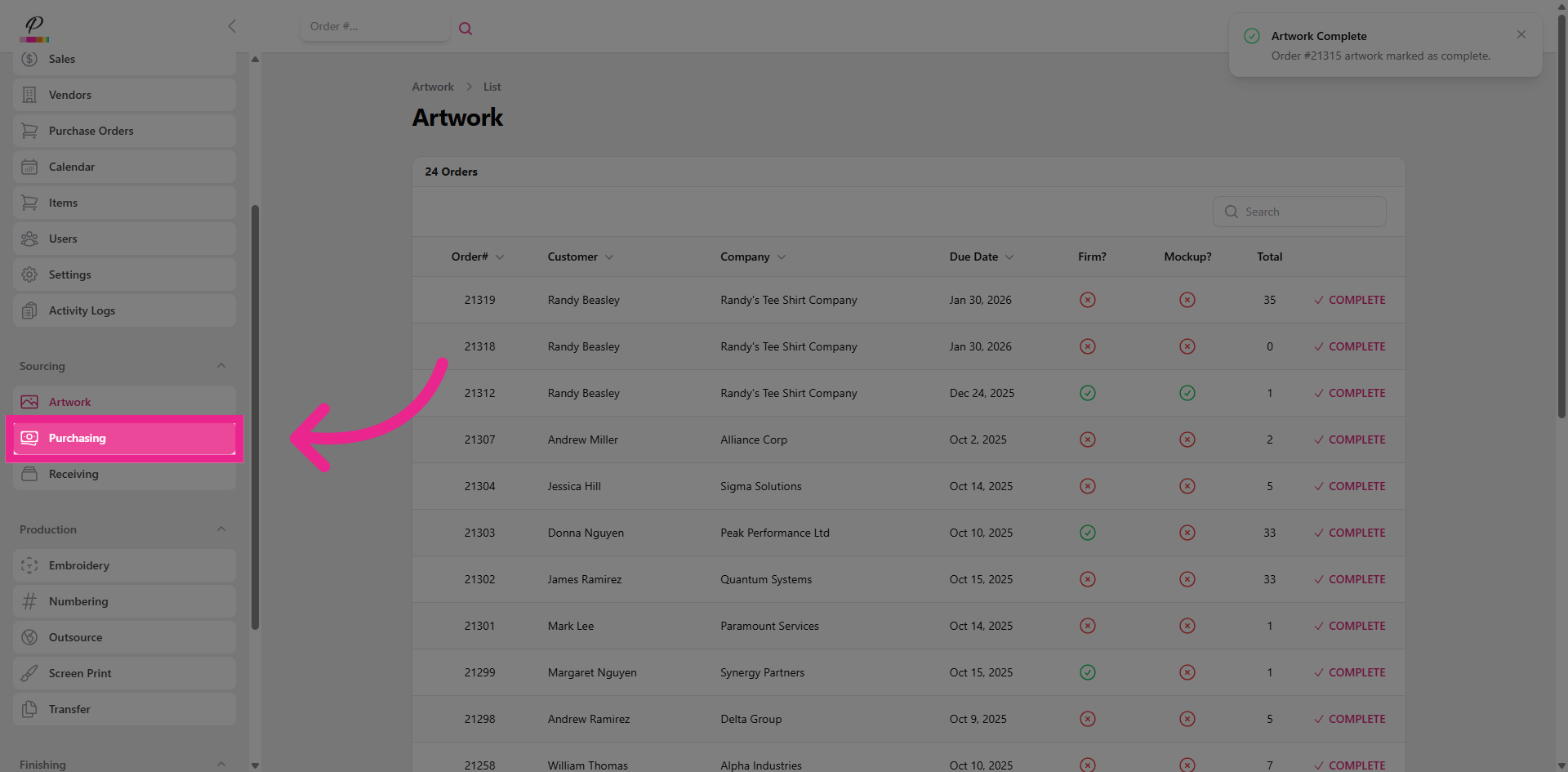
The purchasing department plays an essential role in ordering the necessary items from various vendors or suppliers. This queue helps them stay on track so that they can help support the other departments' goal of completing the orders by the designated due dates.
11. Edit
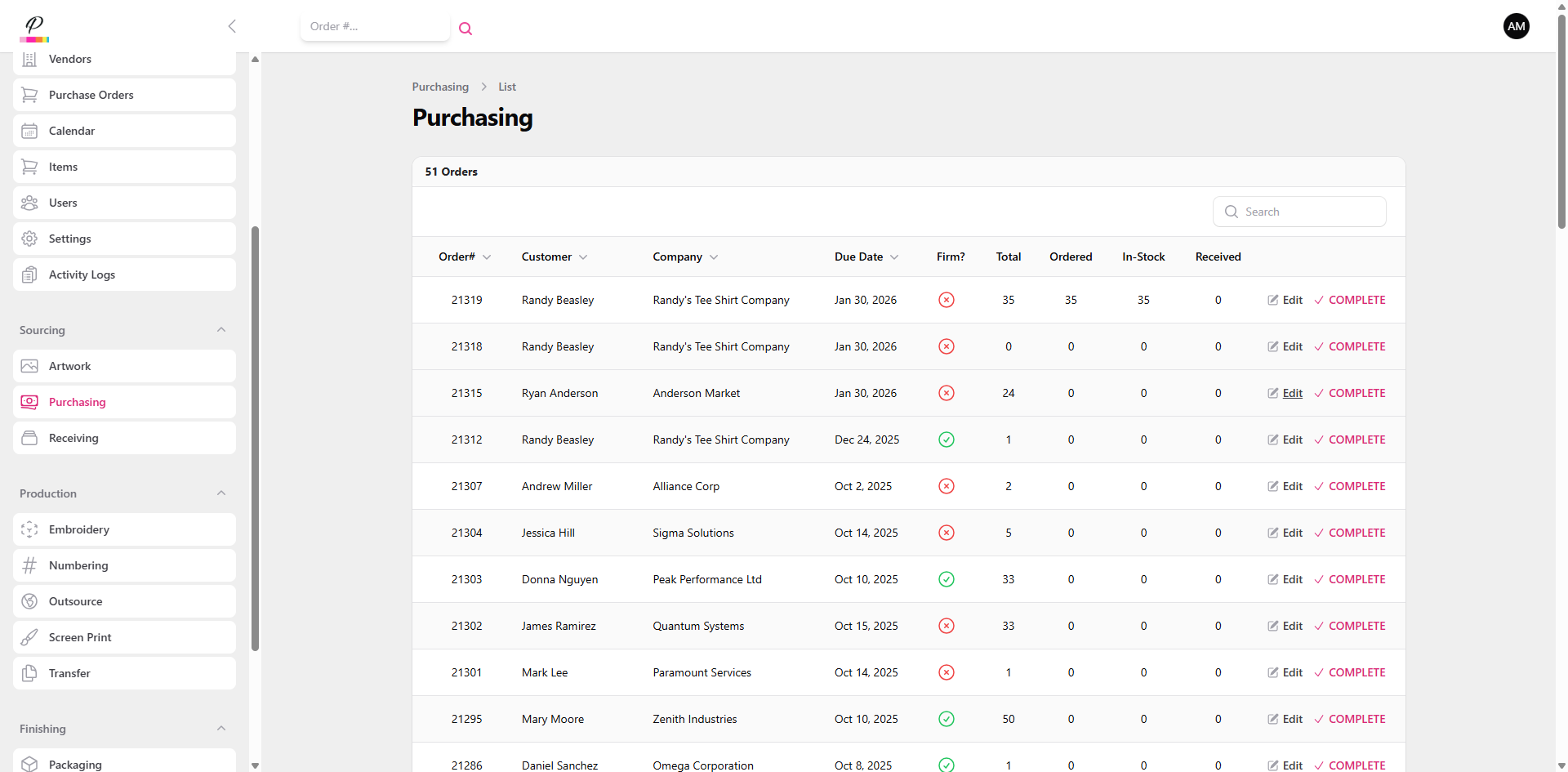
The items can be confirmed as ordered by simply clicking edit on the specific order,
12. Fill Quantities and Save Changes
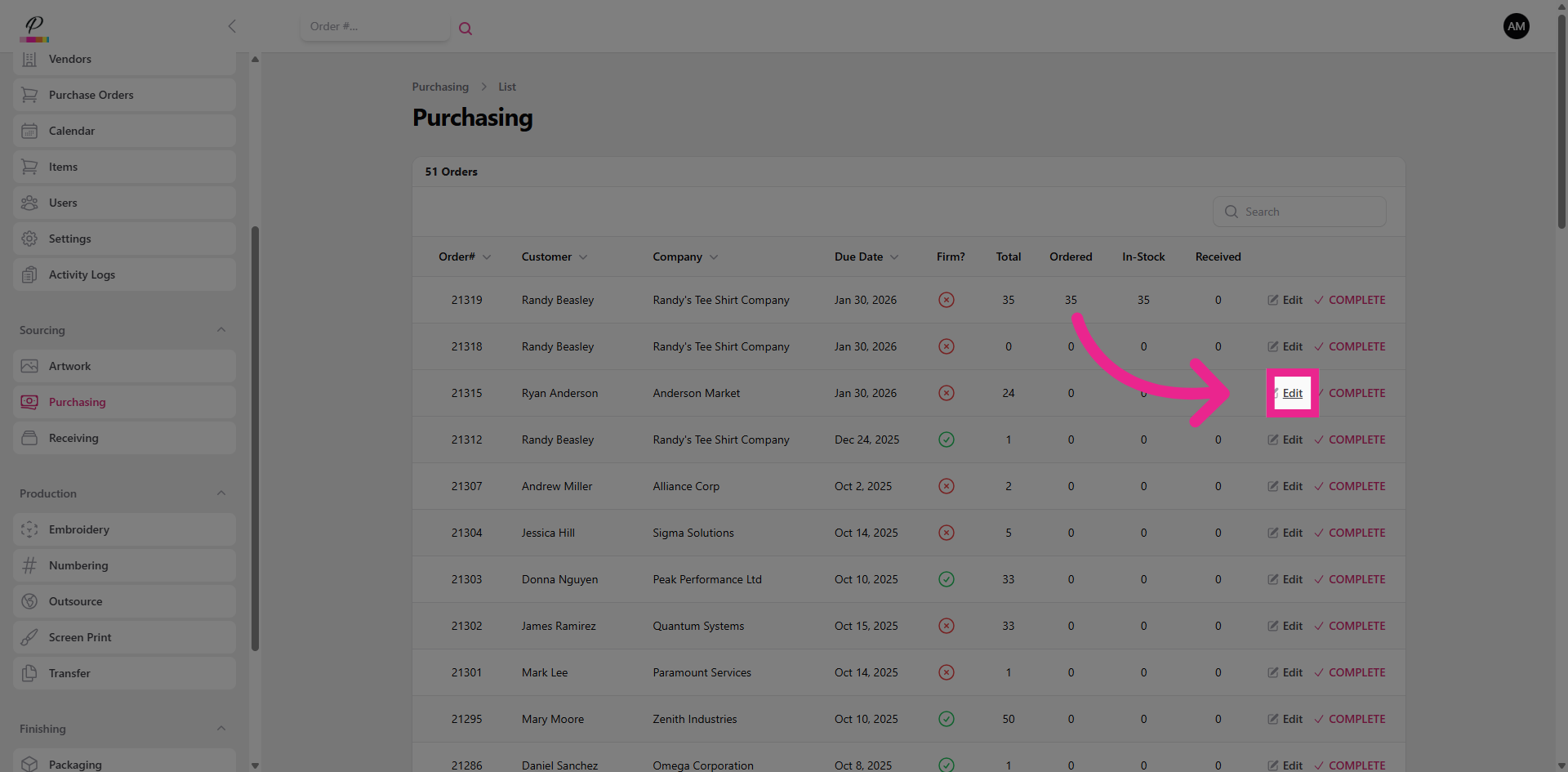
Filling in the quantities and saving changes,
13. Clear Order from Purchasing Queue
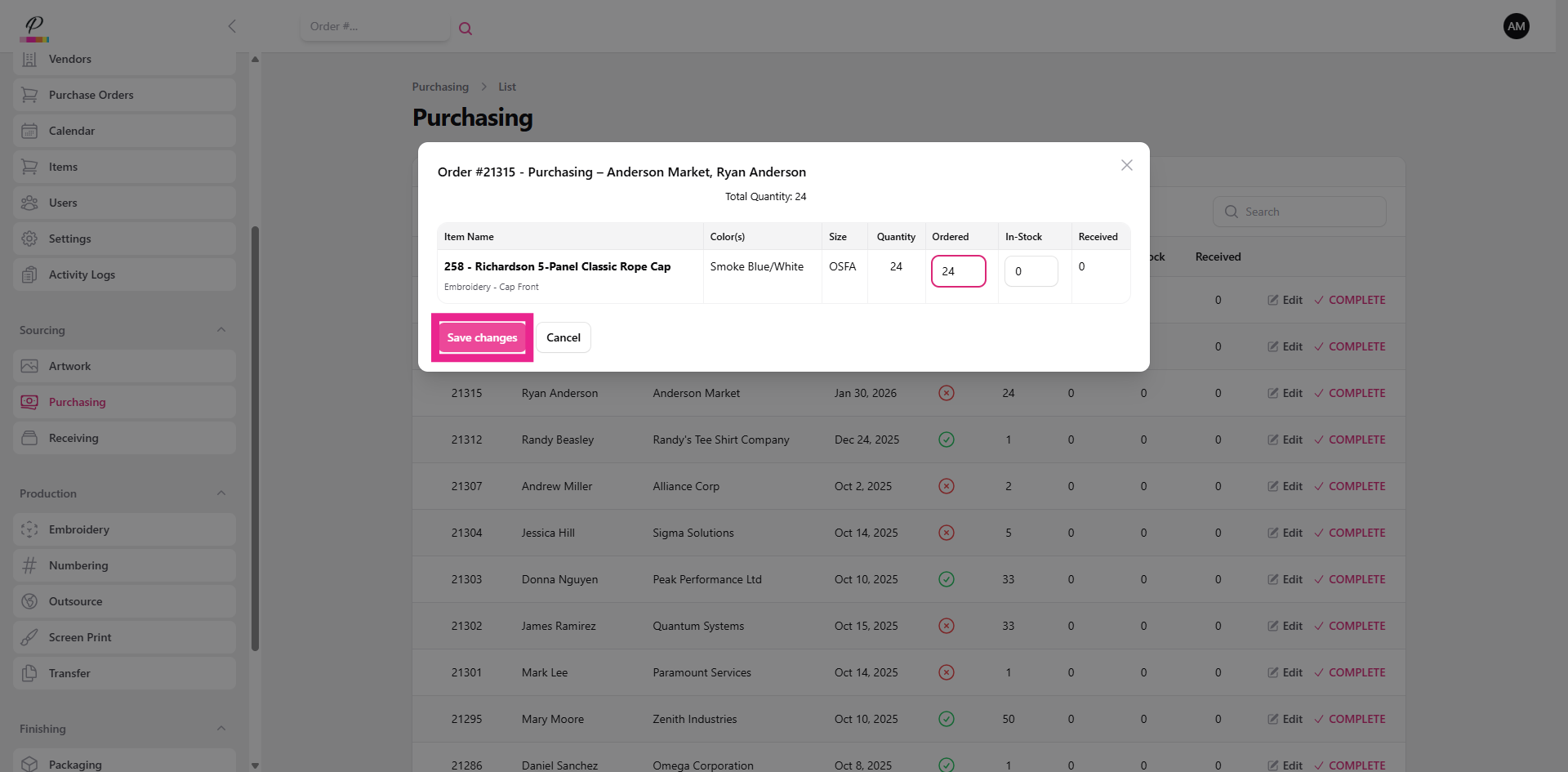
and then marking the order as complete;
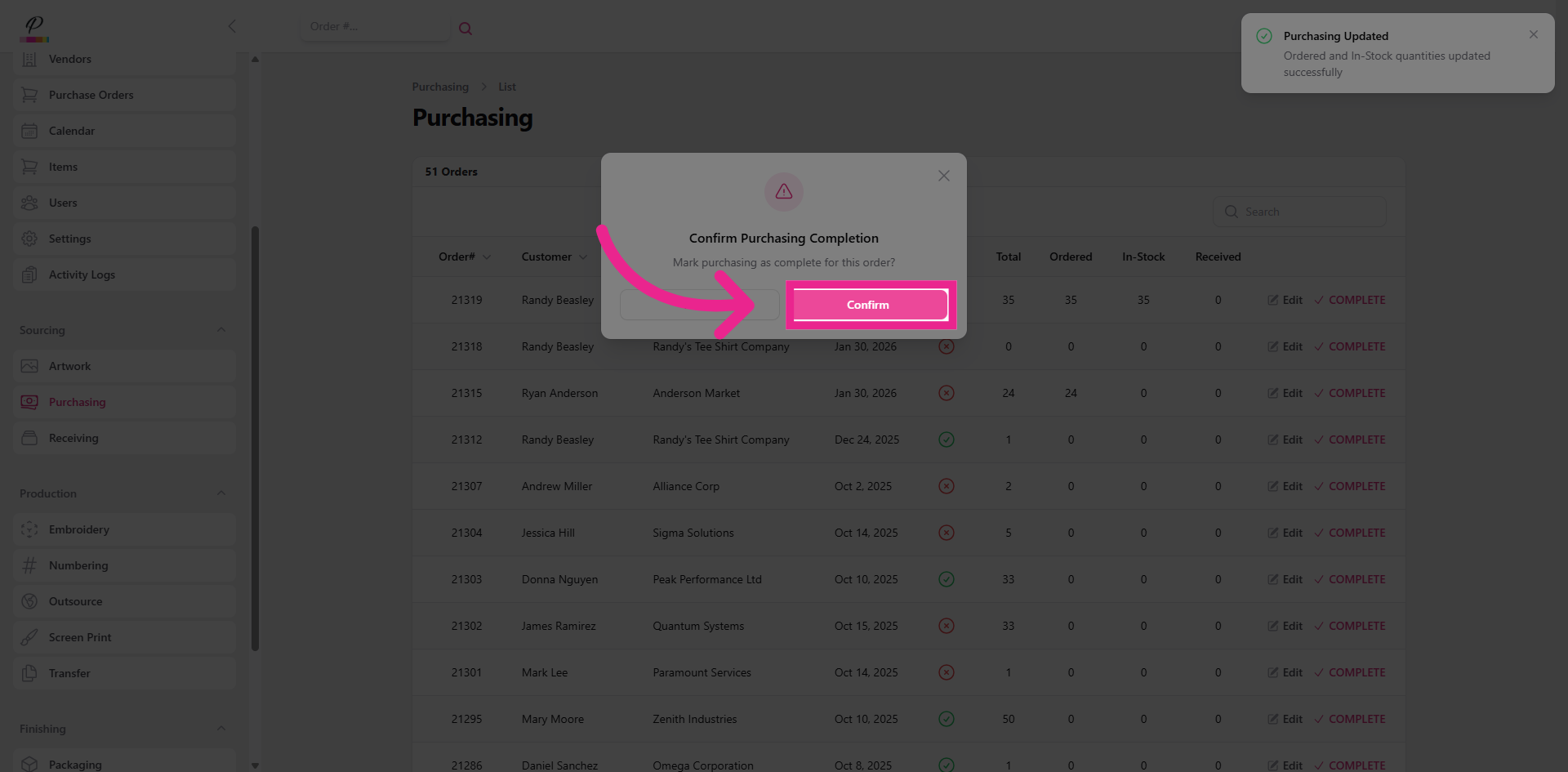
14. Confirm
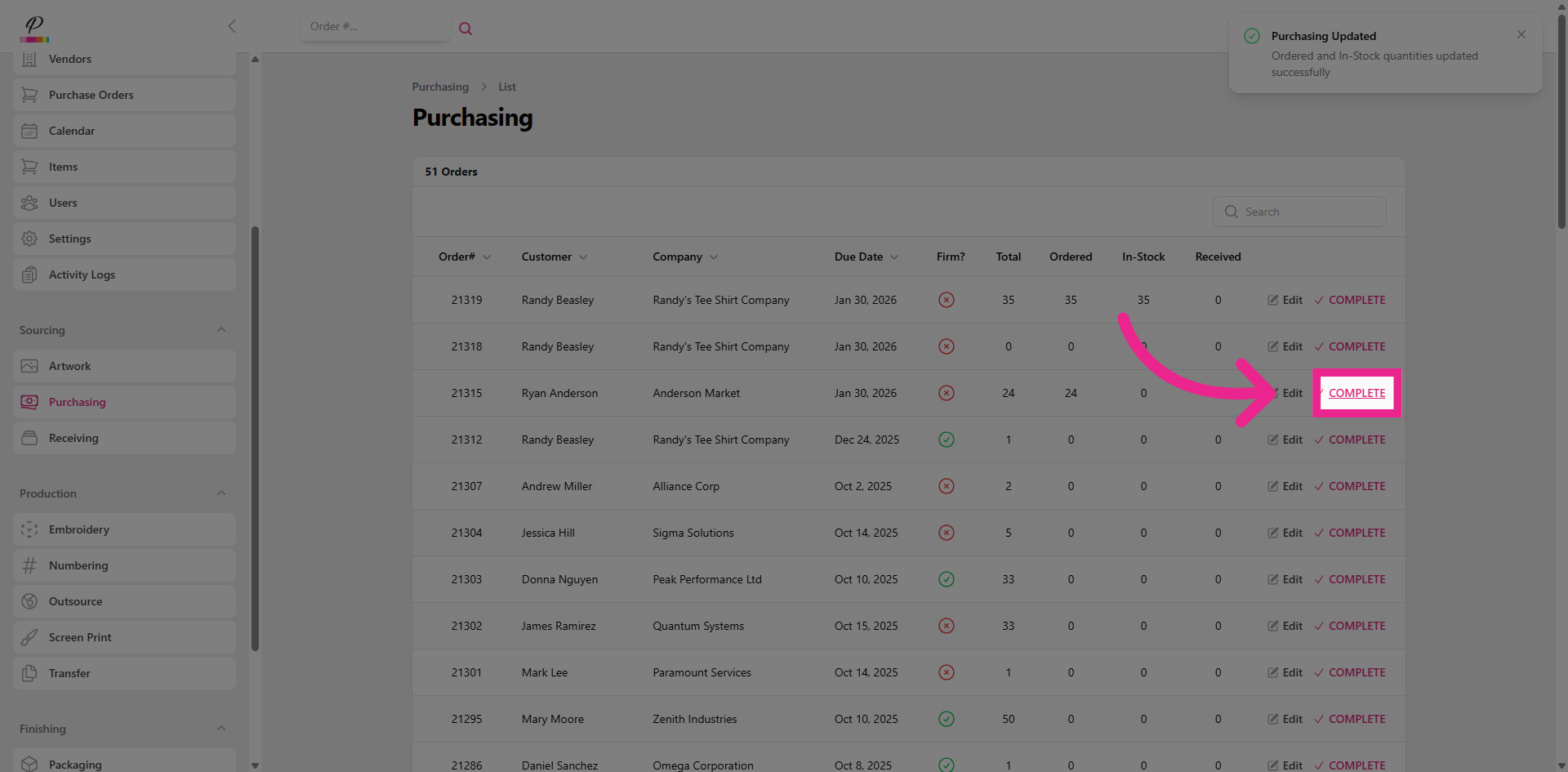
clearing it out of the purchasing queue and taking the order one step closer to being ready for production.
15. Navigate to Receiving
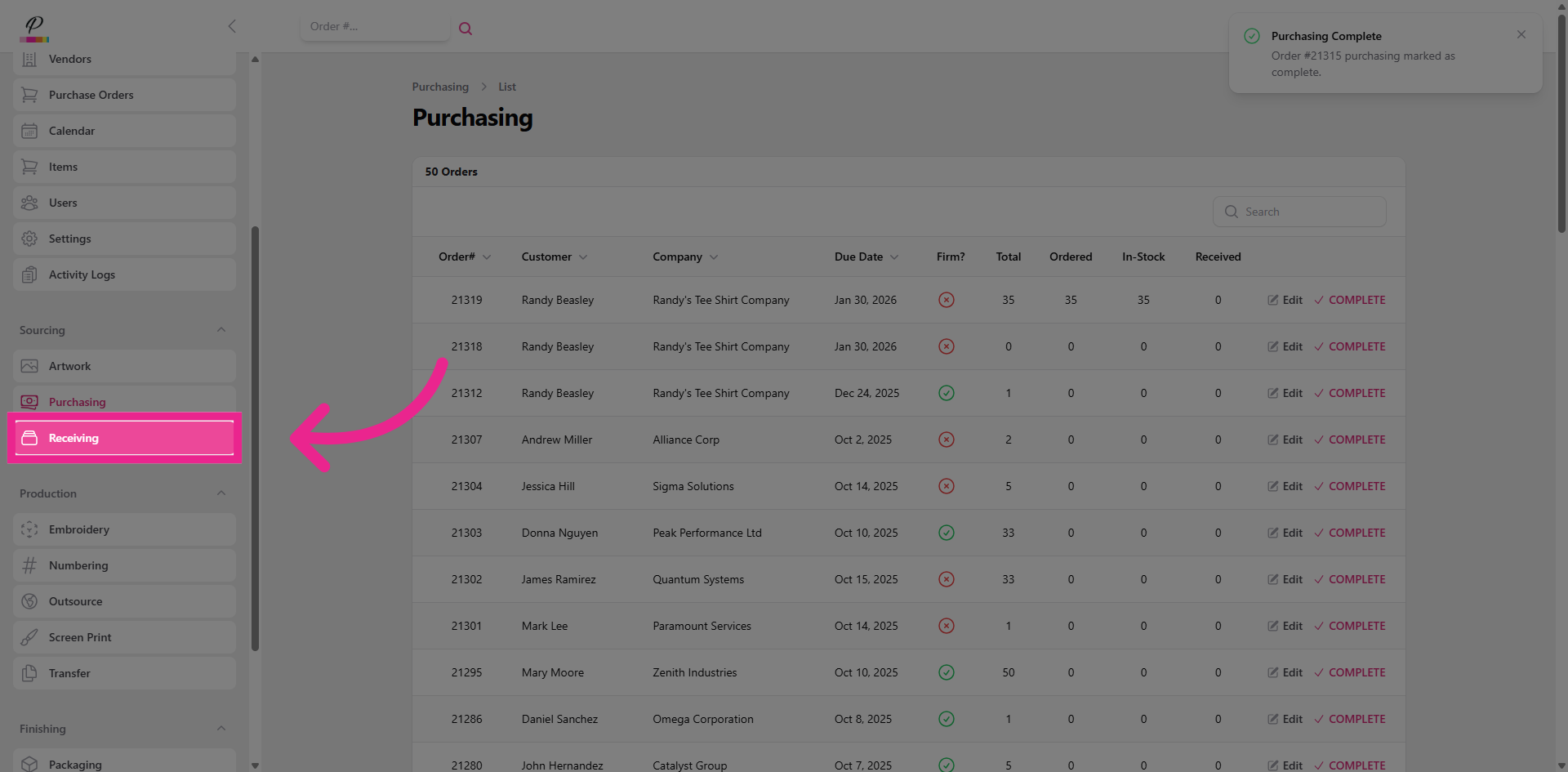
And now the last stop in sourcing is Receiving.
16. Receiving Overview
The receiving department's role is to ensure that all items are received from the vendors or suppliers accurately, as ordered, and undamaged. Quality control begins even before production.
17. Edit
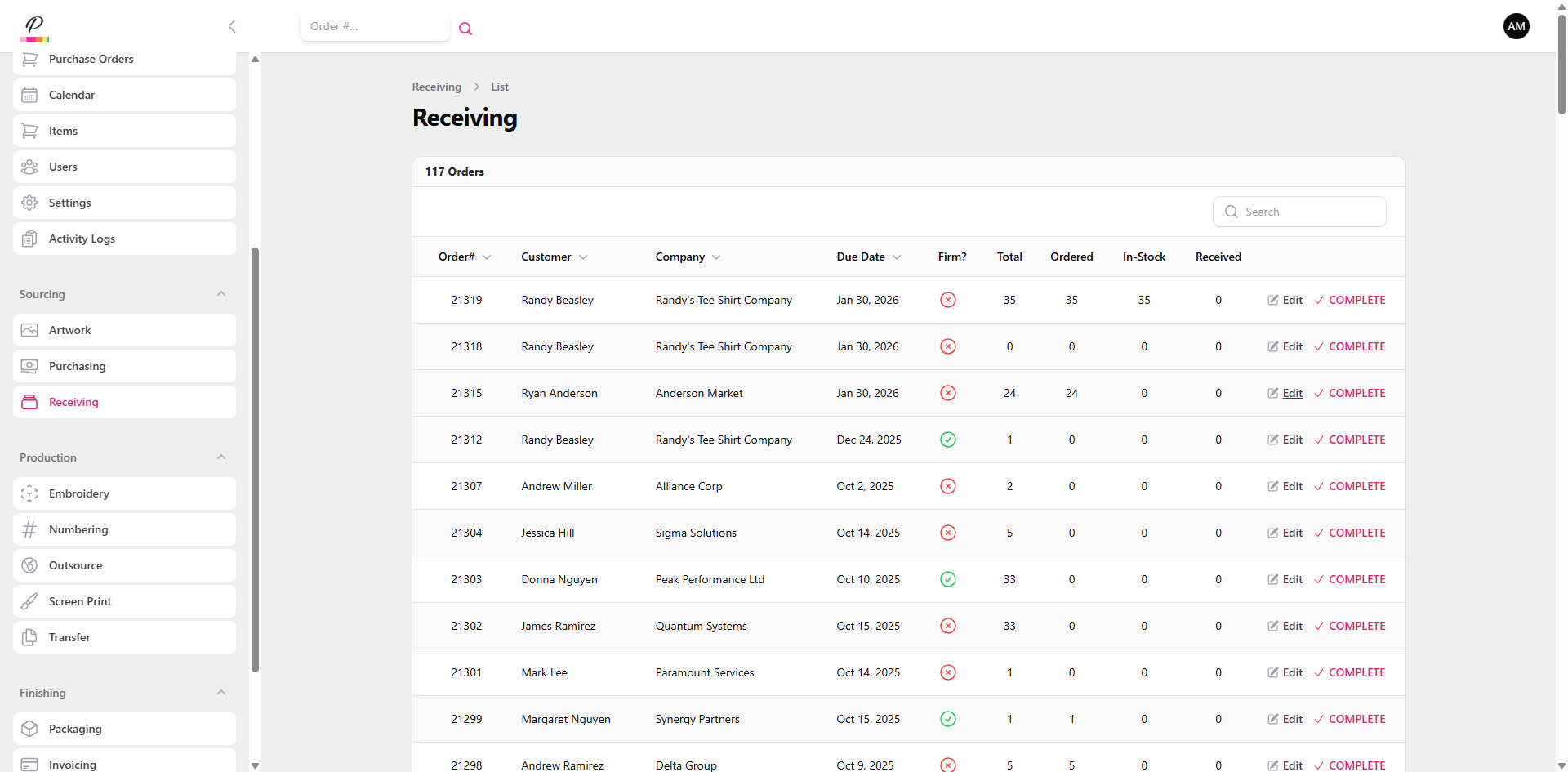
When the items are received for the specific order,
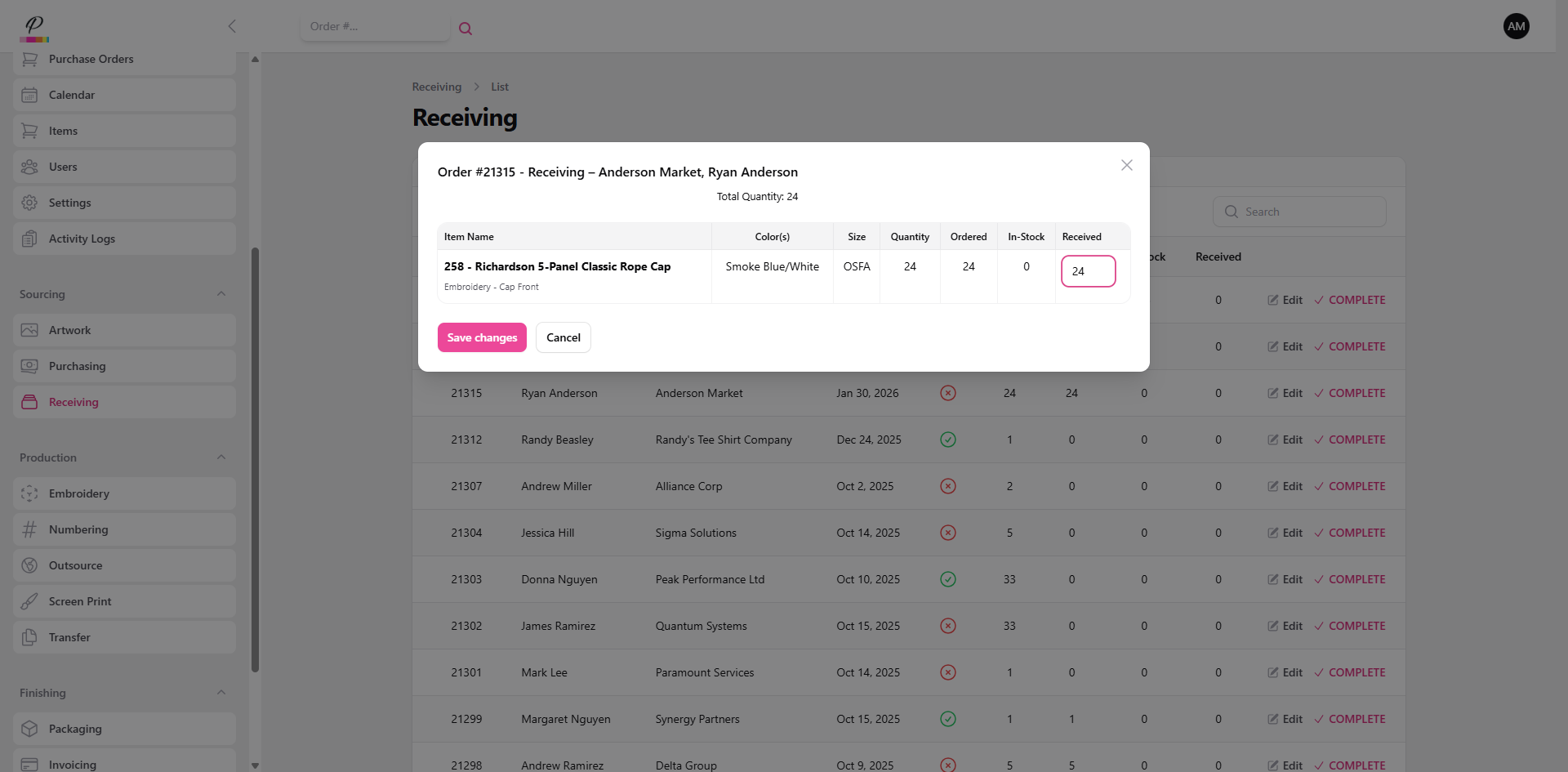
18. Fill Quantities and Save Changes
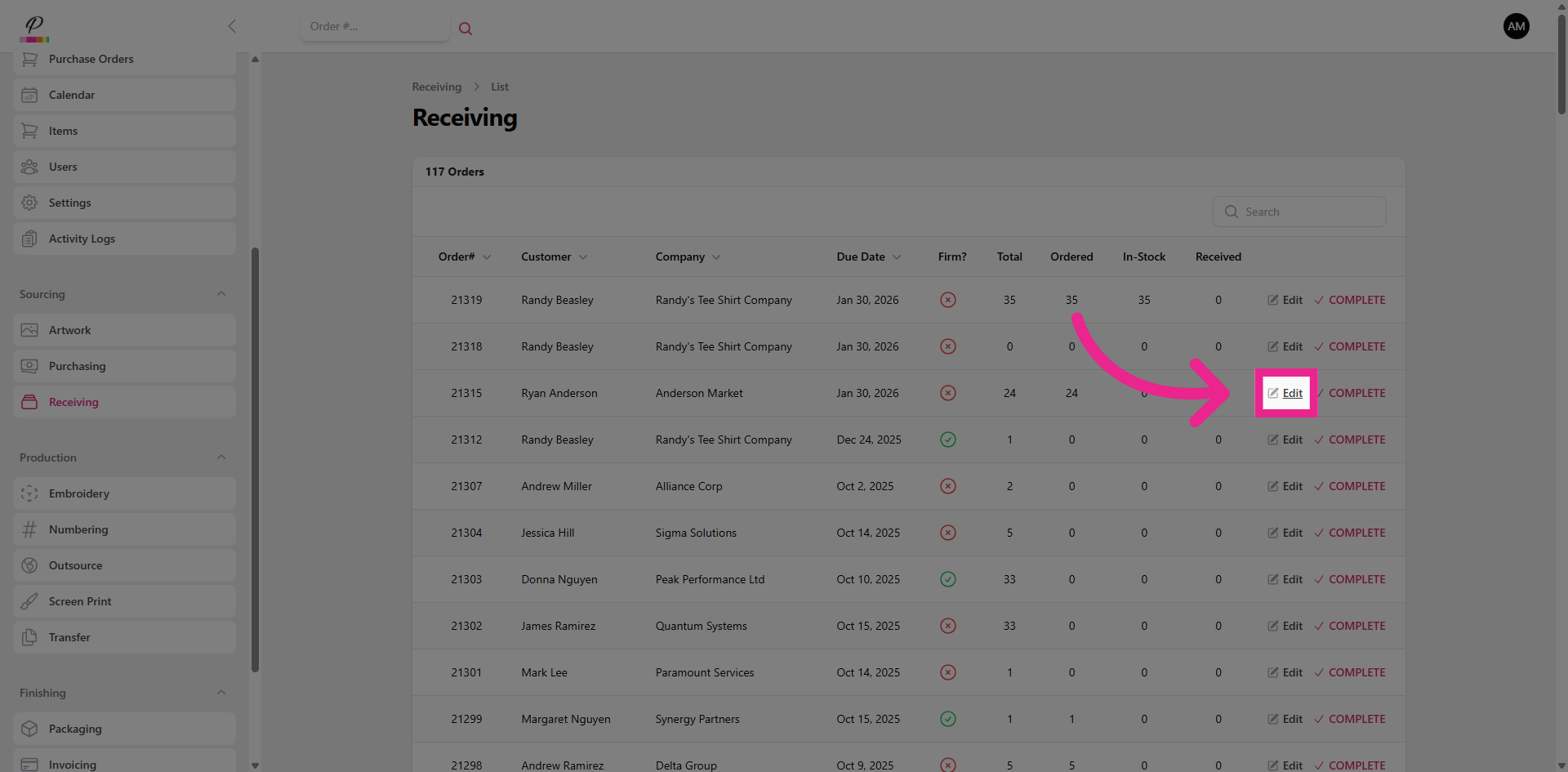
the quantities are filled in and changes are saved.
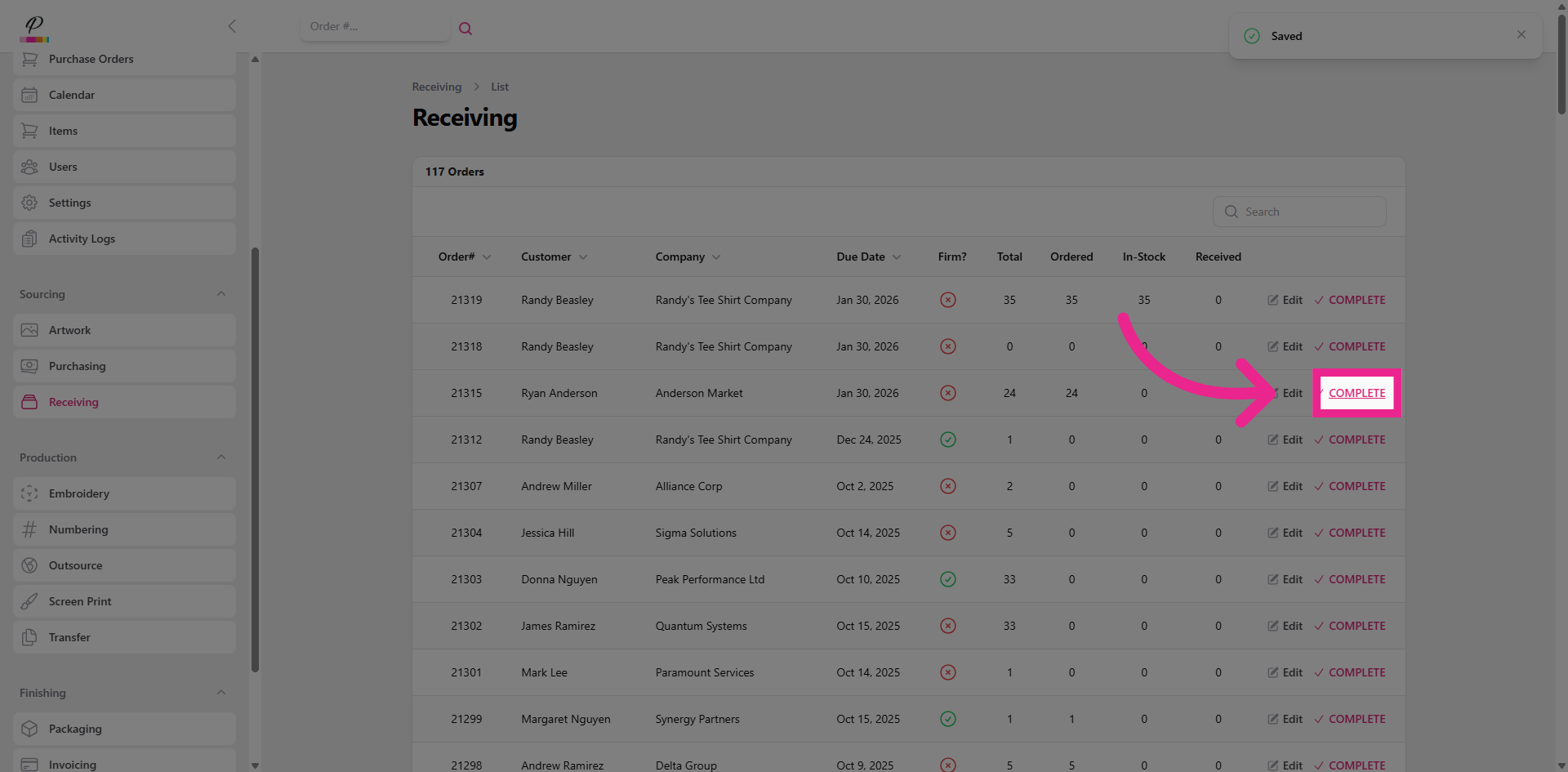
19. Clear Order from Receiving Queue
If the quantity for items received matches with the quantity of items ordered, the order is then marked as complete,
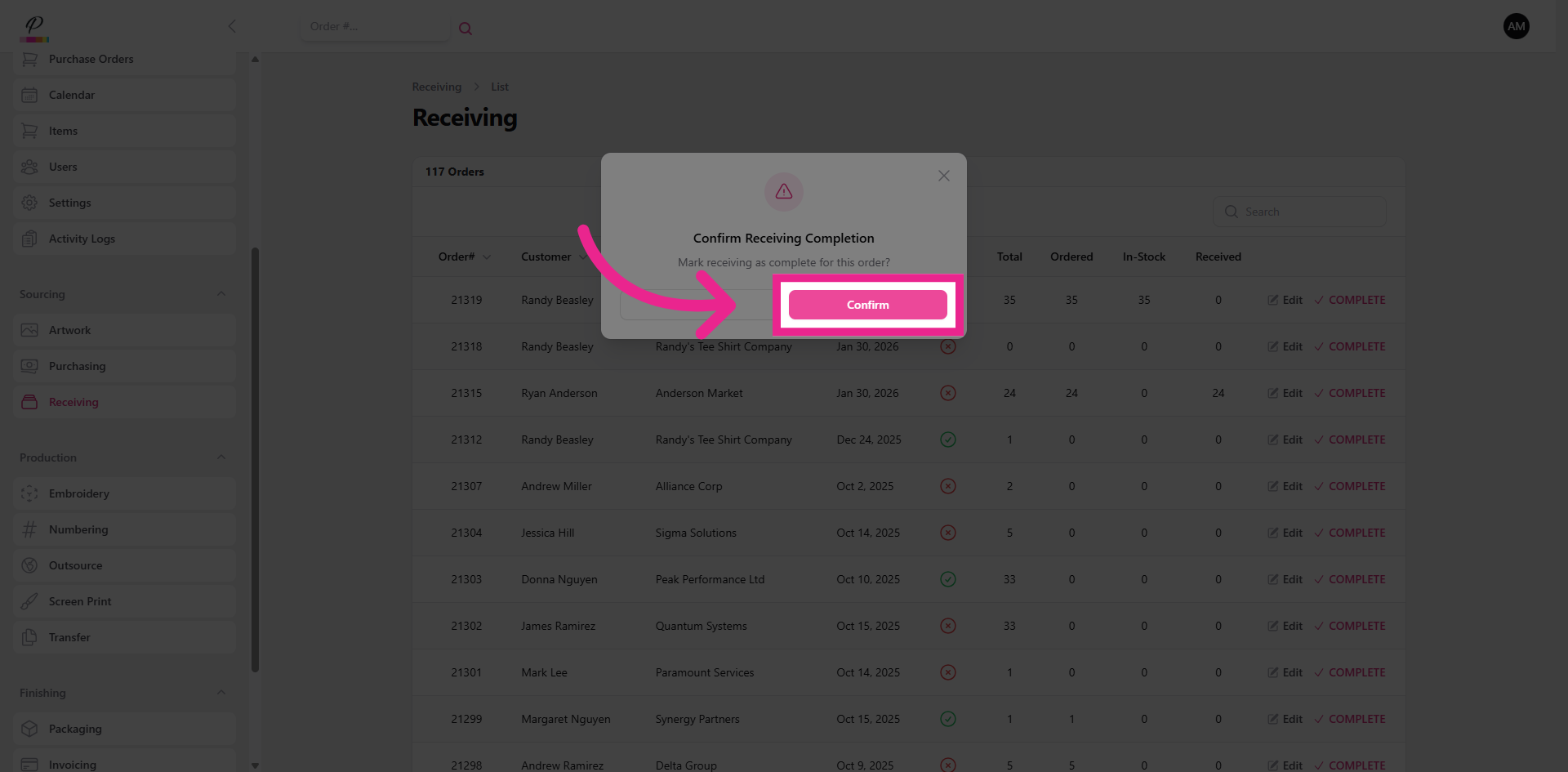
20. Confirm
and cleared out of the receiving queue.
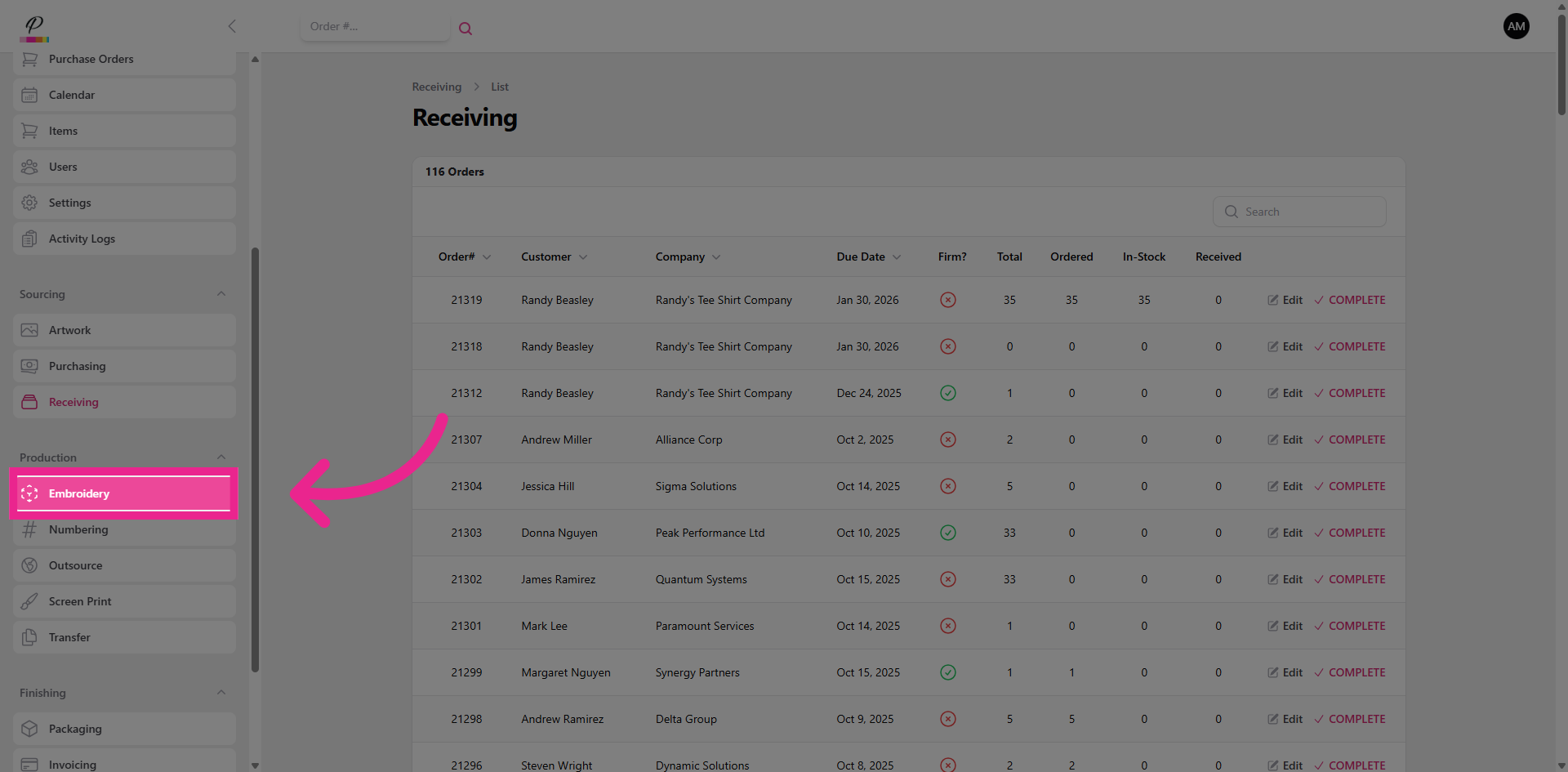
21. Production
If the artwork department has completed their tasks for the order, it will now move forward in status from sourcing into production.
22. Calendar Overview
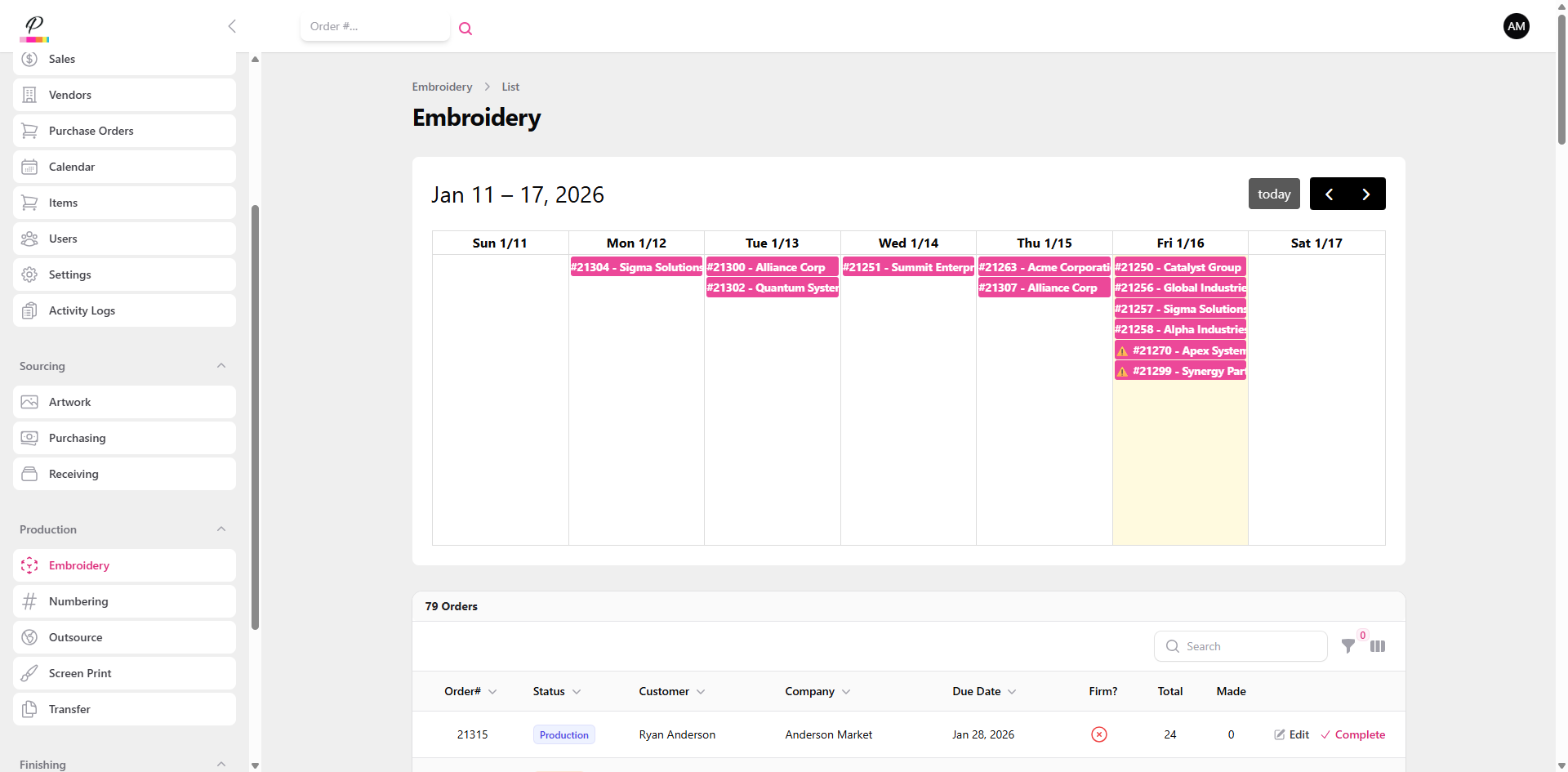
Each Department queue within production functions the exact same way. Here at the top of the page, the production calendar is displayed for the week. Orders that have a firm in-hands due date will be marked with the urgent symbol to help the production team prioritize the orders properly. As orders are completed and cleared out of the queue, they will be removed from the calendar to help give the production team a clear synopsis on the work left to be done.
23. Edit
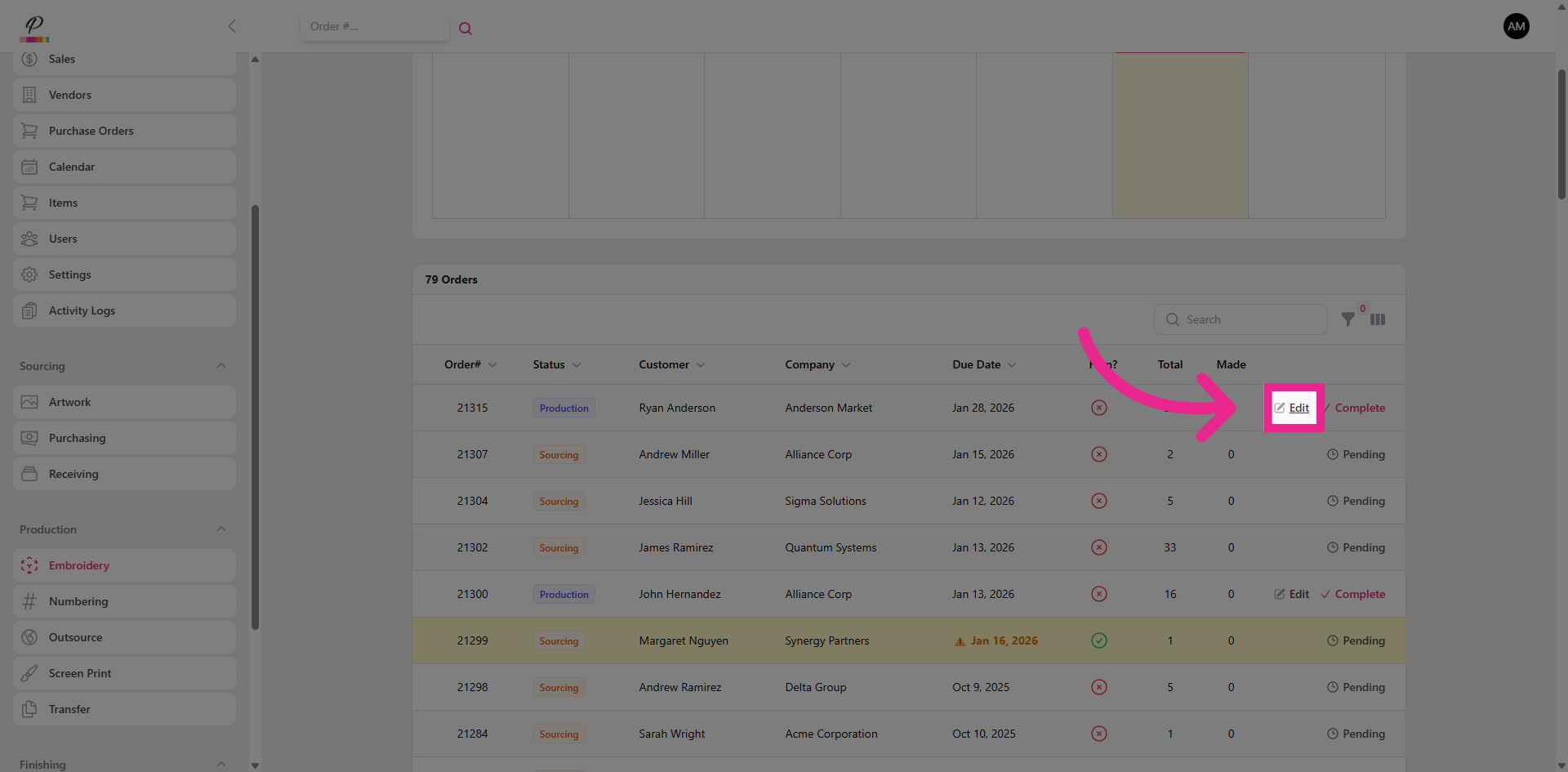
If the order is ready for production, The details of the order can be quickly accessed.
24. View Details And Confirm Items Made
Here, the departments will take note of the details and produce the items accordingly. Once they are finished, they will confirm the quantities made, save changes,
25. Clear Order from Production Queue
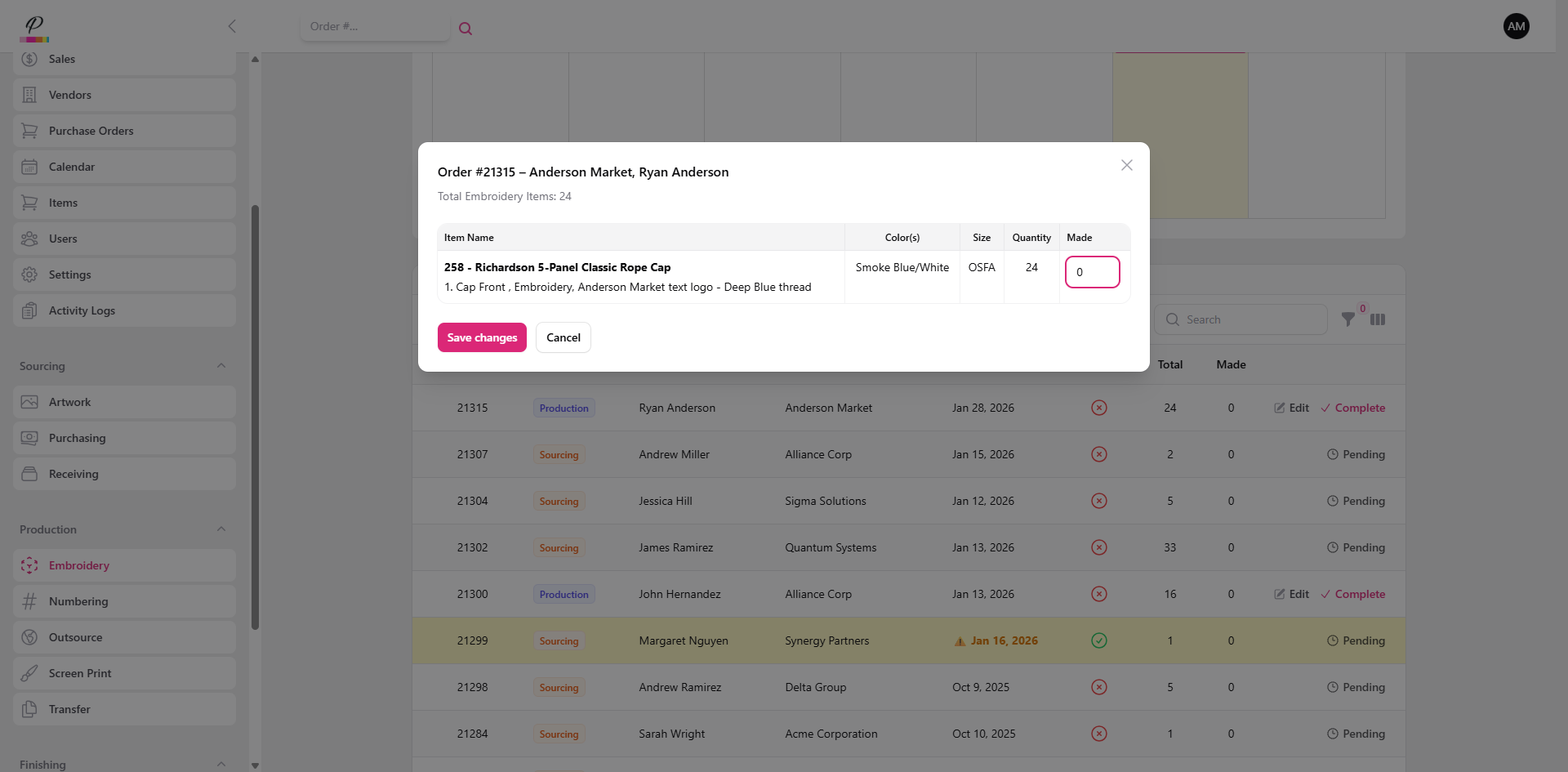
and mark the order as complete;
26. Confirm
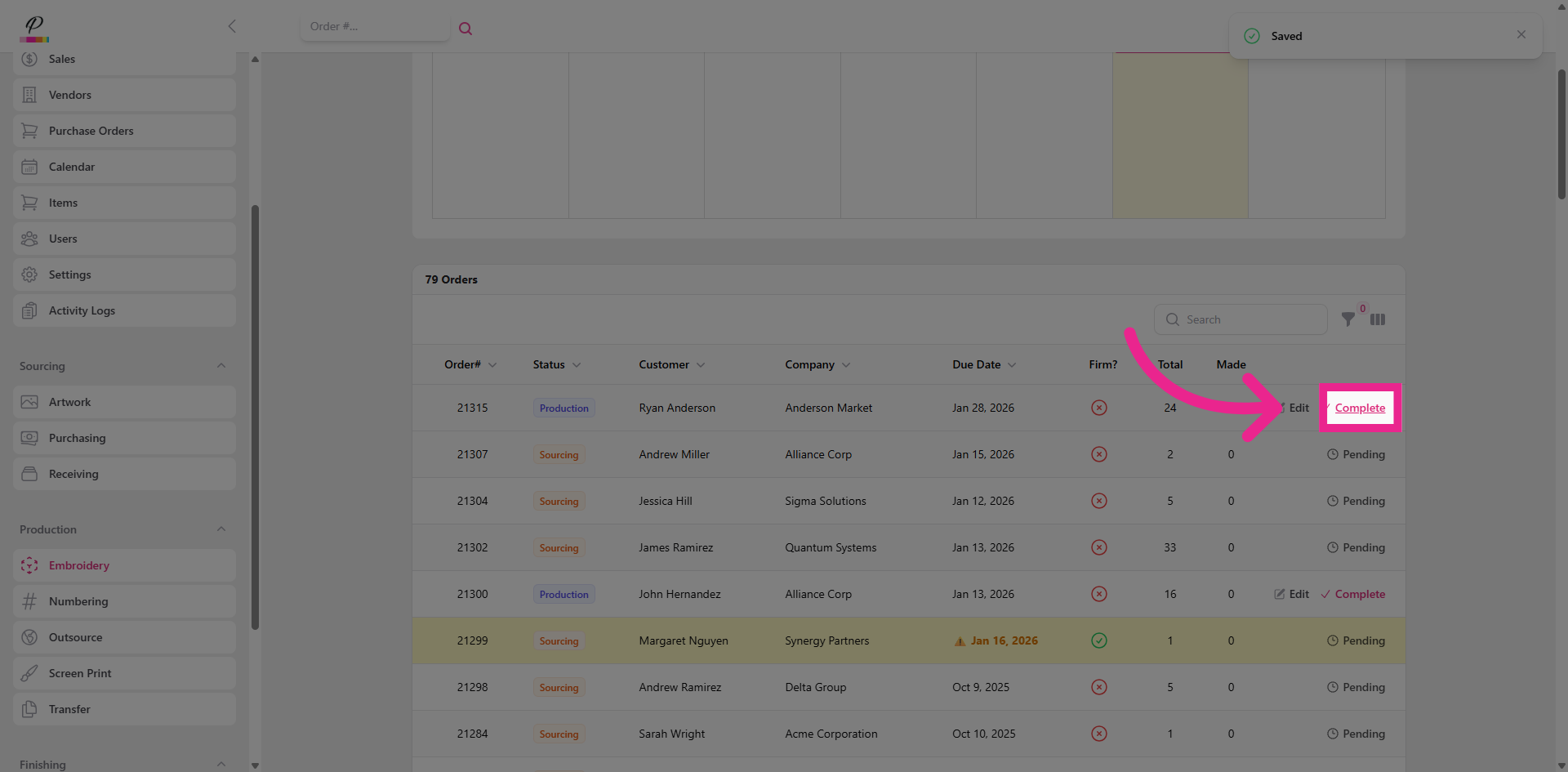
confirming that the department has finished their task. Now, if there are more processes on the order, it will remain in production until each department has completed their tasks on the order, otherwise, the status will be updated from production to finishing.
27. Navigate to Packaging
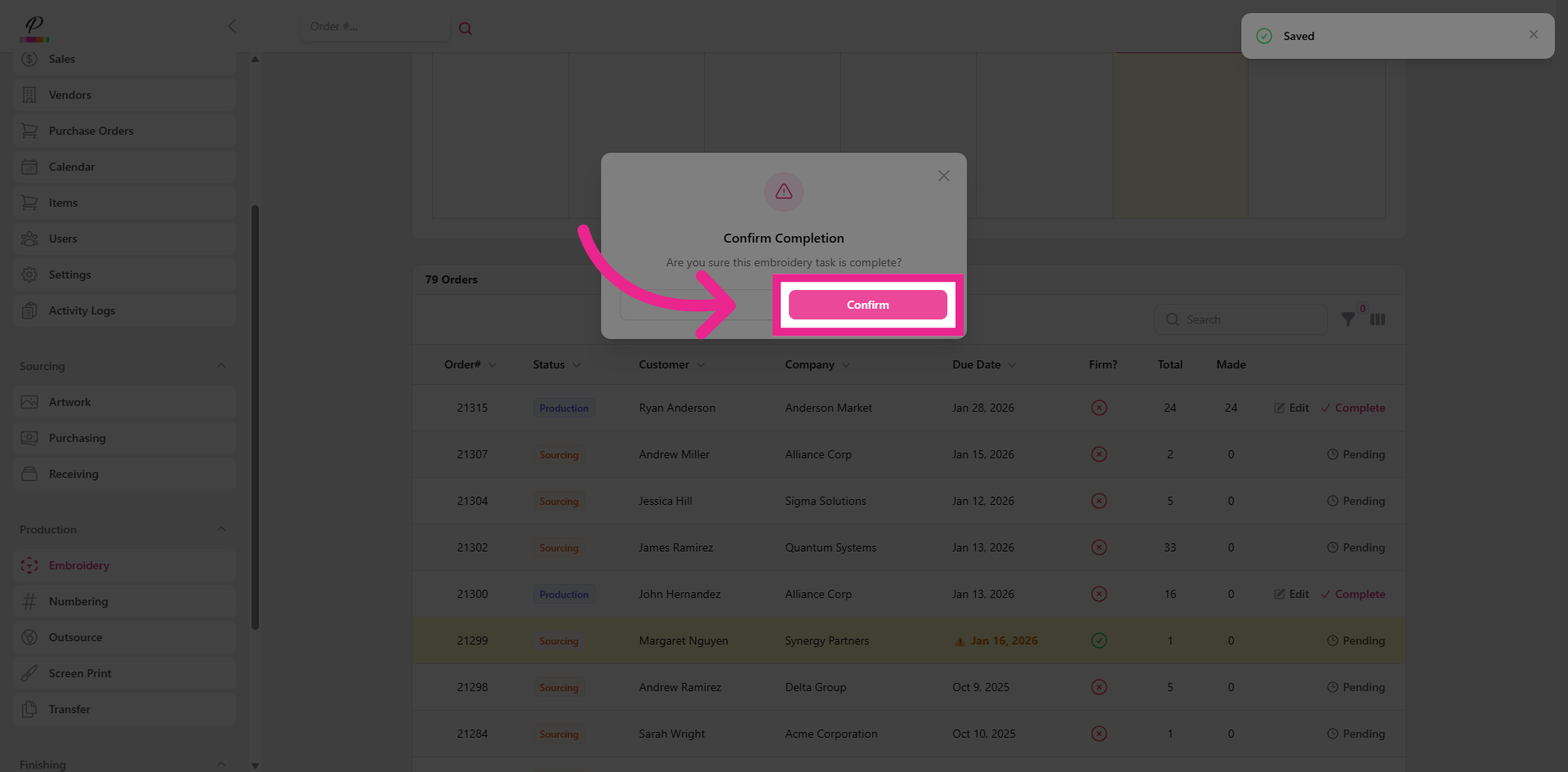
The order is well on it's way to being in the customer's hands! The first stop in finishing is packaging.
28. Packaging Overview
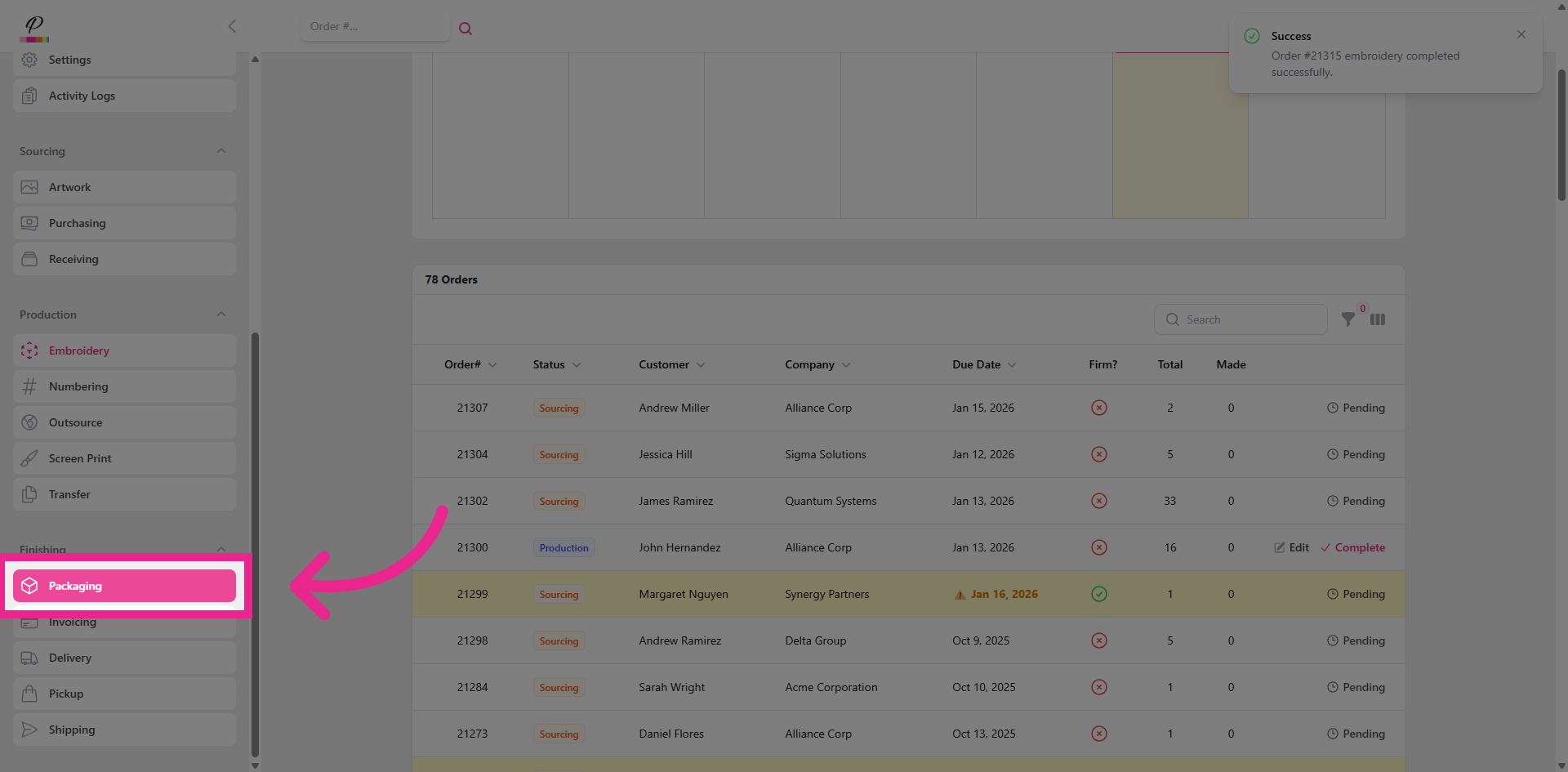
Unlike the previous queues, the queues in finishing will only show the orders within the finishing status. The packaging department is the final step in ensuring that the items in the order are organized and packaged in a way that aligns with quality control standards.
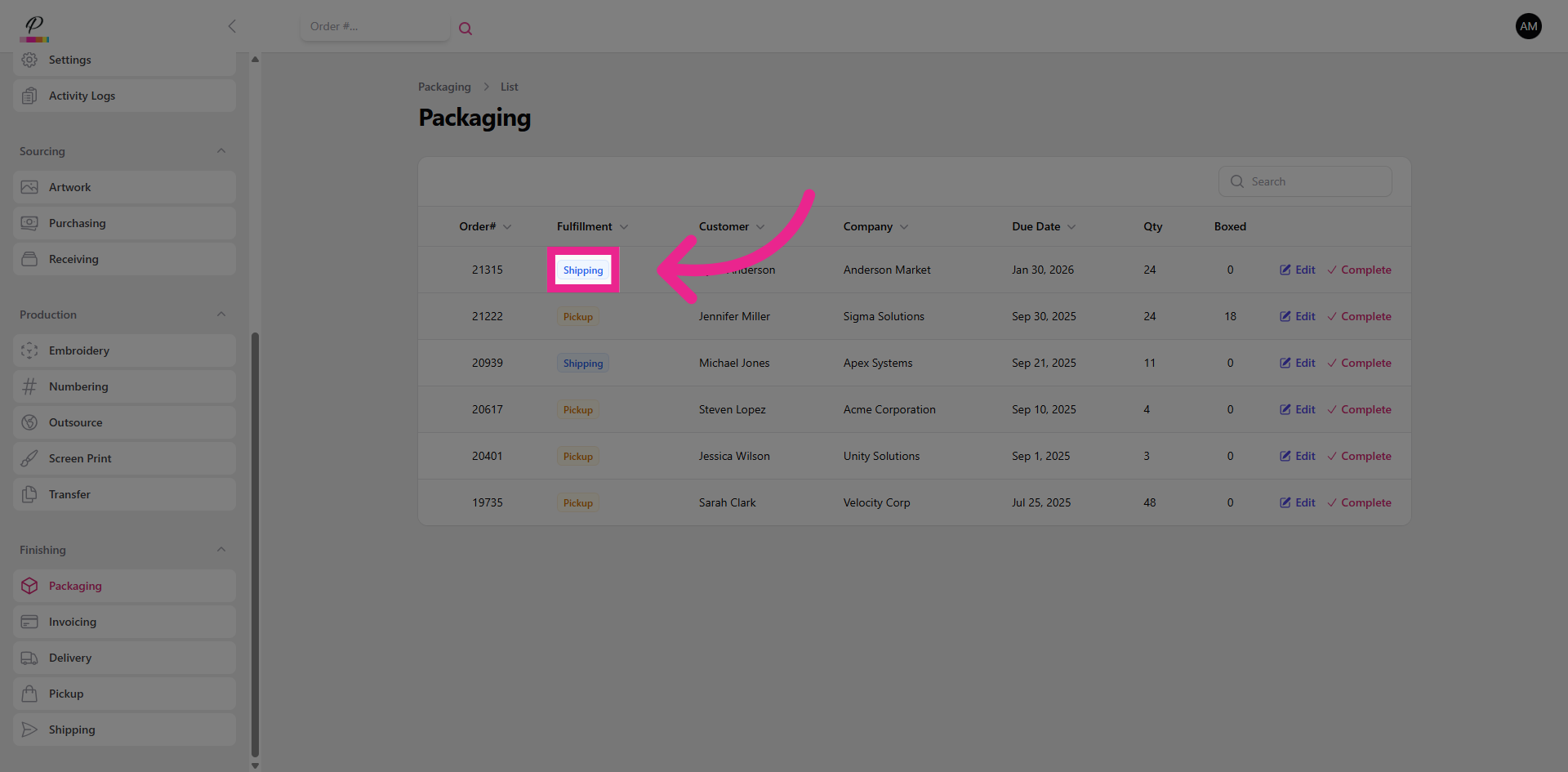
29. View Fulfillment Type
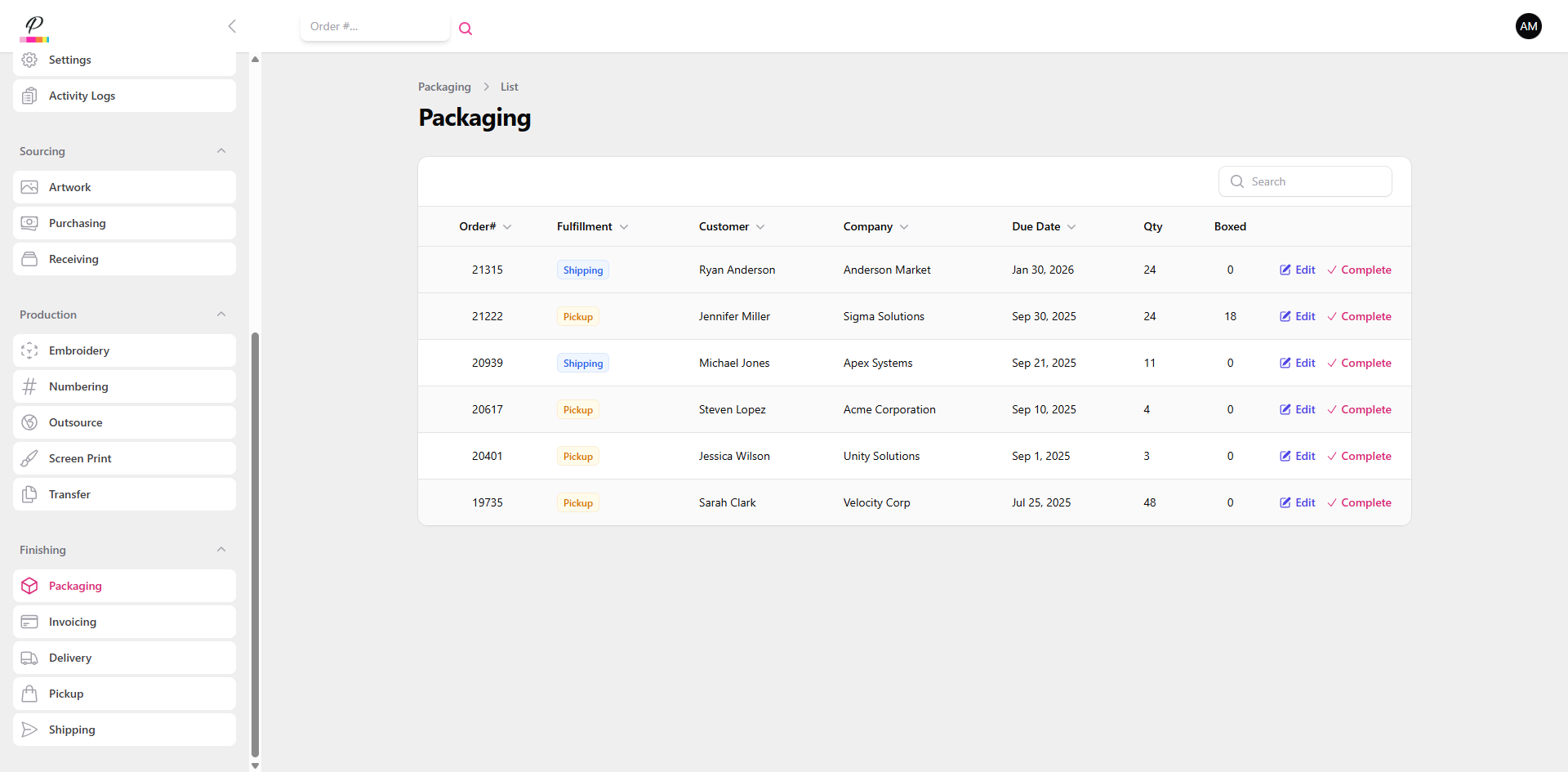
The fulfillment type is displayed to help determine how the order should be packaged and which department the order should go to next.
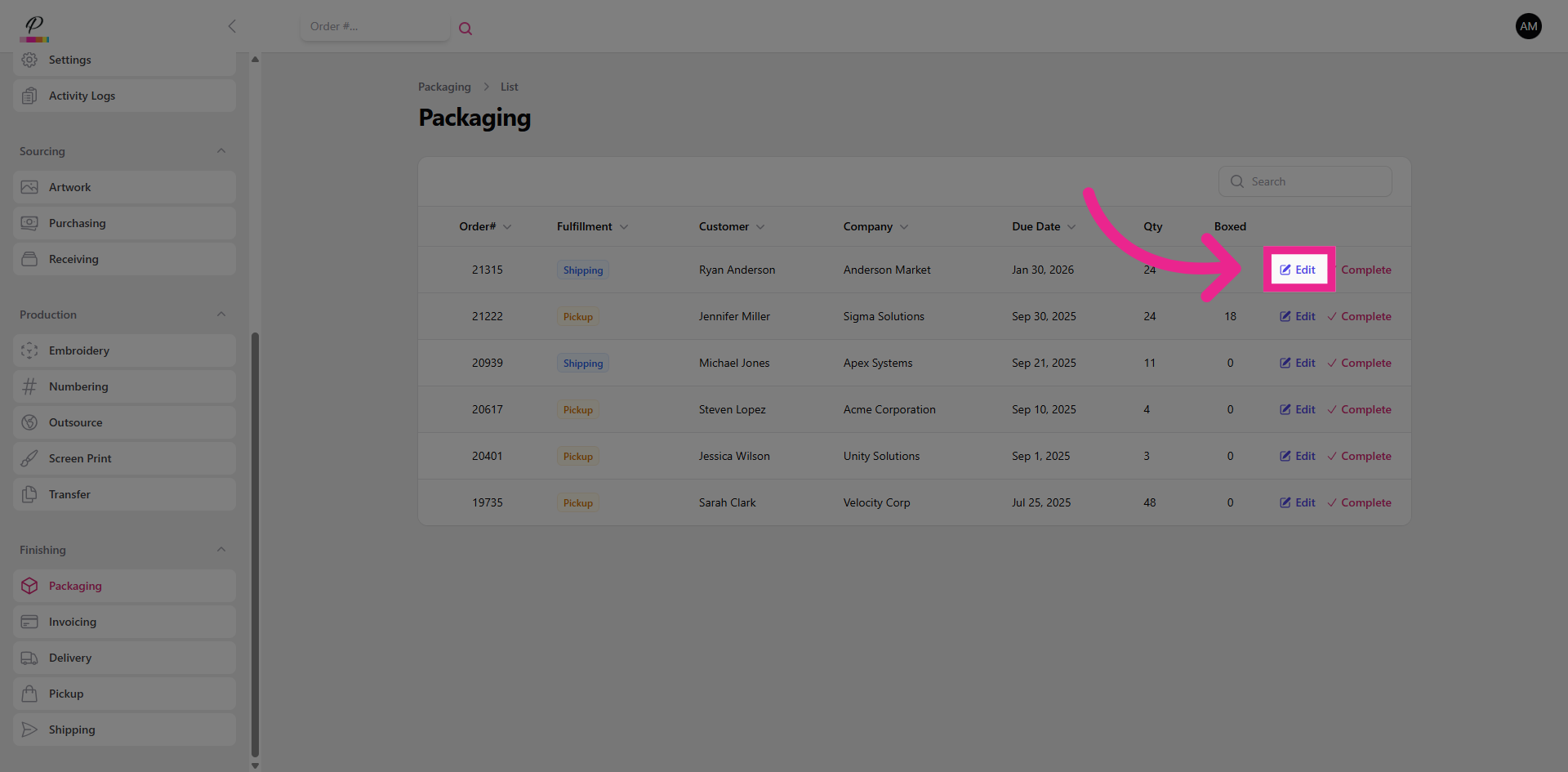
30. Edit
To finish the task,
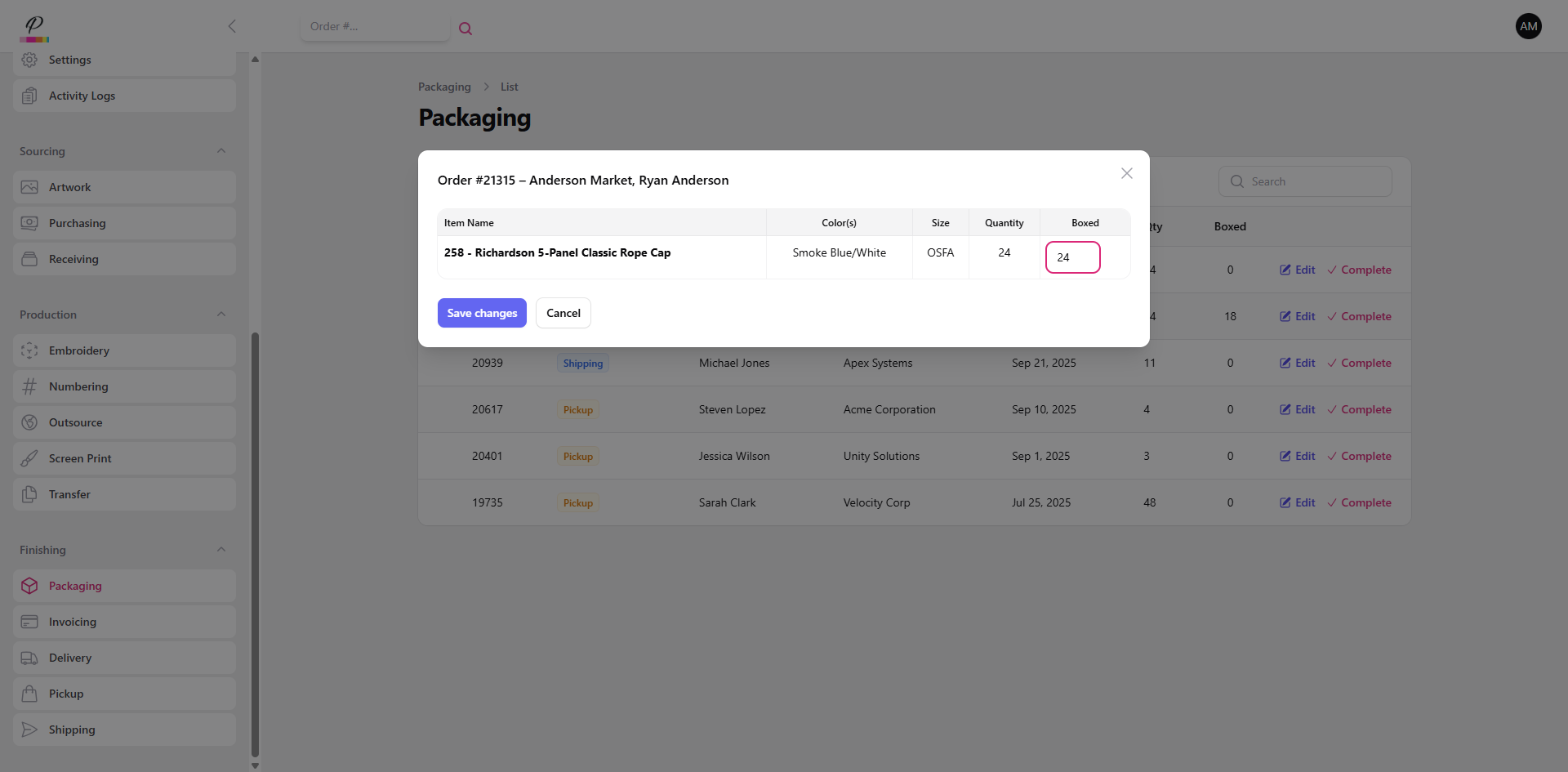
31. Fill in Quantities and Save Changes
Fill in the quantities, save changes,
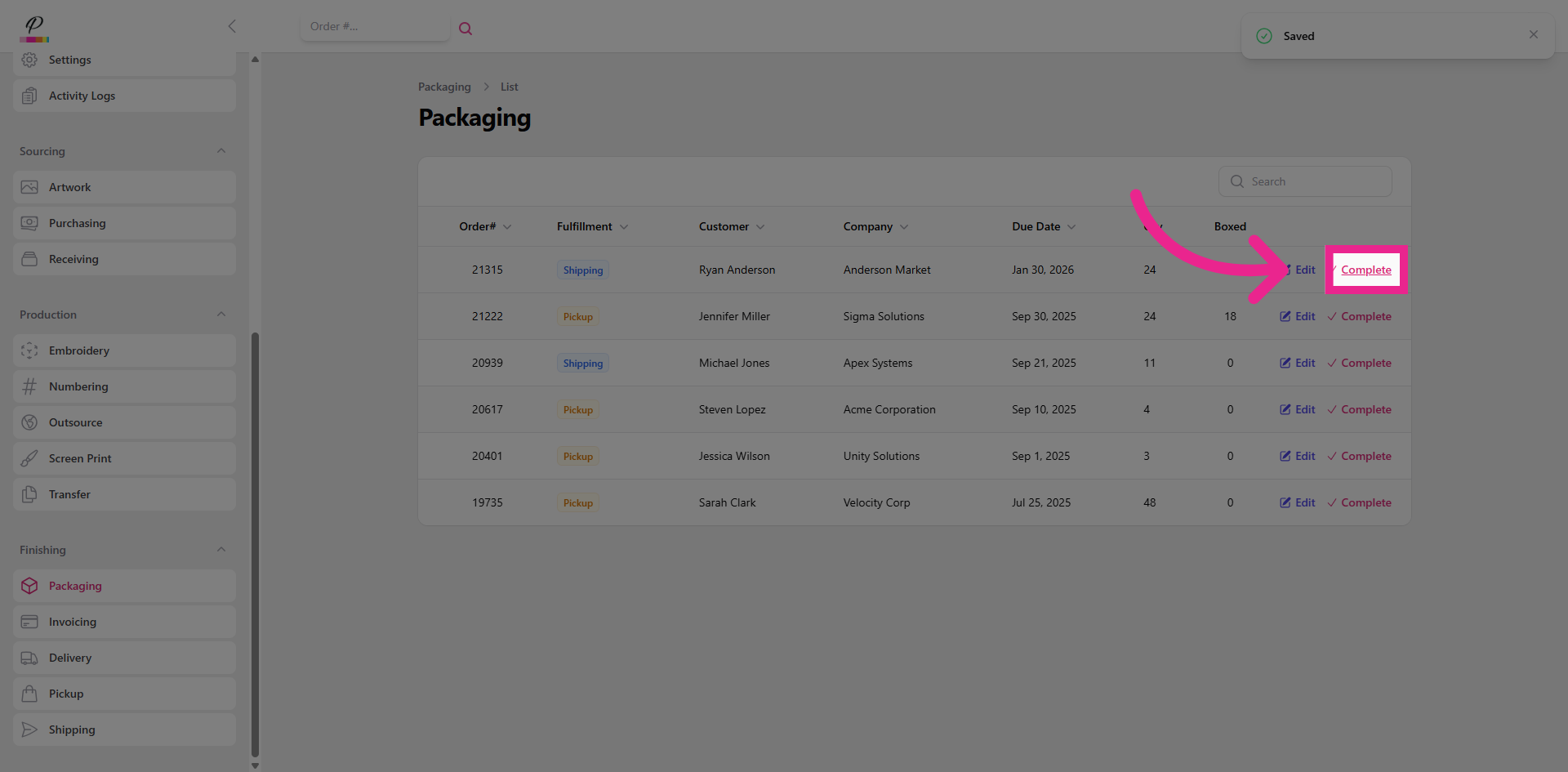
32. Complete Packaging Stage
mark the order as complete,
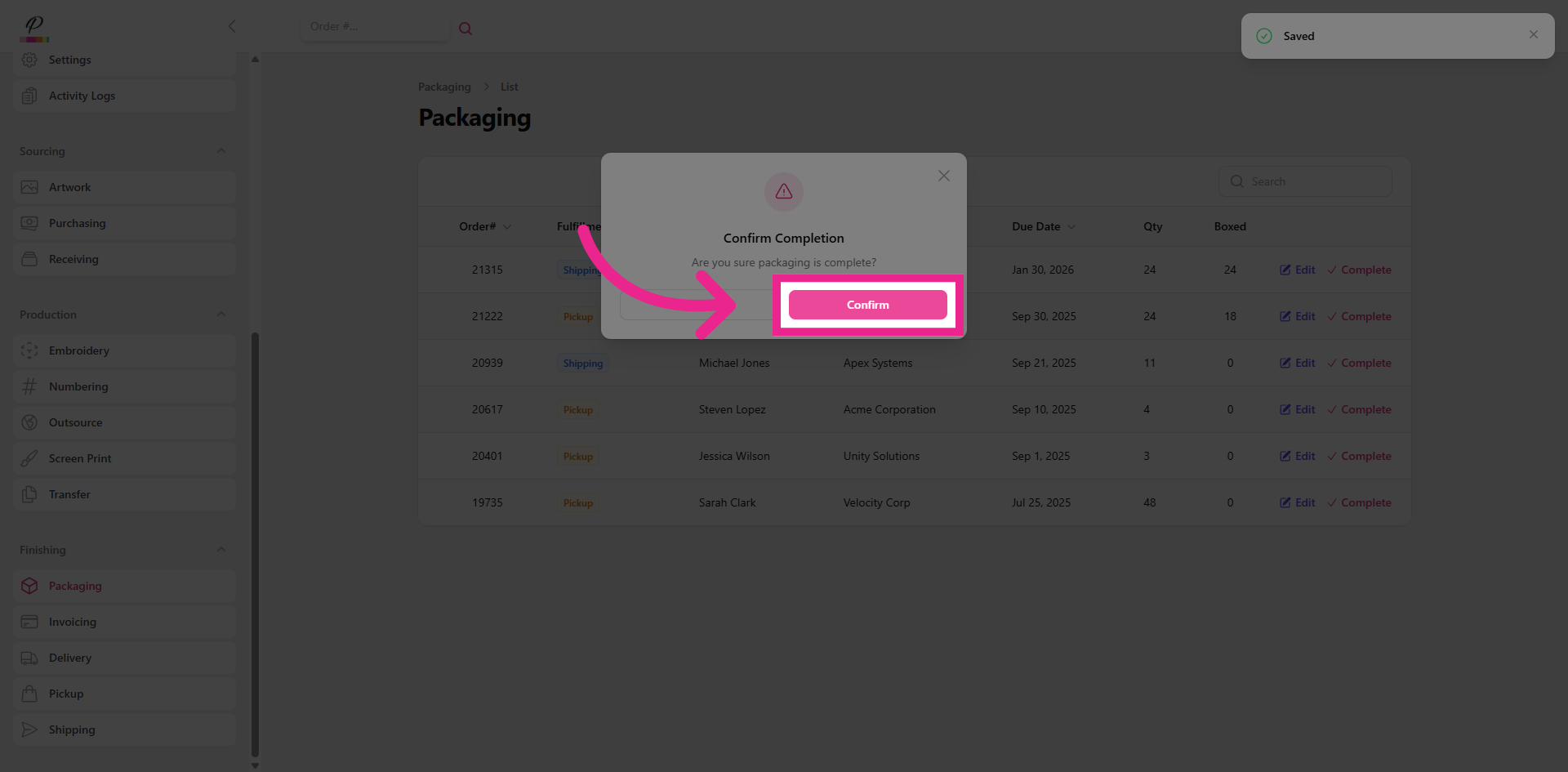
33. Confirm
and confirm! The customer will now be notified that their order is complete. The order should then be given to the final department responsible for transferring the order to the customer.
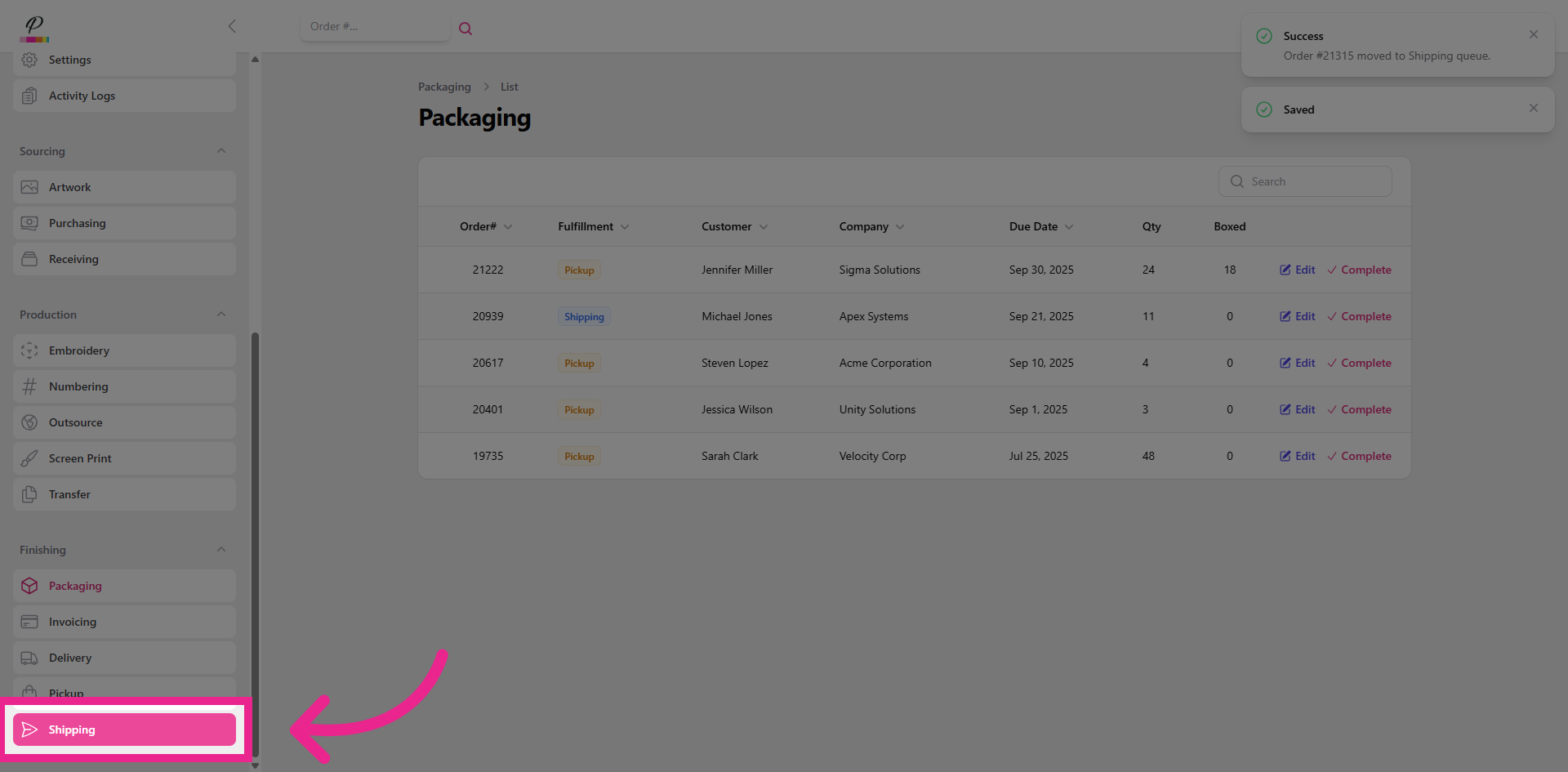
34. Select Shipping
We are almost done! Let's take a quick look at the final step
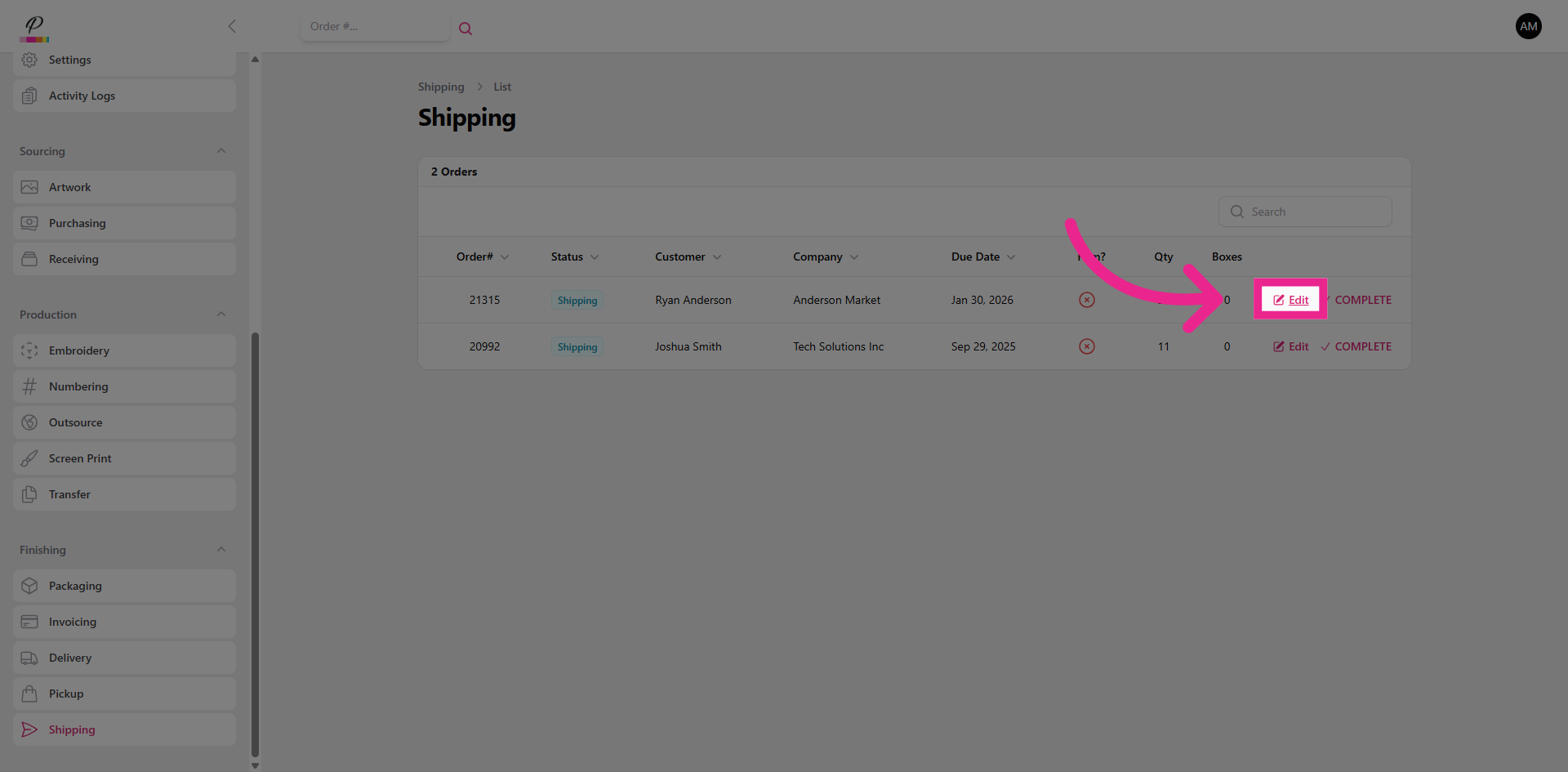
35. Edit
The process is the same. Edit, complete task, mark as complete, and confirm.
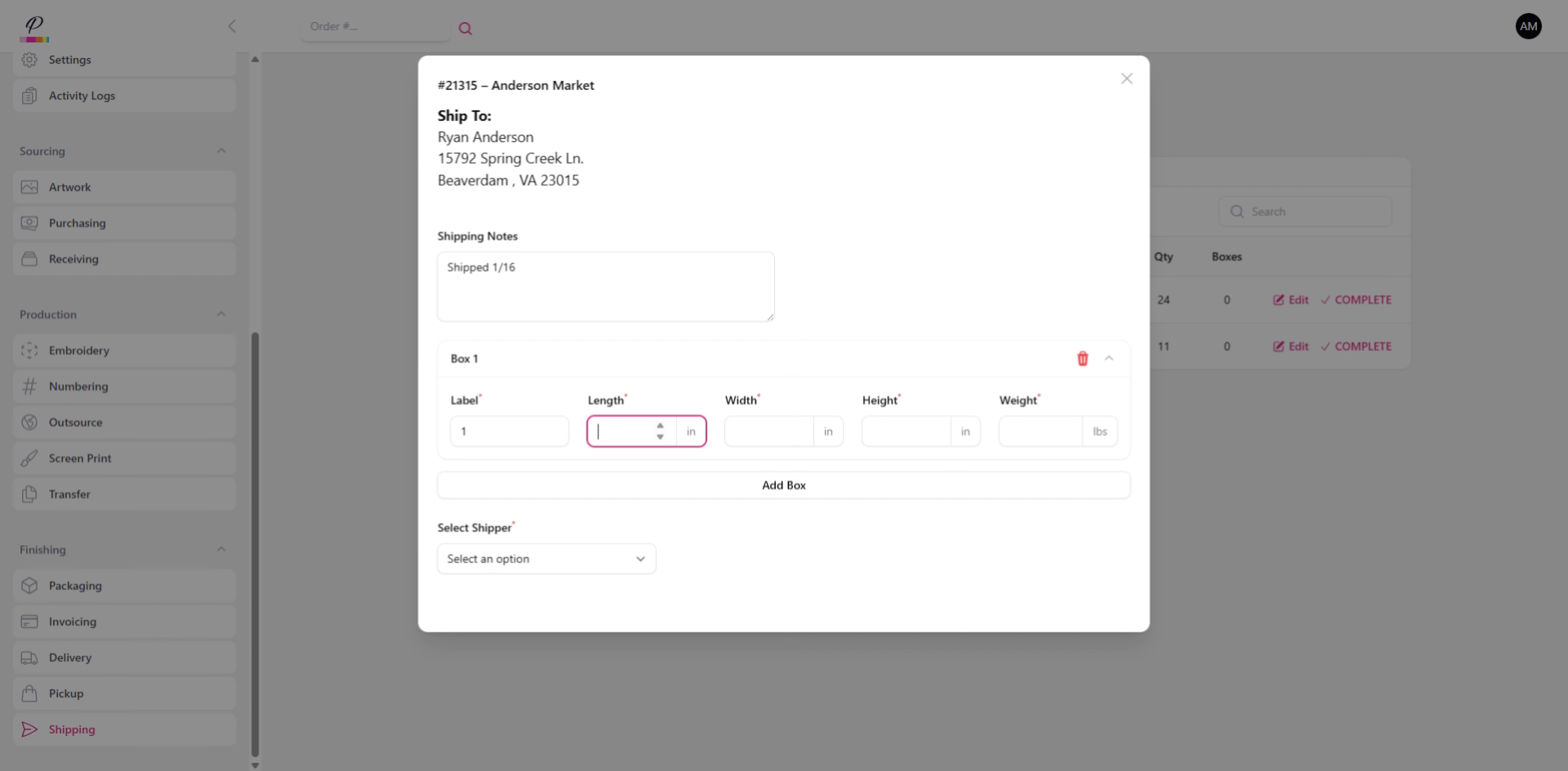
36. Enter Package Details
A shipping label can be generated within the pop-up, but we're going to skip over that for now.
37. Complete Shipping Stage
38. Confirm
The order is done! Now you have a satisfied customer; thanks to the ease and efficiency of PromoSoft streamlining the process from start to finish giving you more freedom to scale and grow!