Where do I manage goals, commissions and Sales Reporting?
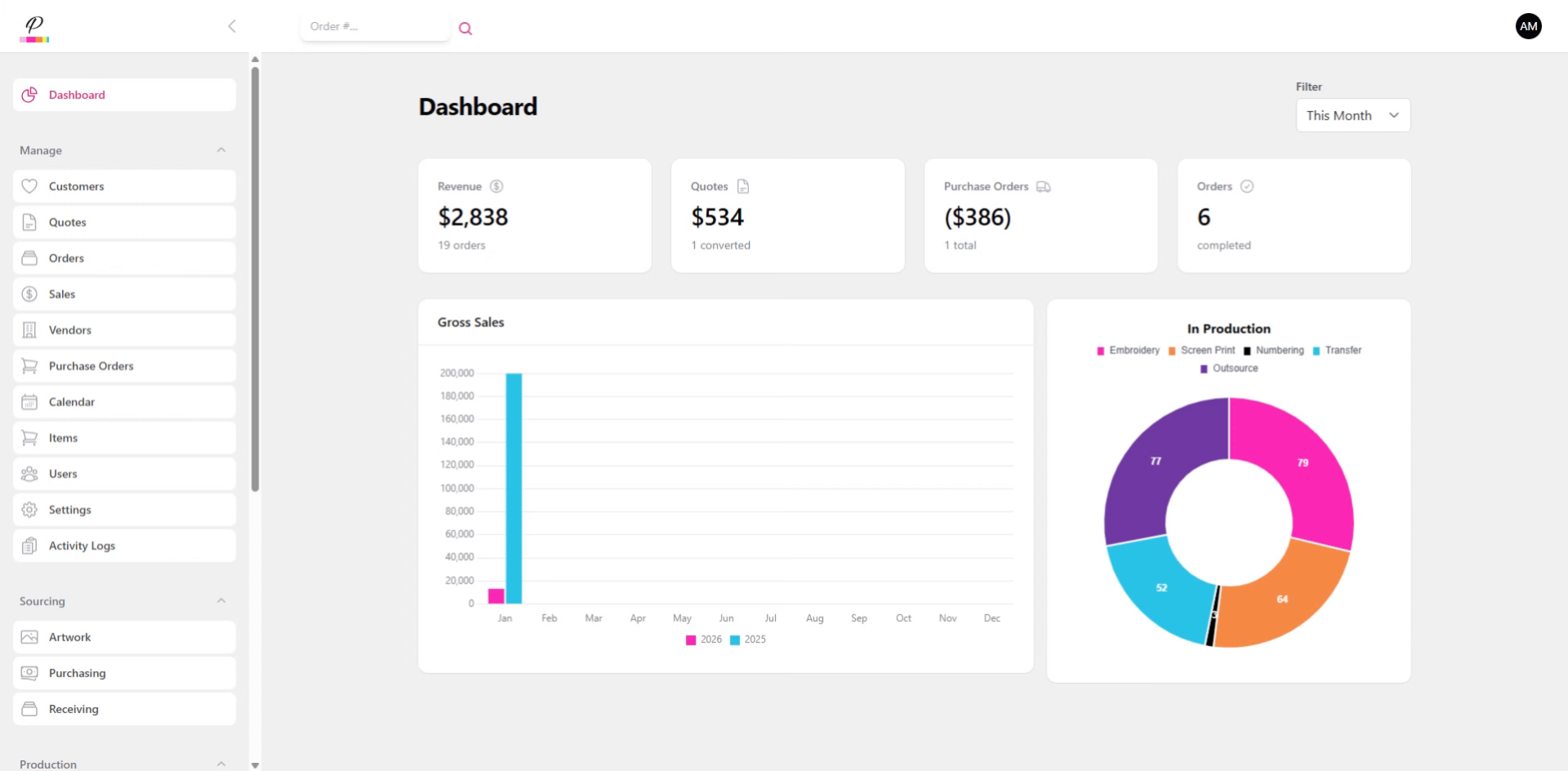
Let's do a quick run through of Sales.
1. Introduction
Your Sales team is largely responsible for helping your business grow. PromoSoft helps keep them organized and focused on meeting their goals.
2. Navigate to Sales Section
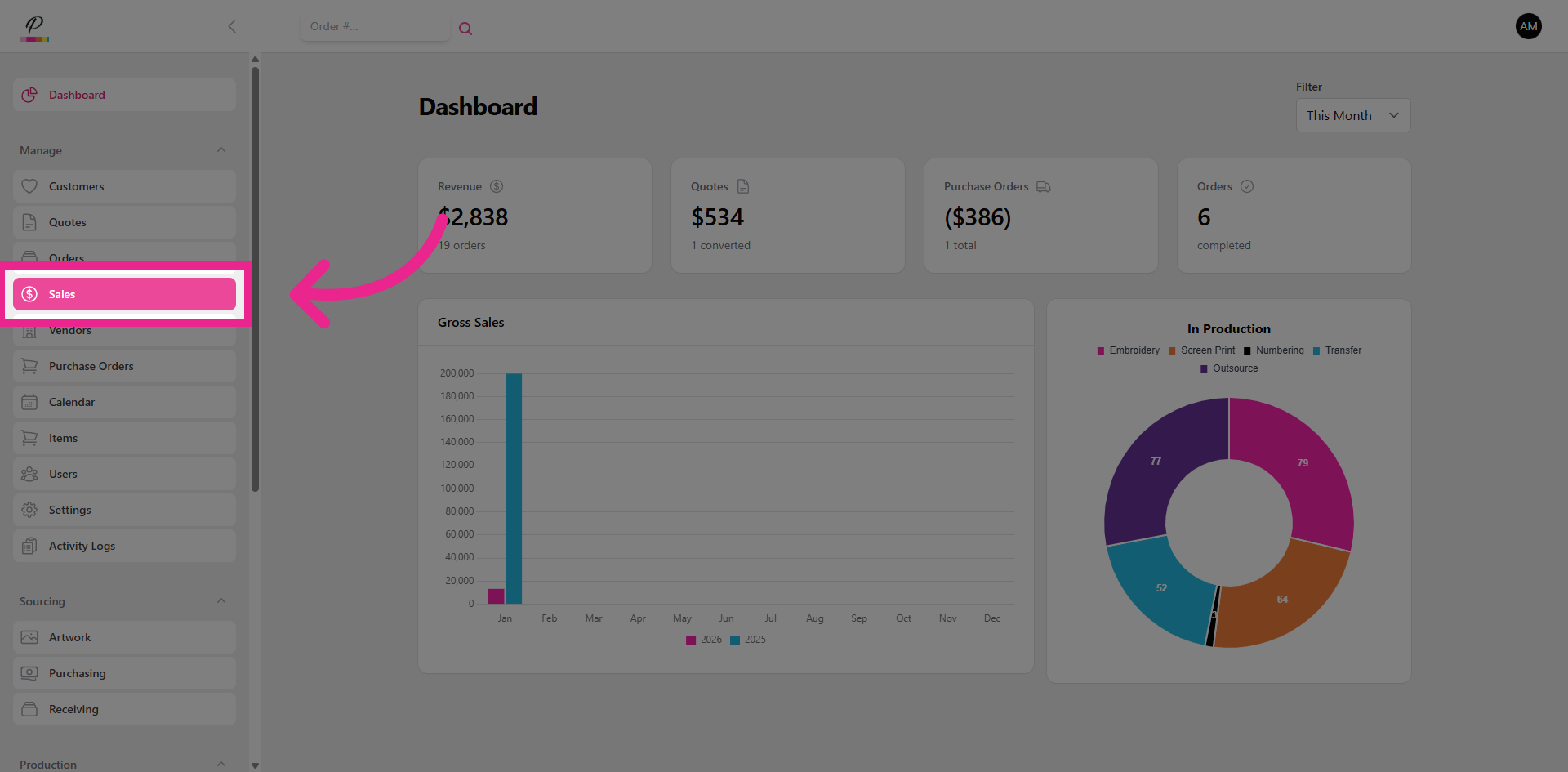
Let's navigate to Sales.
3. Select Sales Representative
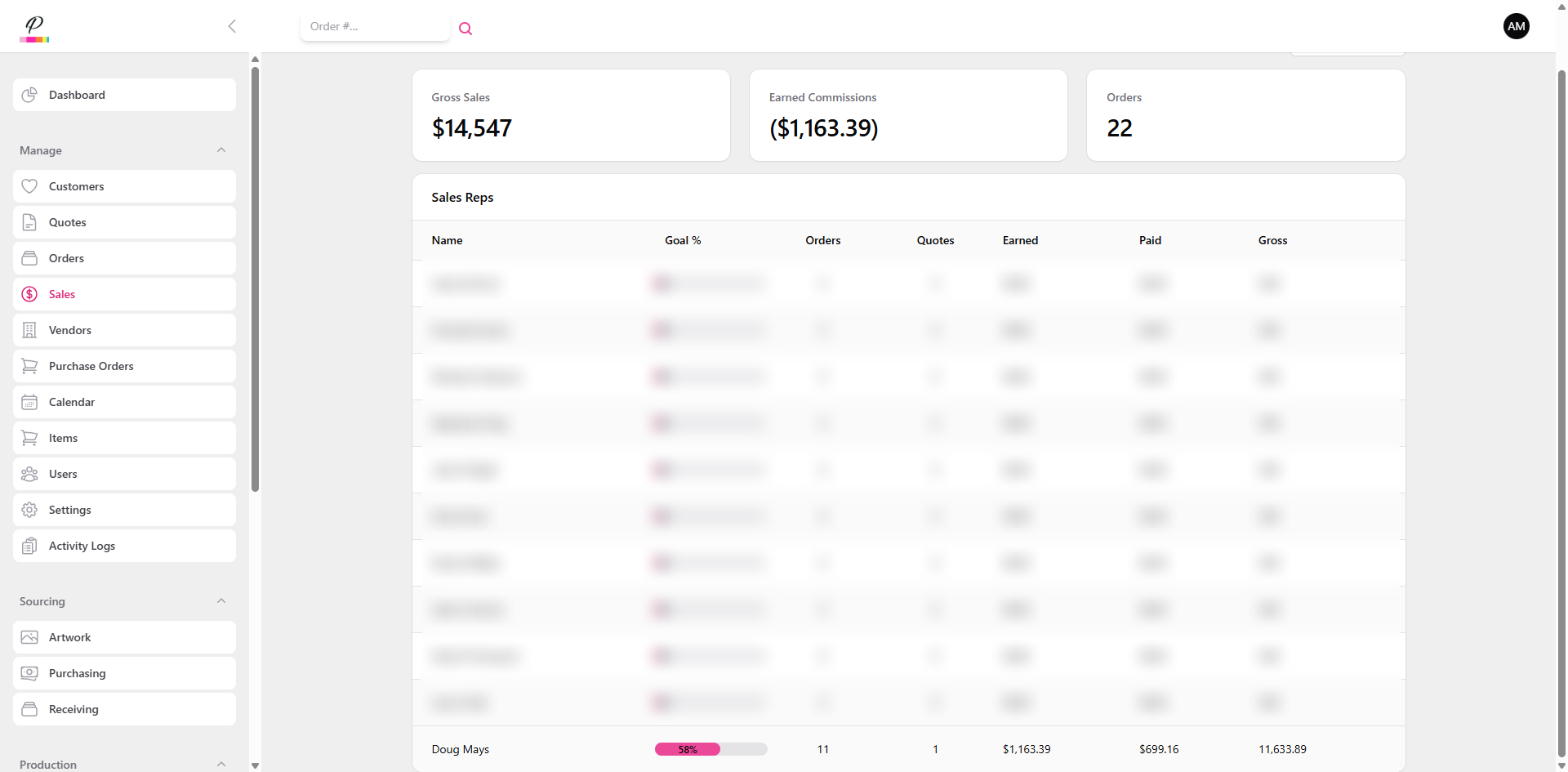
If you have administrator access, you will be able to keep track of the entire sales team's progress. The sales rep's accounts will default to their personal sales dashboard upon opening PromoSoft and they will not be able to view the other sales accounts.
4. Select Sales Representative
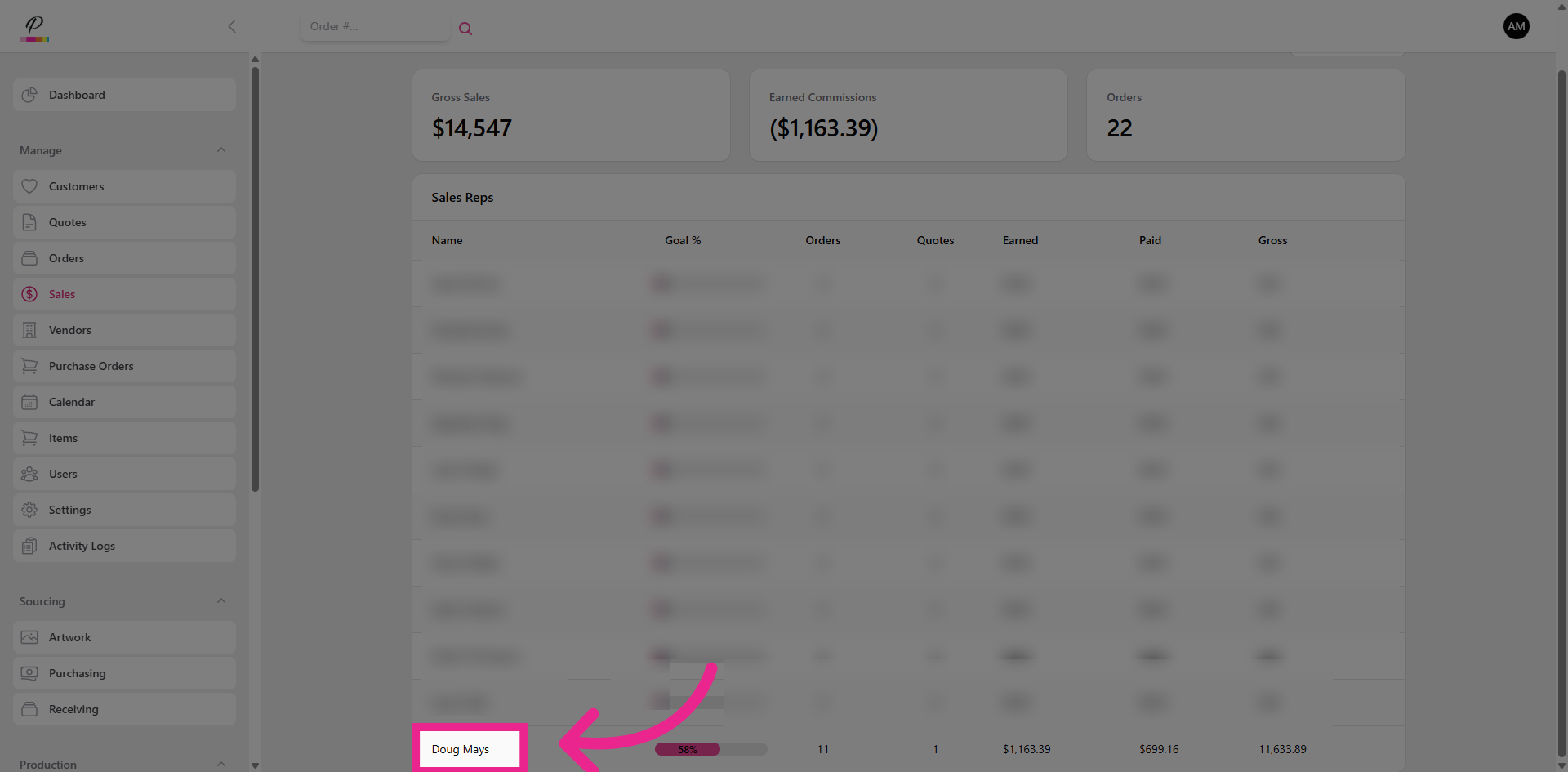
Let's go into one of the accounts to see what the Sales Dashboard looks like.
5. Access Payment Percentage Details
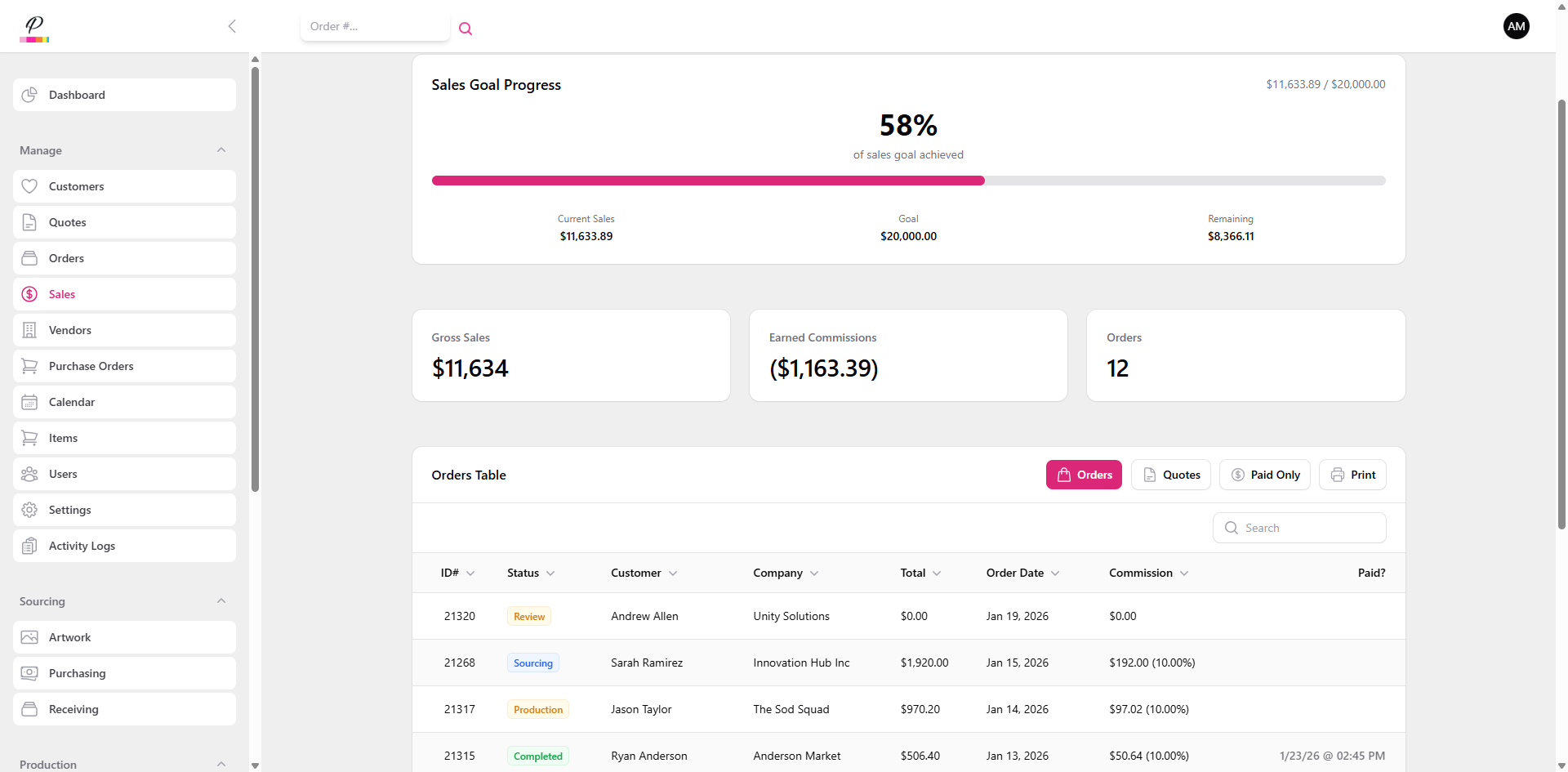
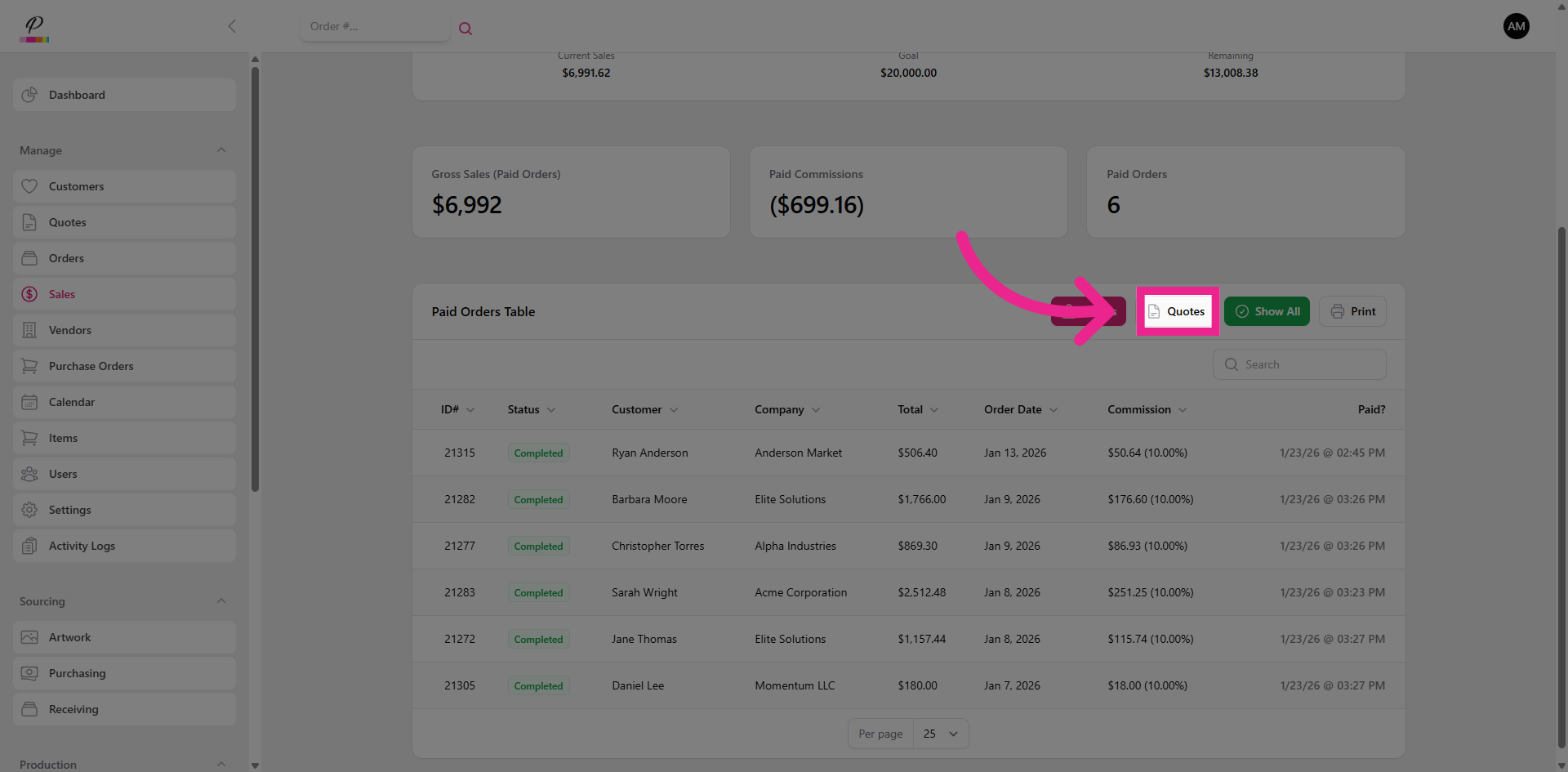
Here, the sales rep will be able to view their goals, which are set at the administrator level. They will be able to track their progress for the month and see their earned commission.
6. Mark Sale As Paid
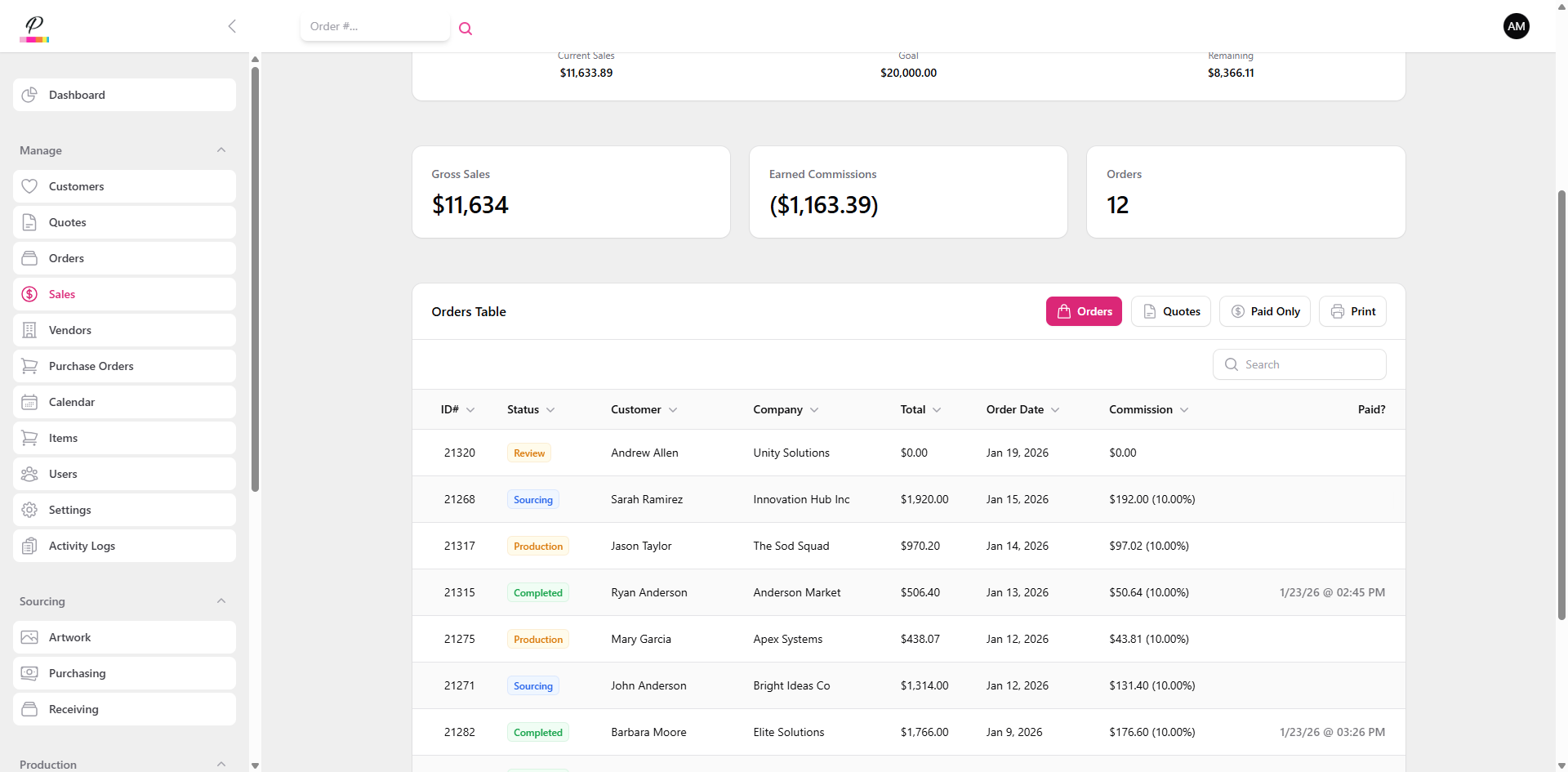
They will be able to view all of their orders for the month, and view if the customer has completed payment for the order, which determines when the commission payout is received.
7. Filter By Paid Sales
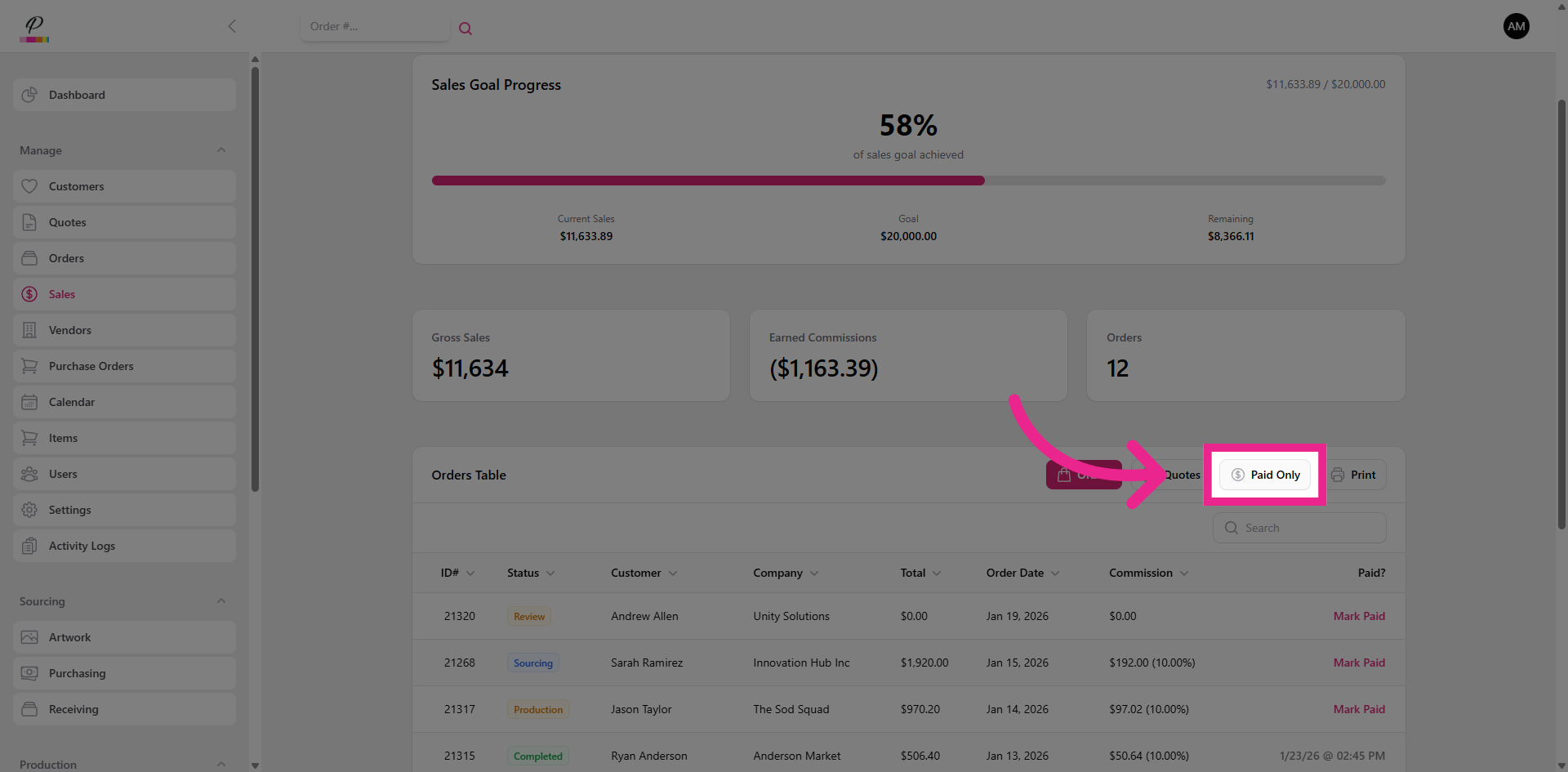
They will be able to filter by Paid Only to get an accurate total for their commission payout for the month.
8. Open Date Range Filter
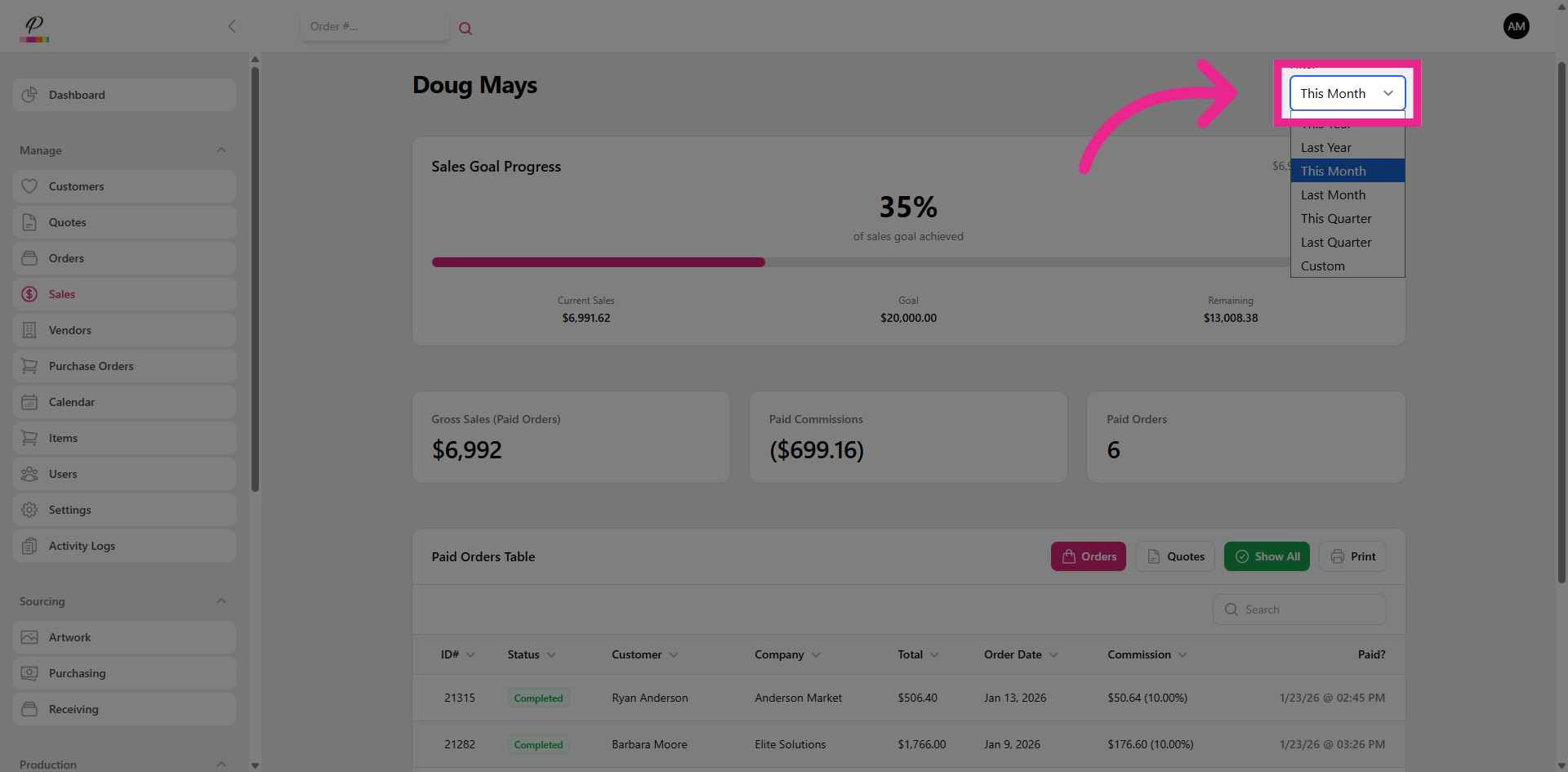
They can also filter by time period to get a broader overview of their goals.
9. View Quotes Section
They will also be able to stay organized with the quotes that they have created for their customers here. That's It! PromoSoft is built to make everything as simple as possible so you can focus on growth.