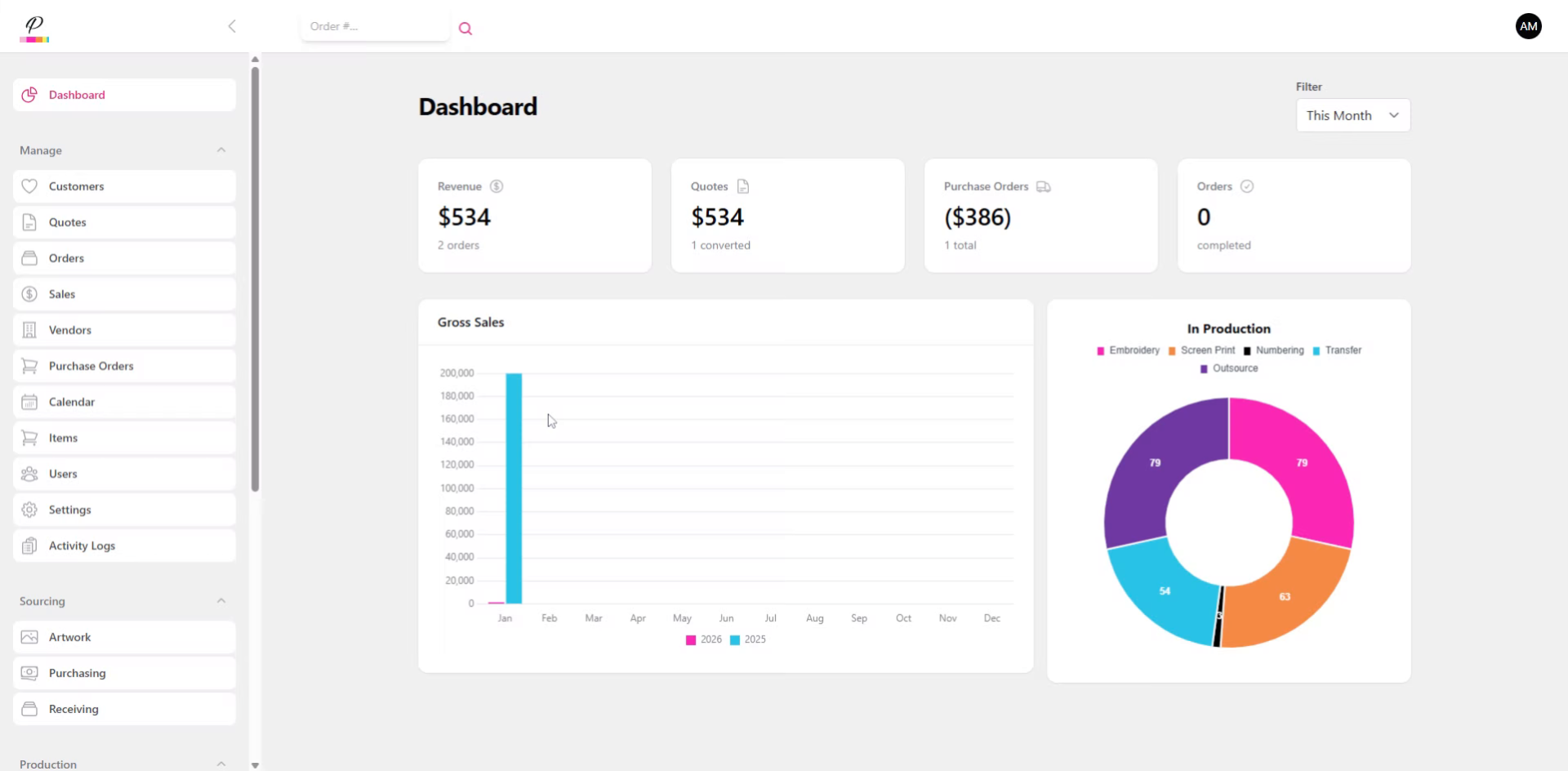
How to manage Purchasing & Receiving of goods for each order?
This tutorial guides you through completing purchasing and receiving tasks in PromoSoft.
1. Introduction
This one is going to be super simple and we will breeze right through. Both production and receiving queues operate the exact same way.
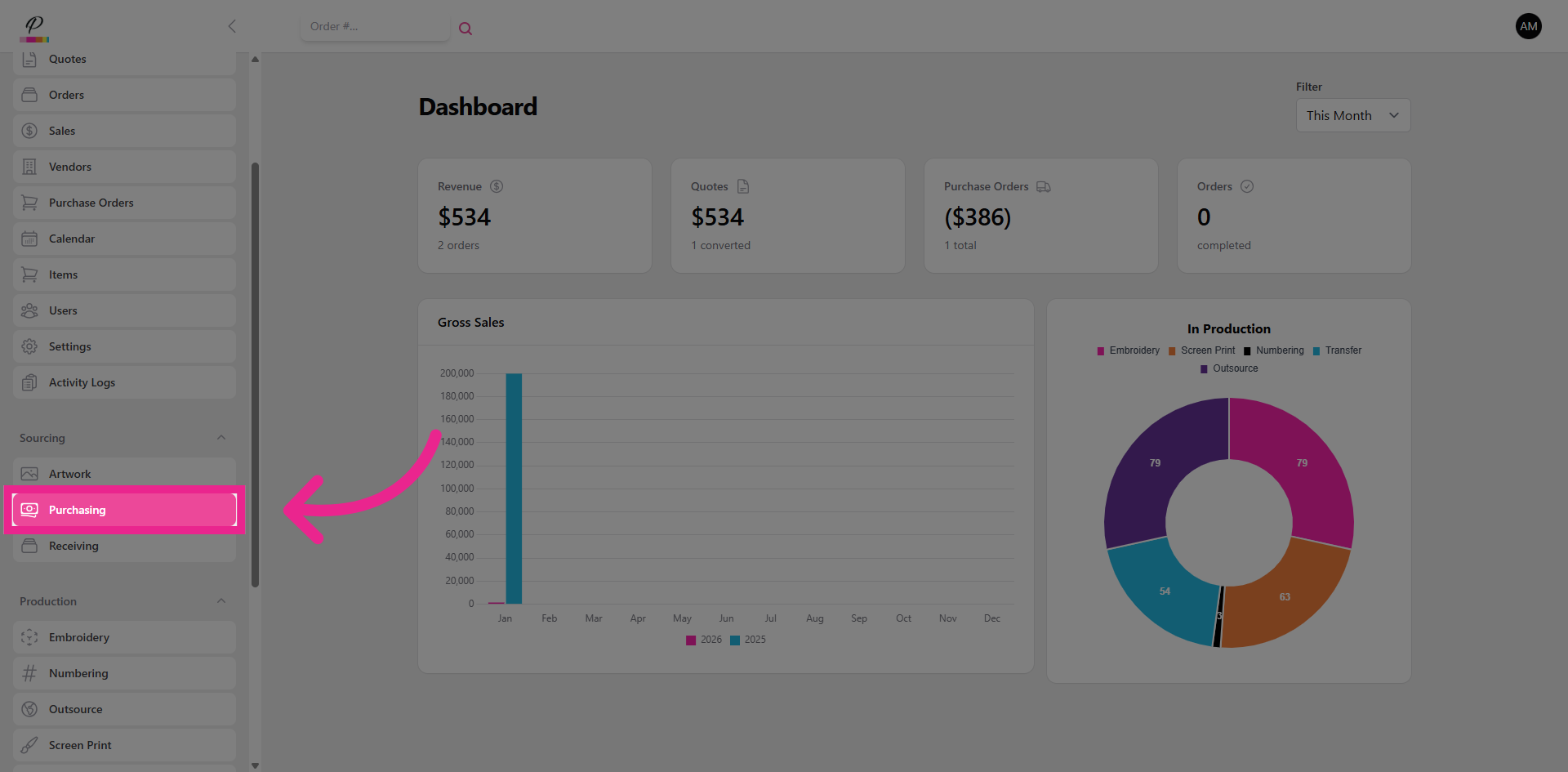
2. Navigate To Purchasing
First, let's go into purchasing.
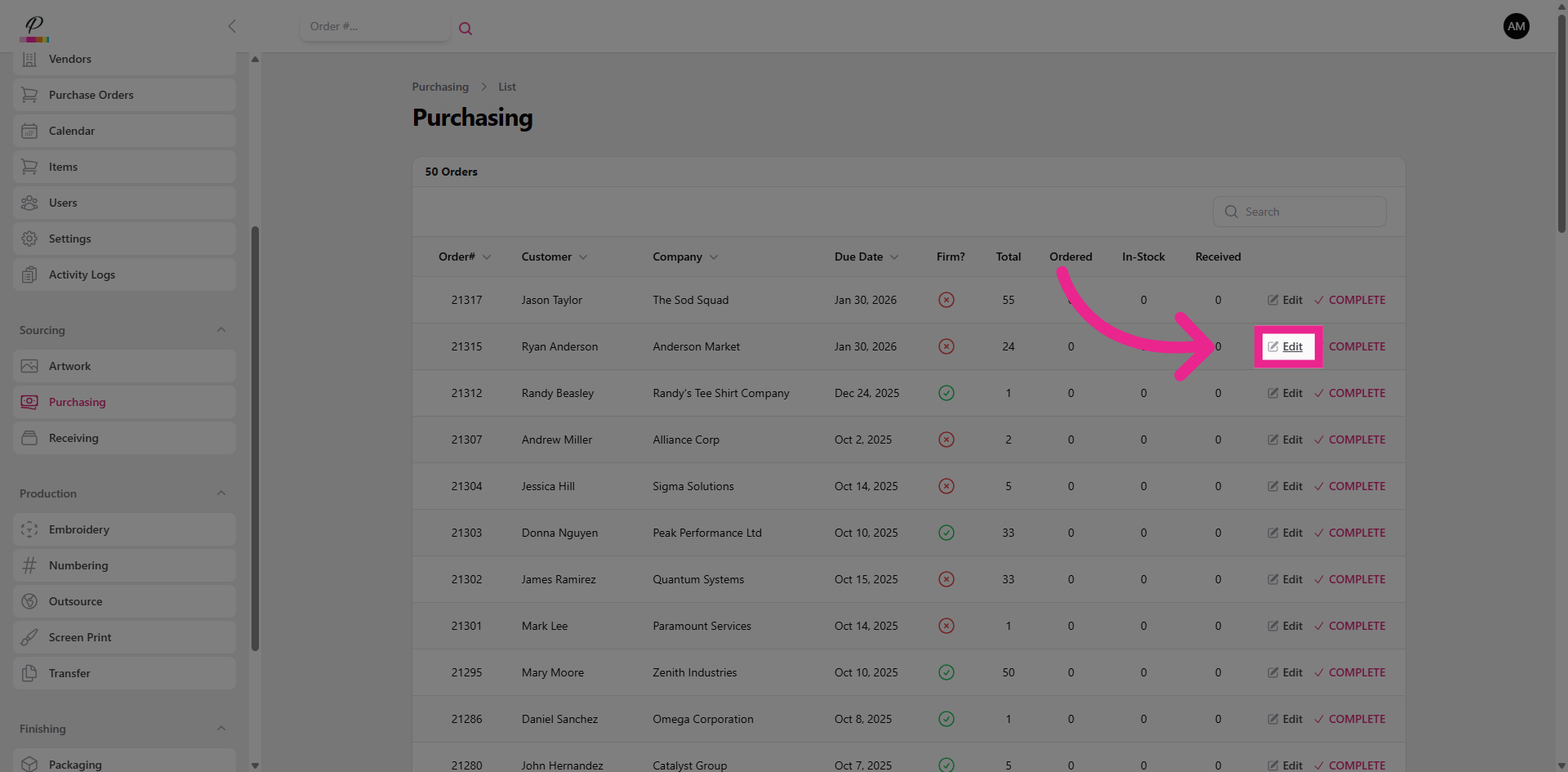
3. Edit
Click on the order that you are purchasing from the vendor or supplier.
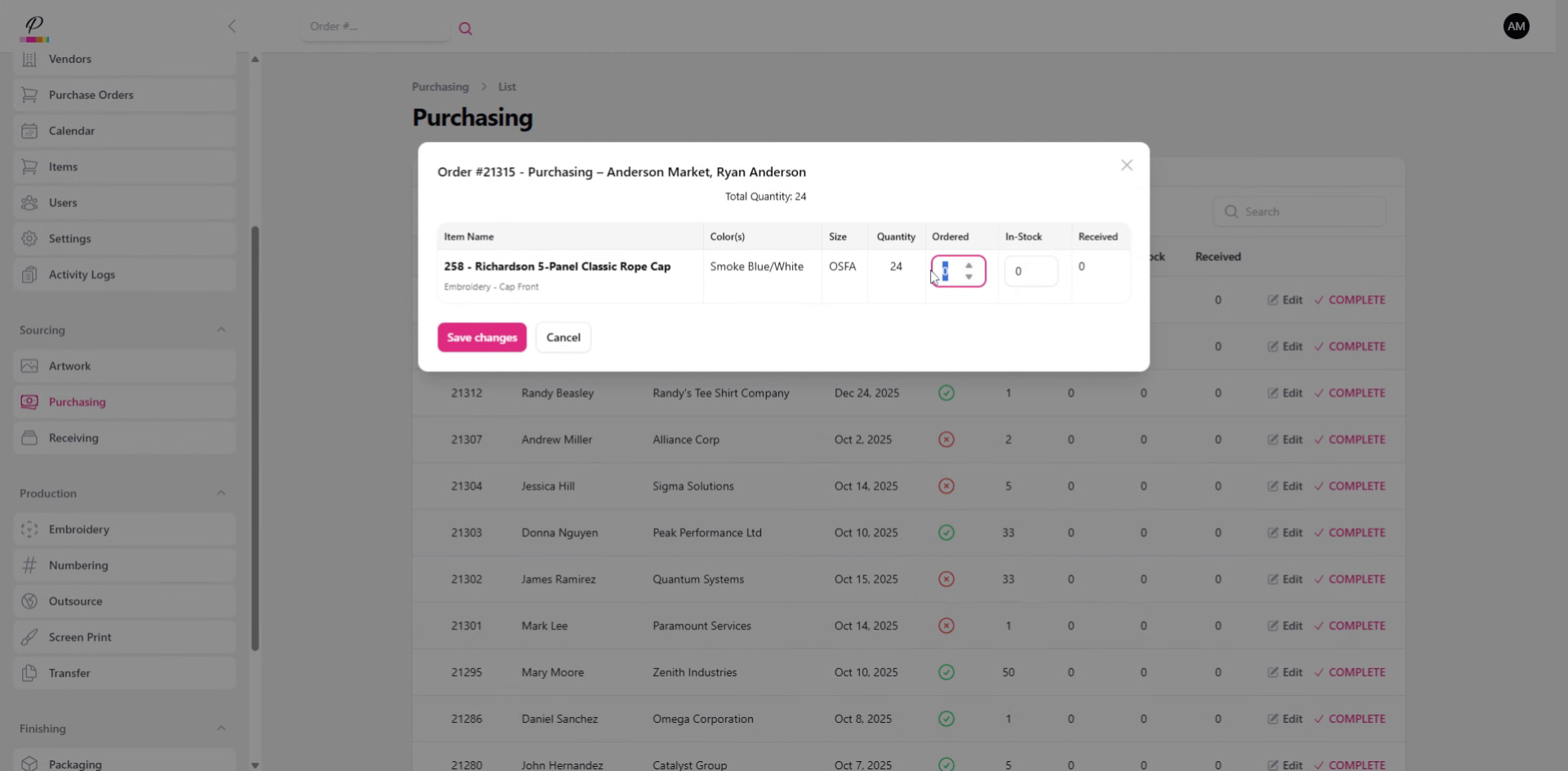
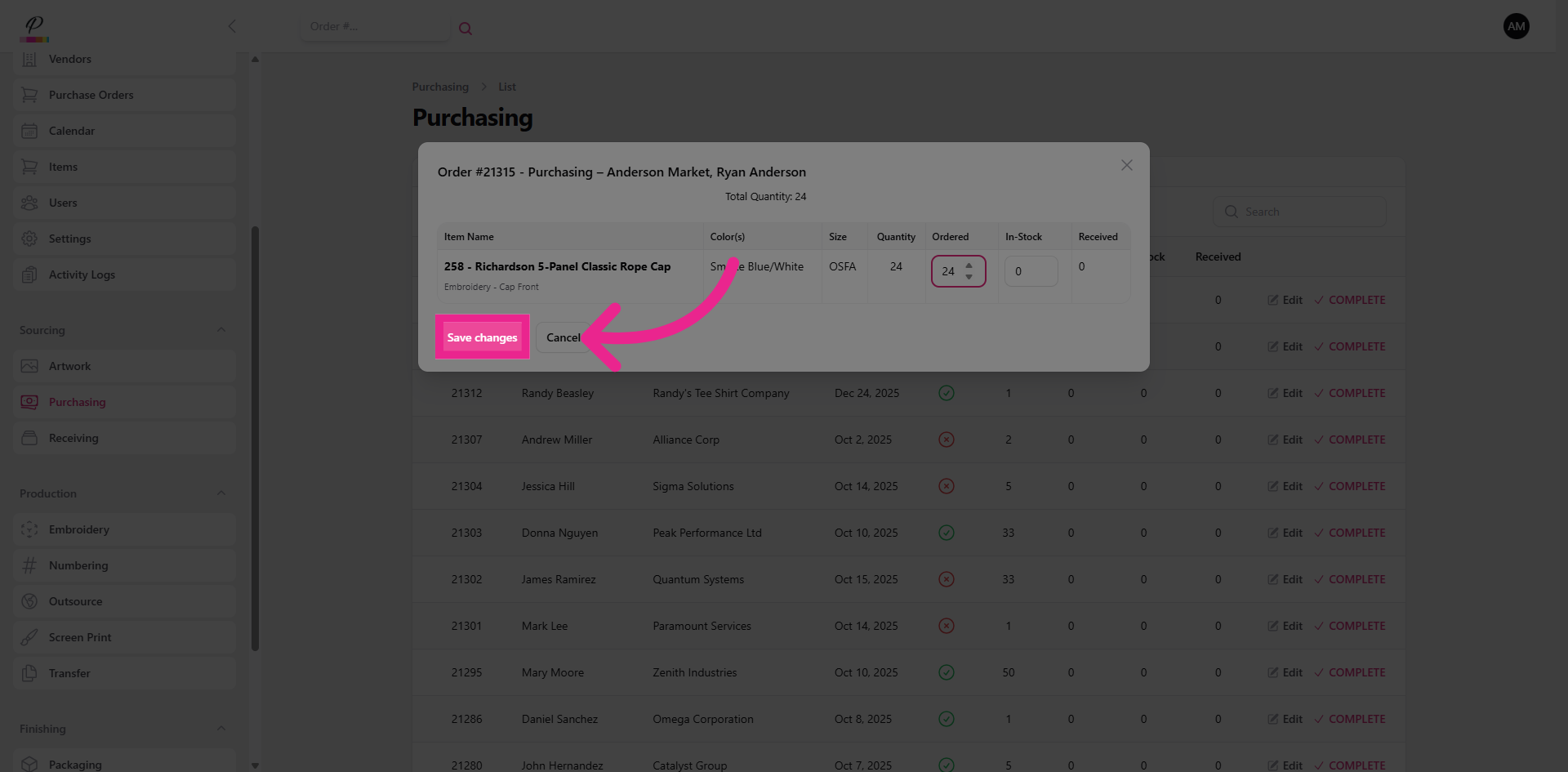
4. Fill in Quantities
Simply fill in the quantities to notate that they have been ordered.
5. Save Changes
Save changes.
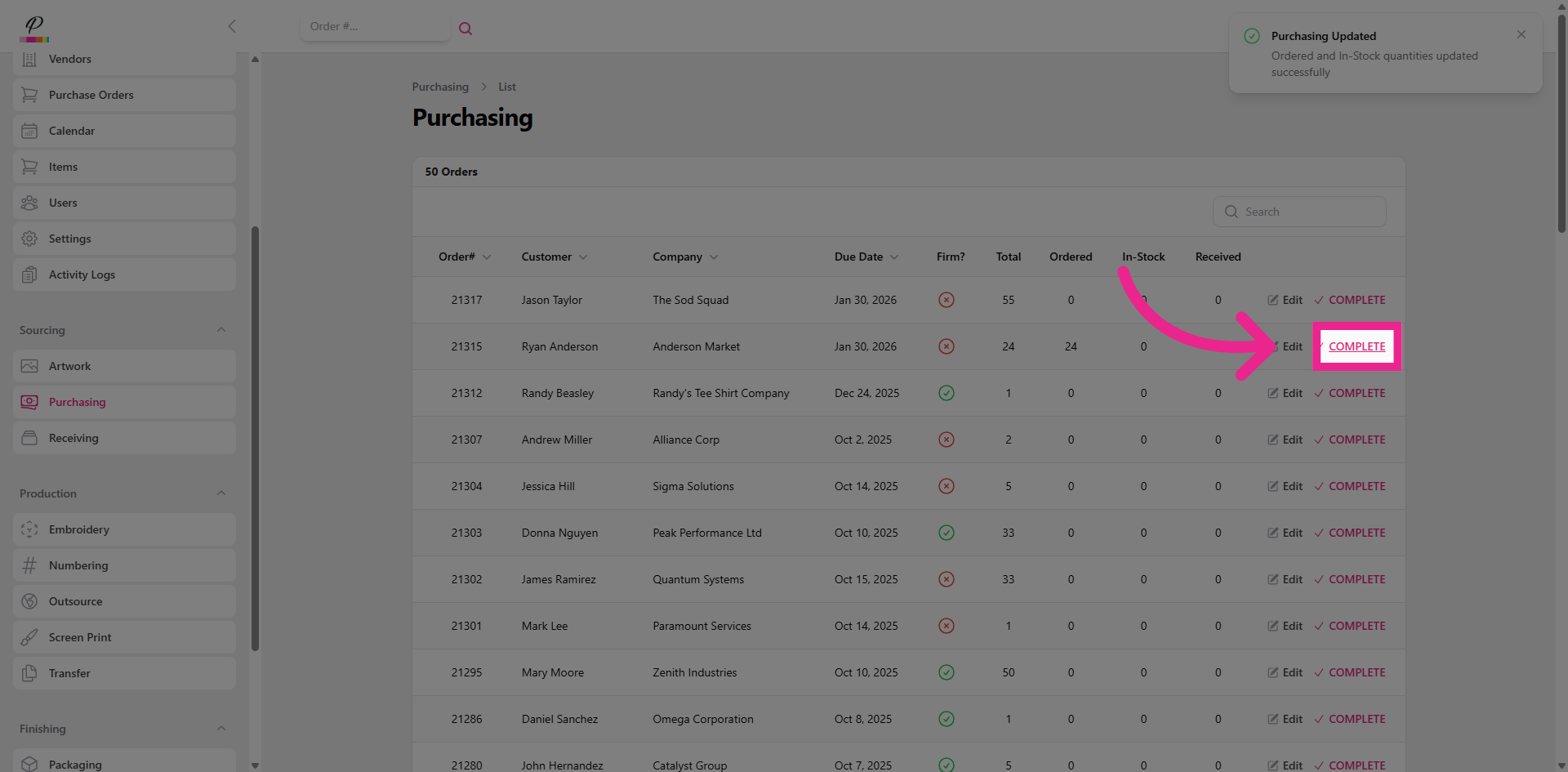
6. Mark As Complete
Click complete.
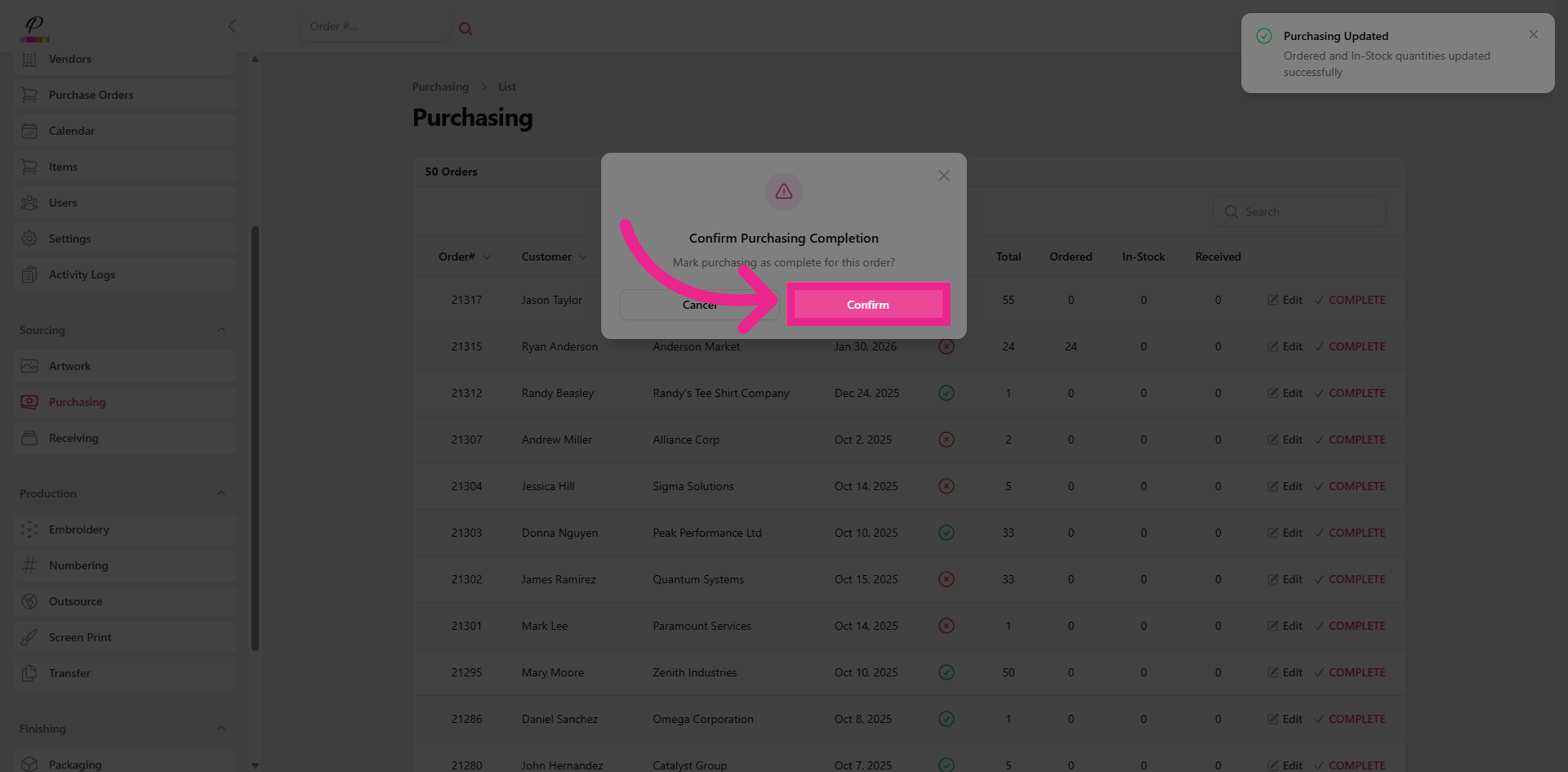
7. Confirm Completion
And now Confirm.
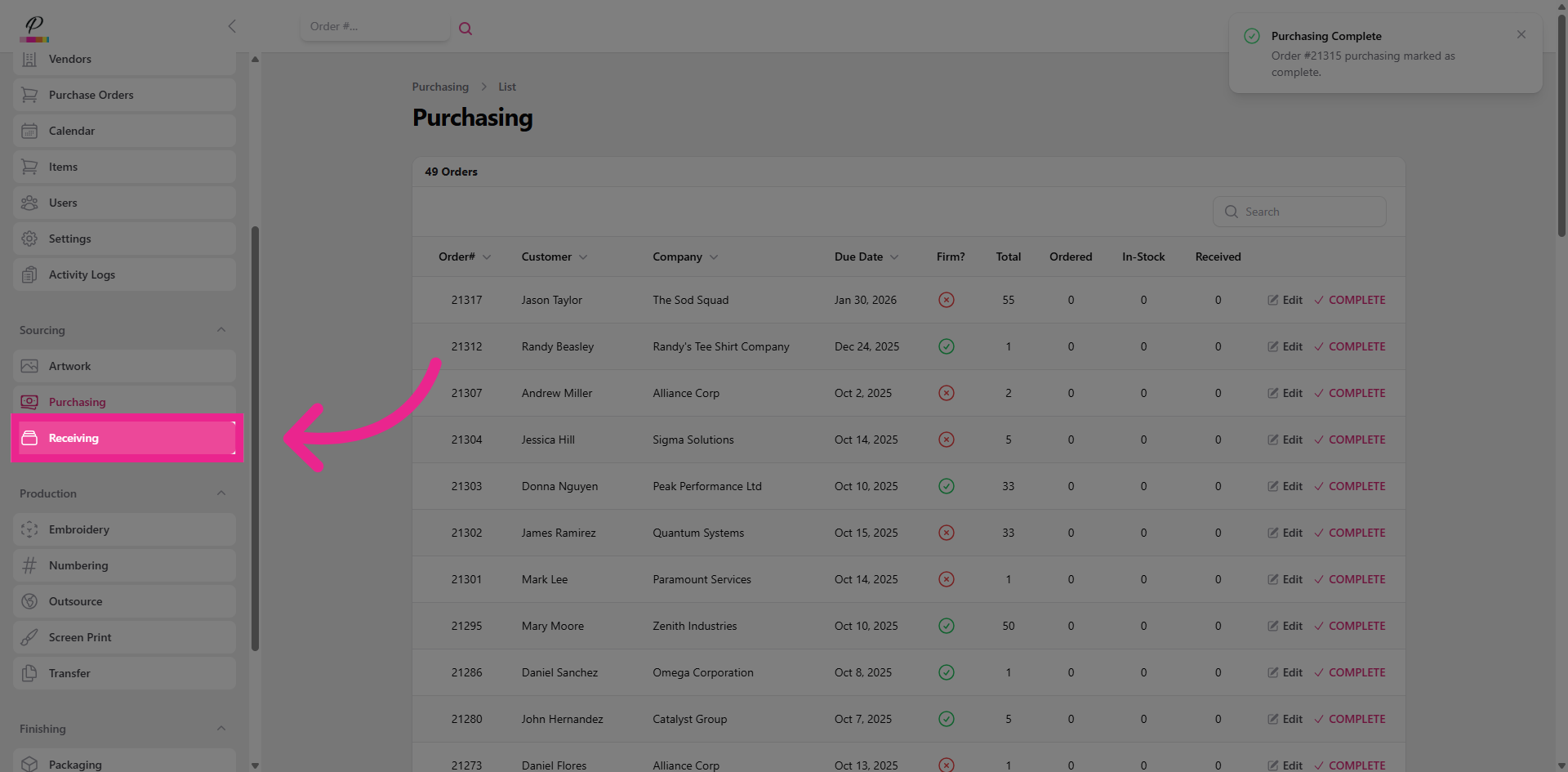
8. Navigate To Receiving
Great! Now let's go into receiving.
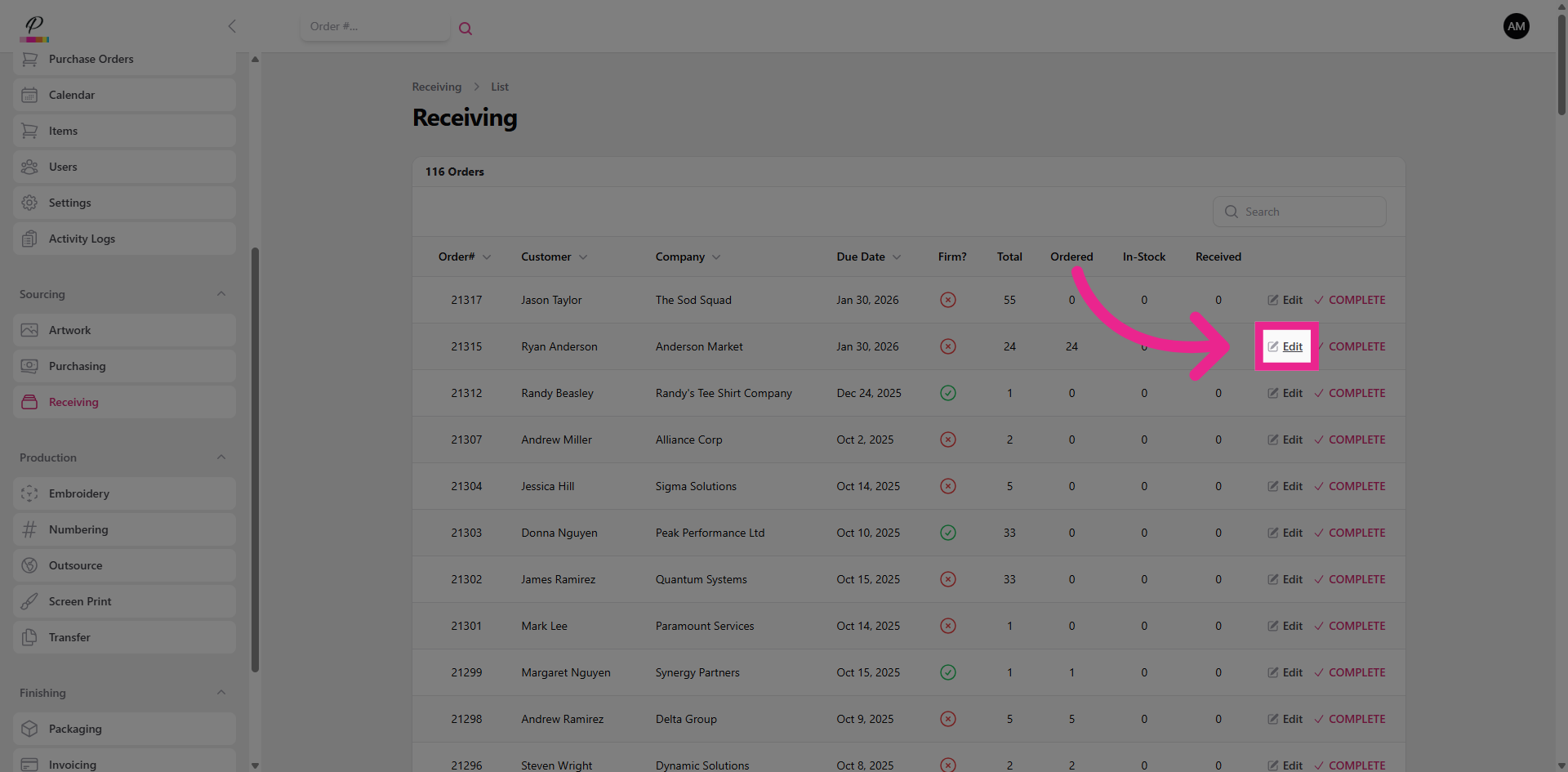
9. Edit
And do the exact same things.
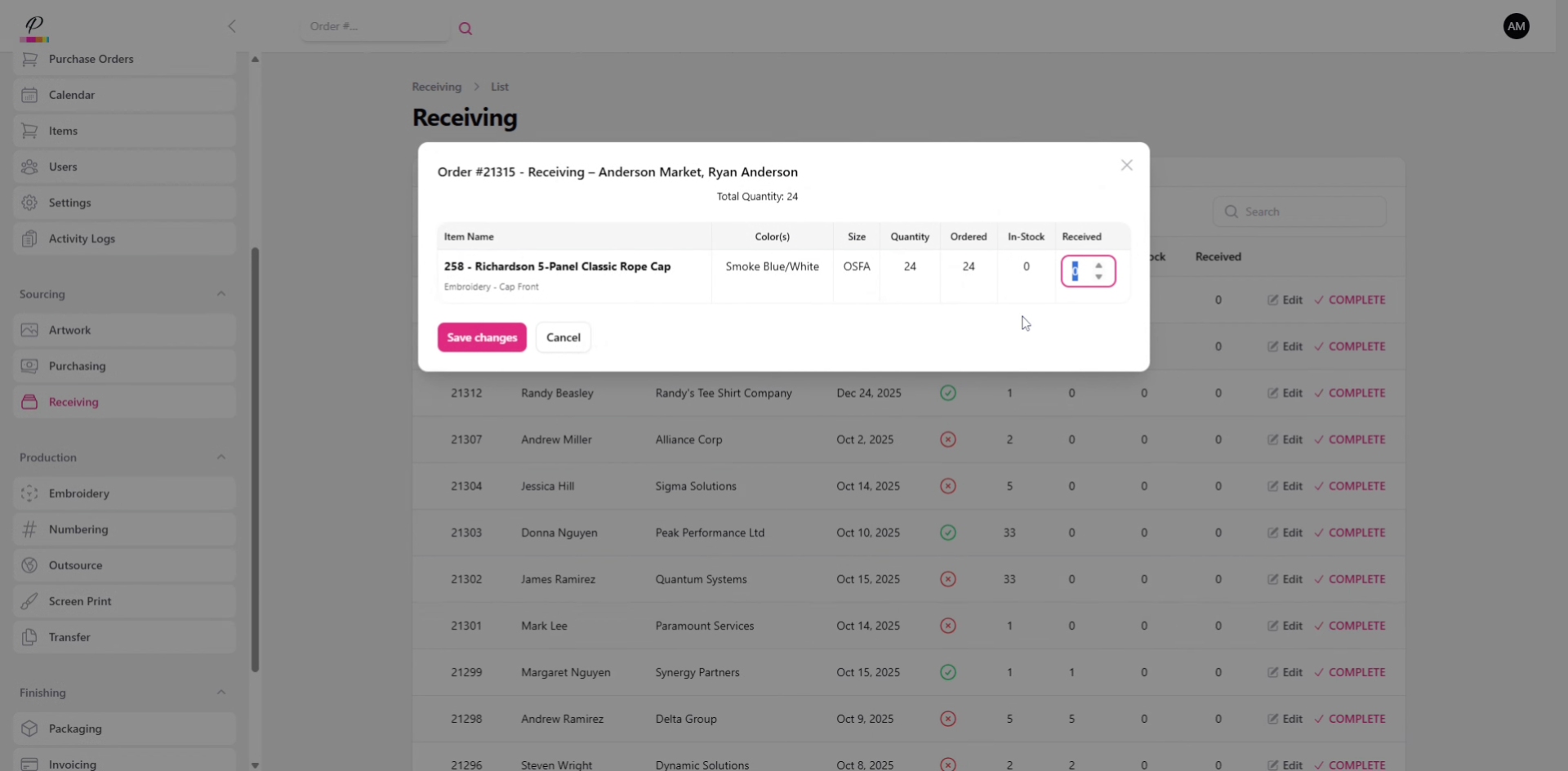
10. Fill in Quantities
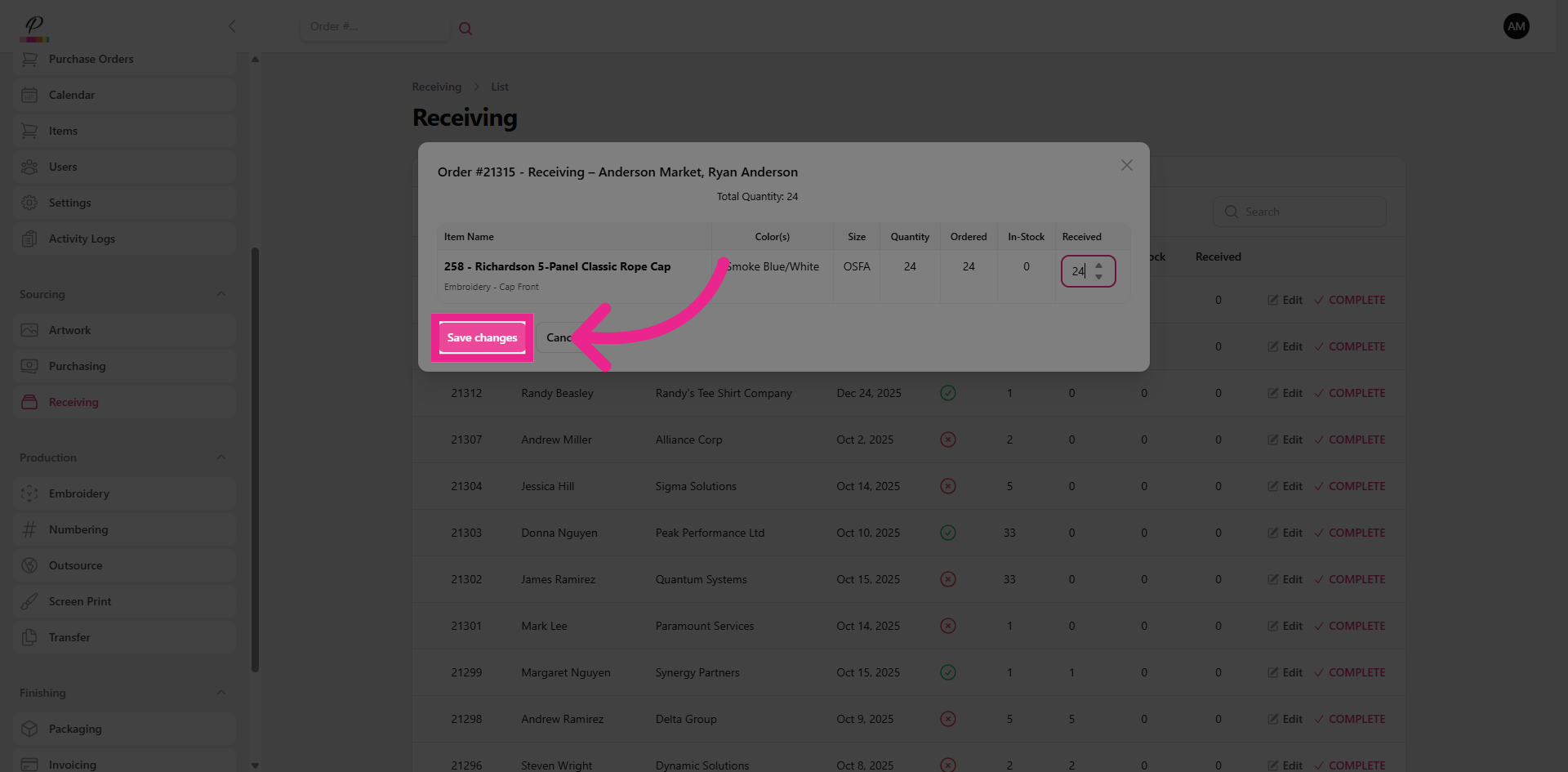
11. Save
Always save changes!
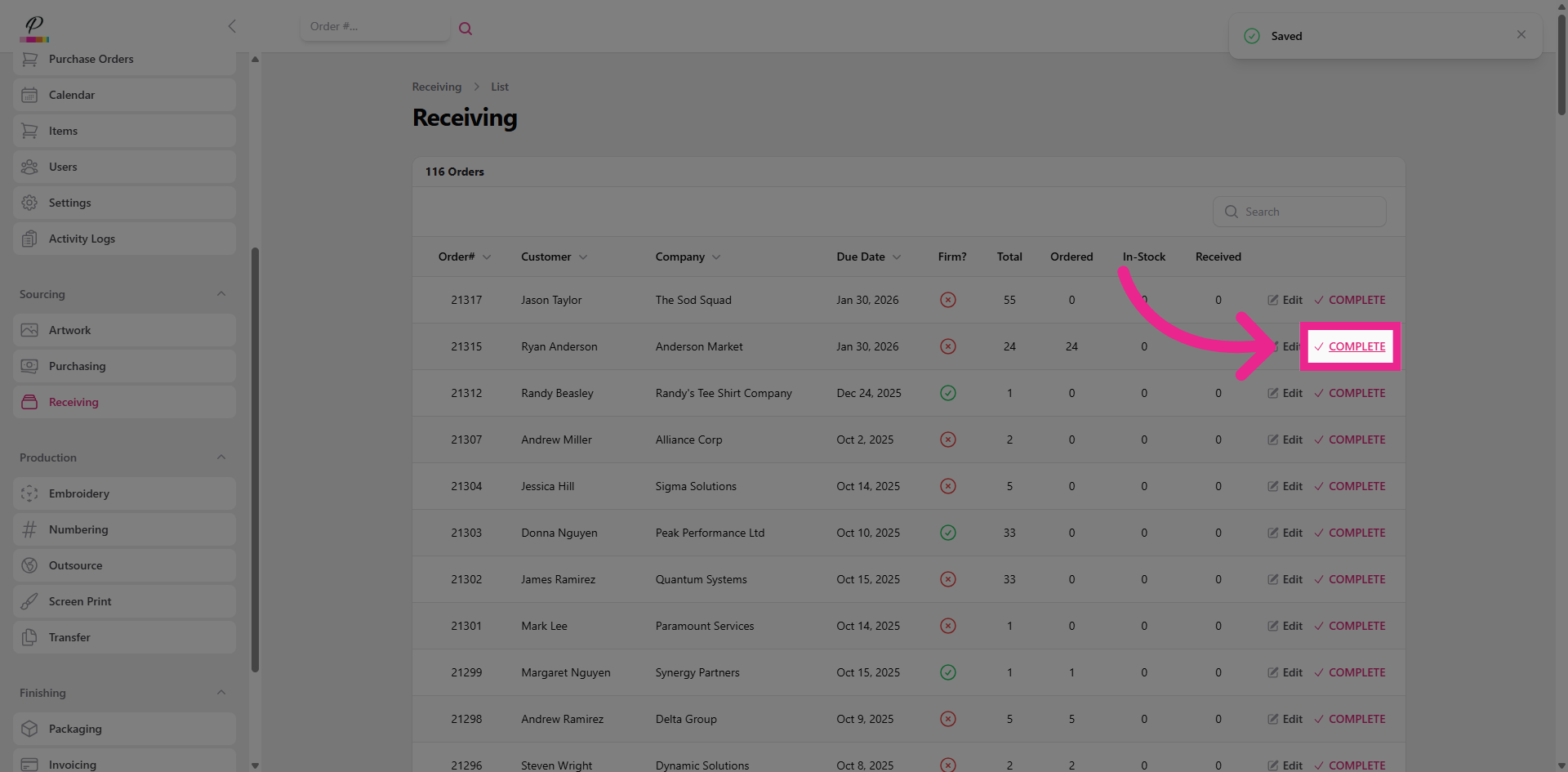
12. Mark as Complete
Complete,
13. Confirm Completion
and confirm. Success. Once both purchasing and receiving departments are finished with the order, if artwork has been completed, the order will move forward into production