
Learn
How do I create a Vendor?
This tutorial guides you through creating a vendor profile in PromoSoft.
1. Introduction
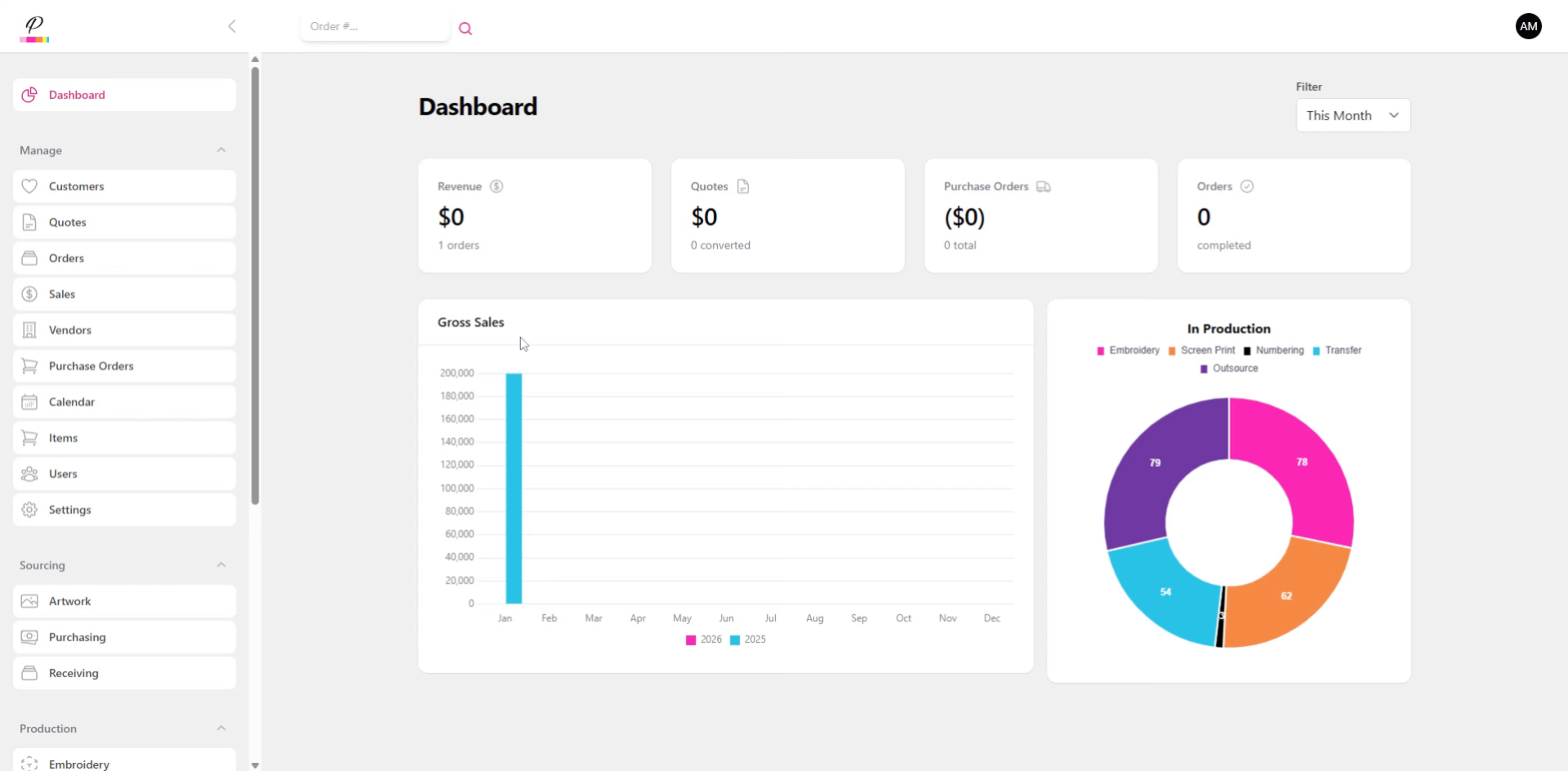
You will learn how to quickly add a new vendor profile for use with Purchase Orders
2. Navigate to Vendors
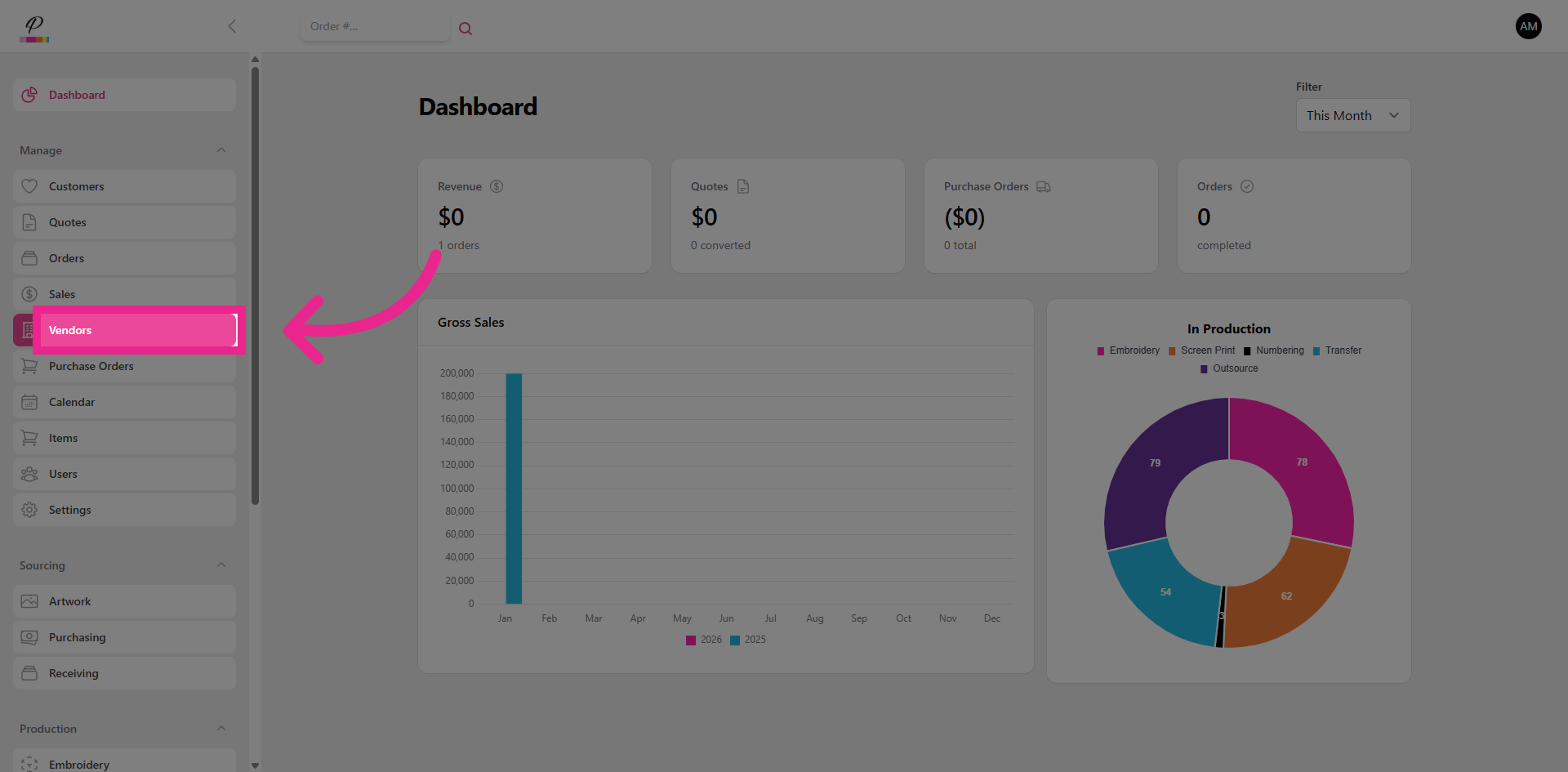
Click the Vendors section to access vendor management options.
3. Open New Vendor Form
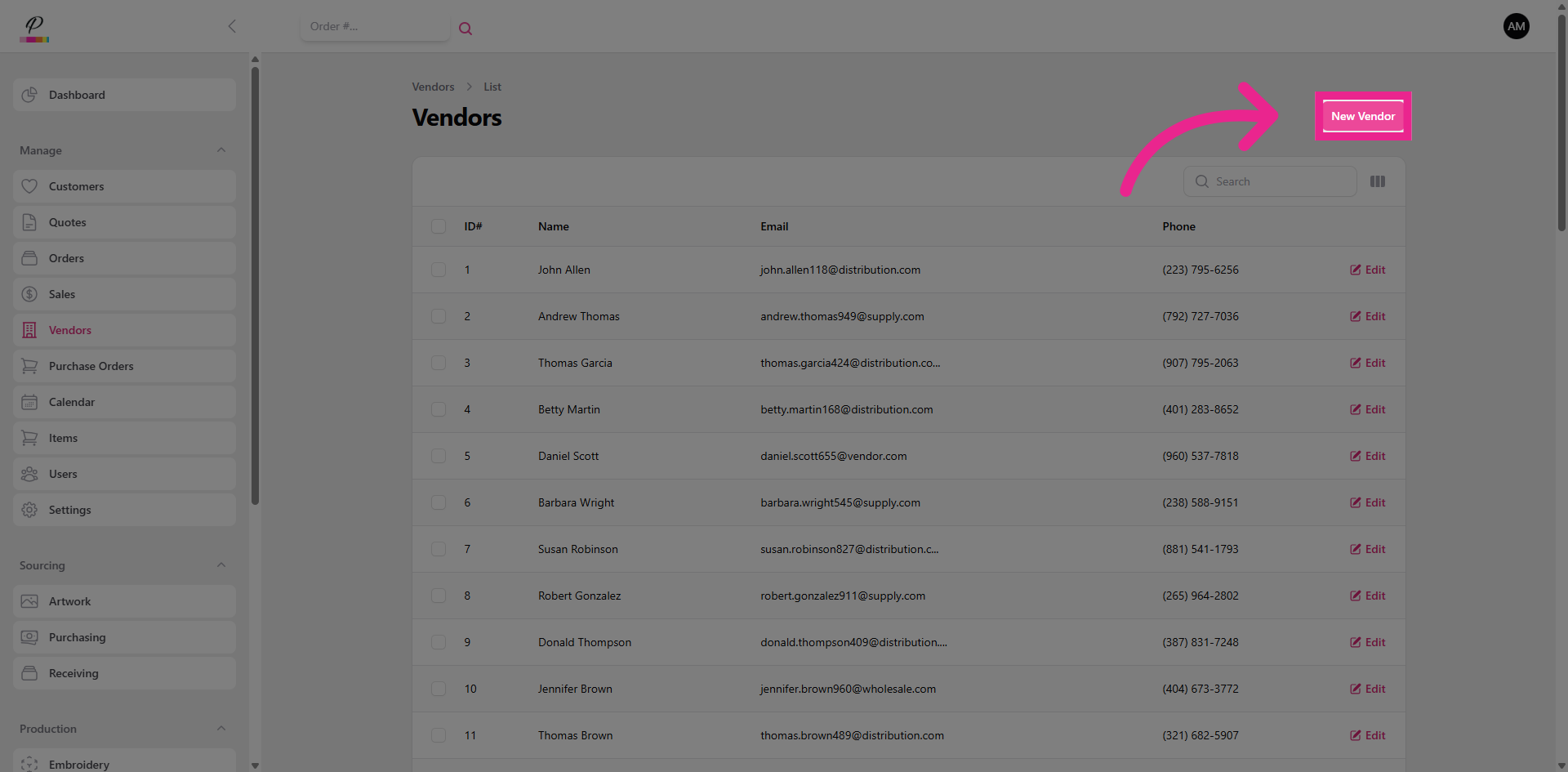
Click New Vendor to start creating a new vendor profile.
4. Fill In All Required Fields
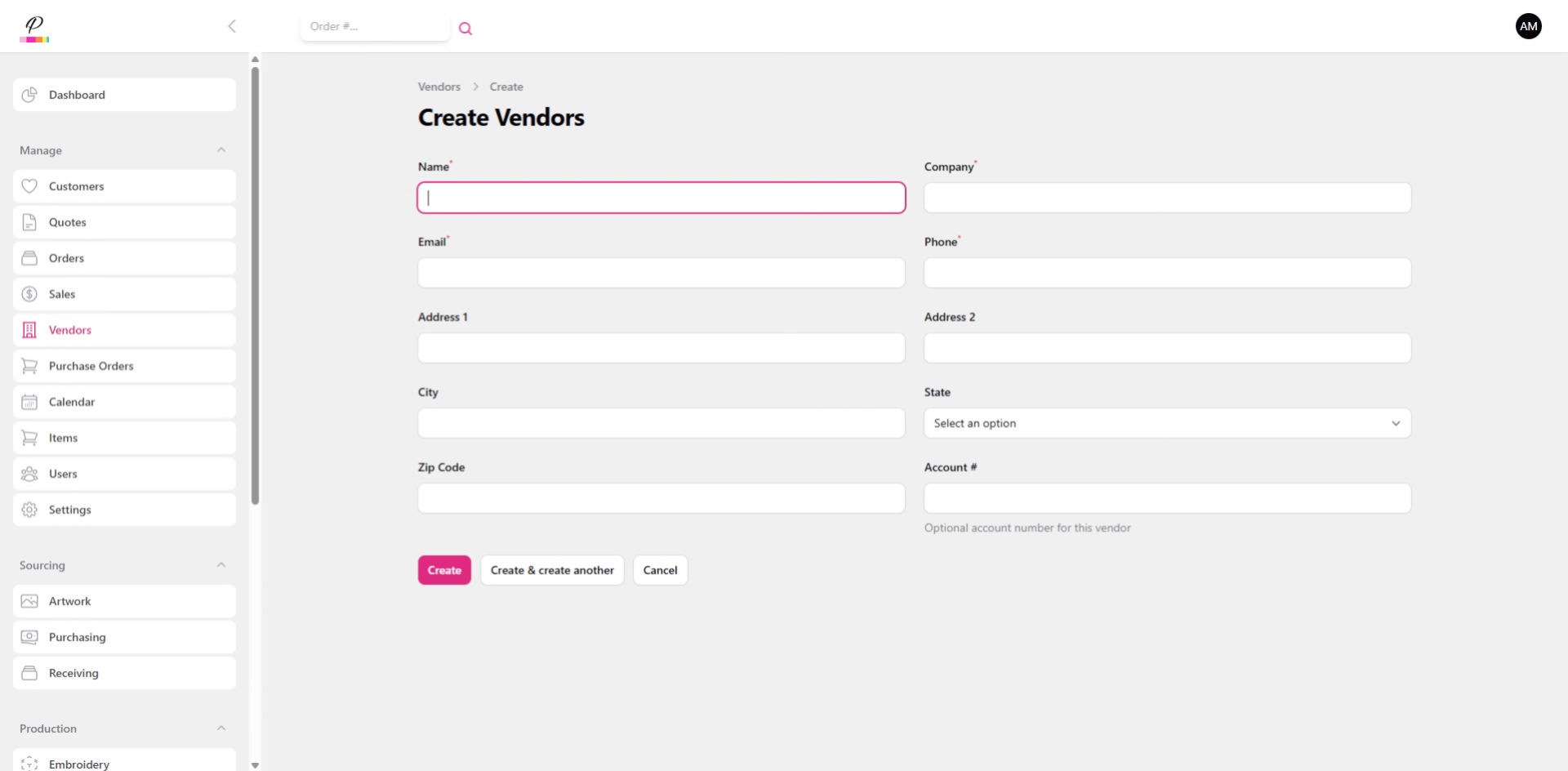
Fill in all required fields with the vendor's information.
5. Create
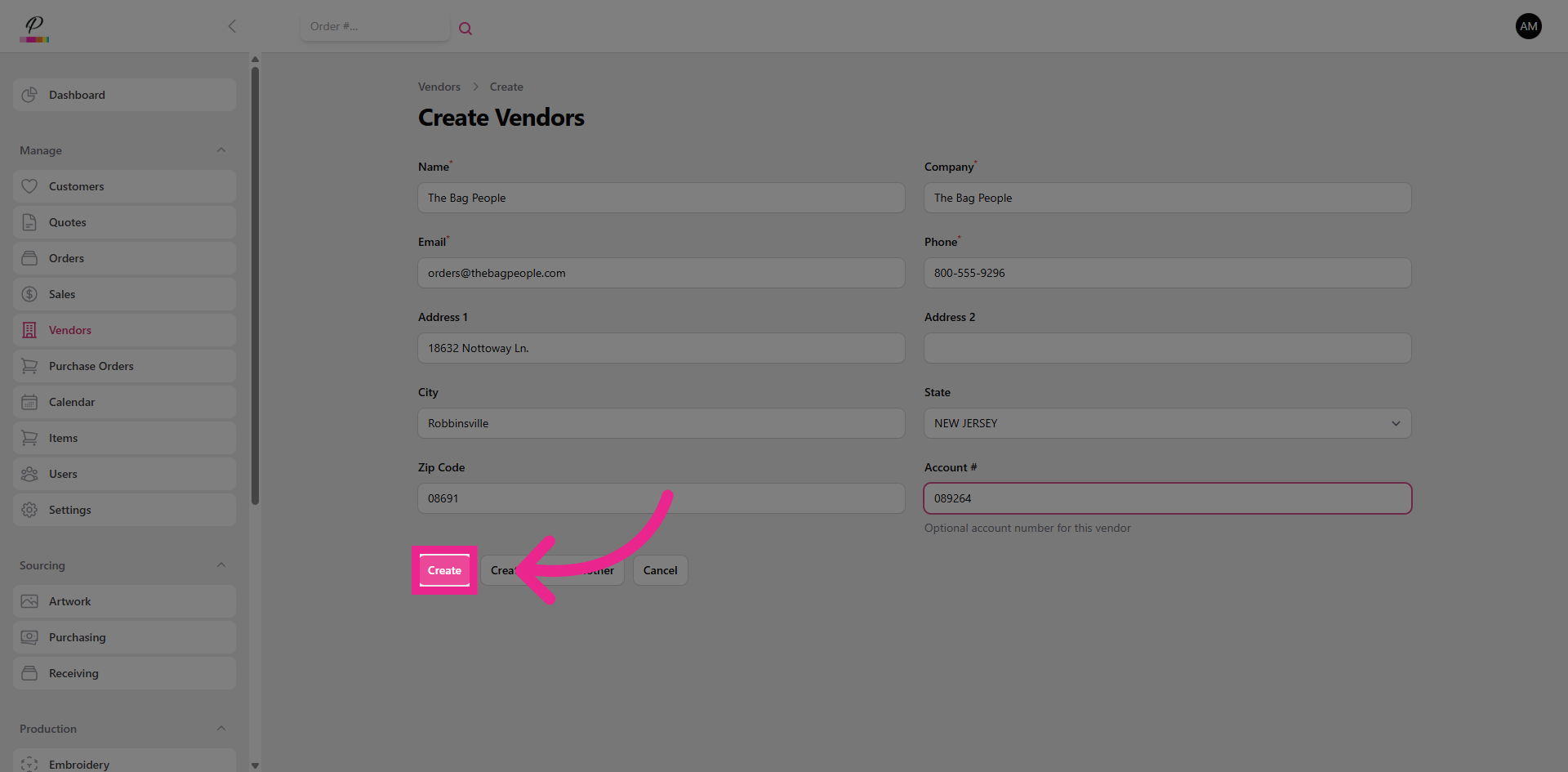
Click the Create button to save the new vendor profile. And you're done! Now you can create purchase orders to send to the vendors. Check out the next tutorial to see how to do that.